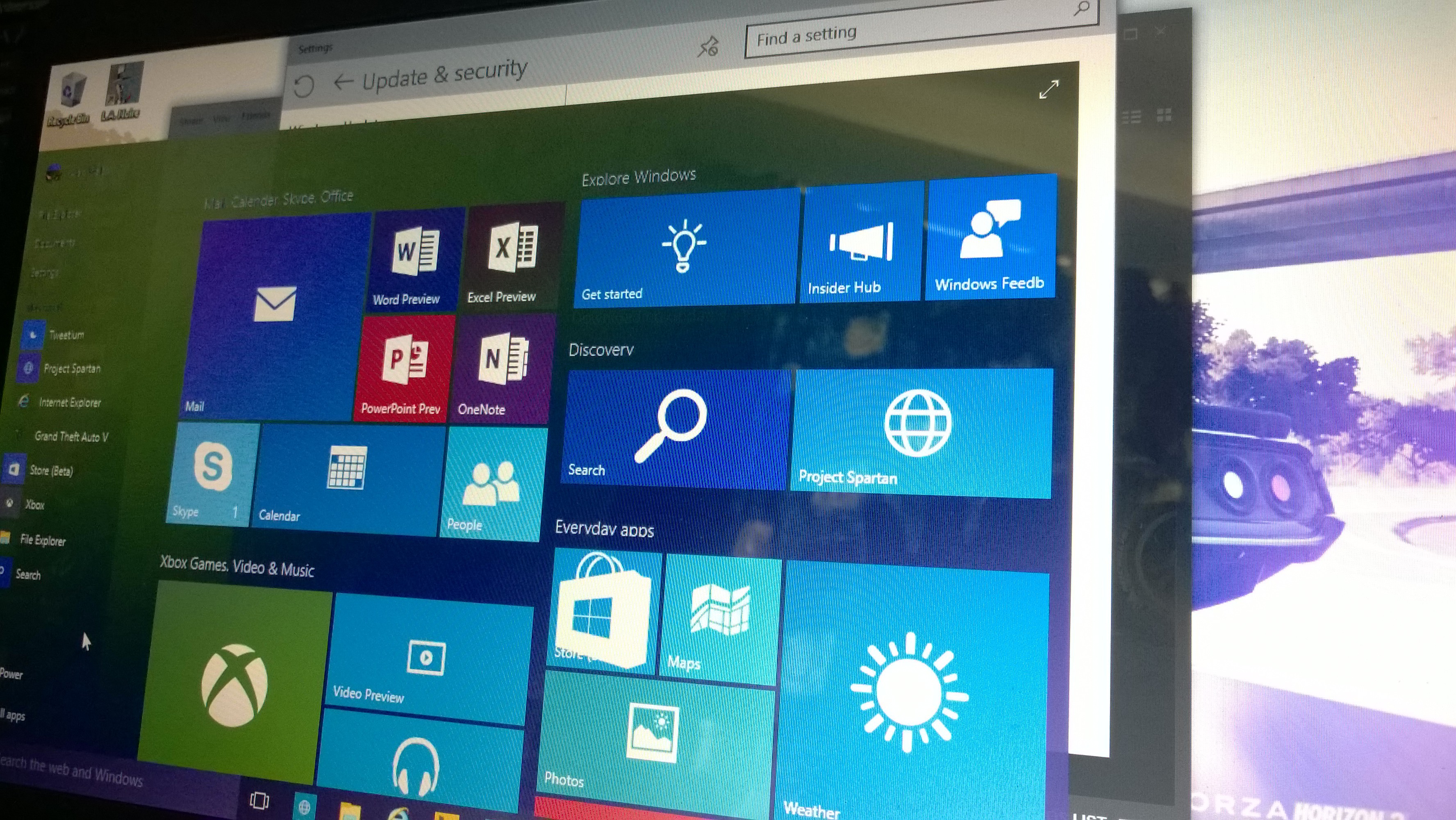
Microsoft have just released their newest build of the Windows 10 Insider Preview to Windows Insiders in the Fast ring. Included in Build 10122 is Start and Continuum changes, Microsoft Edge (Project Spartan) updates including the New Tab Page, changes to how Windows 10 handles default apps and a re-designed Insider Hub.
The updates to Start and Continuum introduces features the company have shown at both Build and Ignite. Firstly, both File Explorer and Settings have been moved to the bottom left of Start next to Power and All Apps. The context menu for right-clicking on items has also changed. The full-screen option in Start has also moved and can only be toggled in Settings using the new Start settings under Personalization settings. This change has also meant the top chrome of Start is reduced, making it look a bit sleeker. Tablet Mode has also seen improvements. When you switch to Tablet mode, the left-hand pane is now collapsed and can be brought back out by clicking the icon at the top left. Start also now has larger tiles to better use the available space– similar to what was seen in Windows 8.1.

It looks like Project Spartan isn’t getting renamed to Microsoft Edge in this build, but the New Tab Page that was shown at Build is here which includes a revamped layout, including top sites, featured apps and content from MSN. The page can also be lightly customized in Settings. Microsoft are testing various versions of the New Tab Page with different users and they’ve also set it as the homepage in order to see how people are using it and gather user feedback. InPrivate mode, the ability to pin websites to Start, history view, a new animated Reading View icon and an audio indicator on tabs that have web pages making sounds or playing music. This build also includes the latest enhancements to the Chakra engine in Microsoft Edge, which Microsoft claim leads all 64-bit browsers surpassing Chrome and others in both Octane 2.0 benchmark and Apple’s Jet Stream benchmark, and introduces class-leading ECMAScript 6 implementation.
Microsoft are also changing how default apps are handled with Windows 10, all apps – both Classic Windows apps and Universal Windows apps – will be unable to invoke a prompt to change your defaults, only Windows. You remain in full control of your default experiences, while reducing some of the unwanted noise that multiple prompts can bring. Windows shows you the prompt the change default apps and you’ll never see apps try to change defaults. Windows 10 handles default apps, not the apps themselves.
The Insider Hub has gotten an overhaul in this build to follow the same design that other Universal Windows app use in Windows 10. The new homepage features Quests front and centre and you can easily navigate through content easily using the menu. Your pro file page can be seen at a glance and announcements and alerts are now organized. You can also easily find known issues, which was a top request from Insiders, and view new badges for achievements that you have earned and can earn.

As with every build, there will be some issues but not too many this time of round. Microsoft have reached the stage of introducing fewer features in upcoming builds and instead there’s more tuning, tweaking, stabilizing and polishing going forward. Gabe Aul has said he feels Insiders will now be more comfortable using this build and future builds on day-to-day systems. The current issues in this build include frequent crashes in Microsoft Edge is you’re using an AMD GPU. A new driver will be releasing shortly which will fix that issue. There might be issues upgrading where too many device INFs are being migrated and hitting an internal limit causing errors 0x80070057 – 0x20007. Microsoft says that using Disk Cleanup to remove temporary Windows installation files should bypass the issue. There might also be issues when using Cortana speech.
That’s everything in this build. Microsoft’s Gabe Aul also said that “With this build we continue to move Windows 10 closer to our public release date this summer, and you’ll see changes large and small which were based on the input and feedback of Windows Insiders. It’s been wonderful for us to see the energy and passion of the millions of people who signed up to get Insider Preview builds, send us their feedback, and connect with us in the Windows Insider Program forum and on Twitter.”
I have to say, the experience has been truly amazing. I’ve loved getting Windows 10 builds early across all my devices, and with the Summer launch, one journey ends and another begins.
^Alan (@BeetleComet)

Alan Walsh is a games journalist, head writer at AR12Gaming. They contributed 52 articles to ICXM in 2015, focused on game reviews, Windows and PC, and Xbox news: leads editorial for AR12Gaming and reviews titles for OpenCritic.