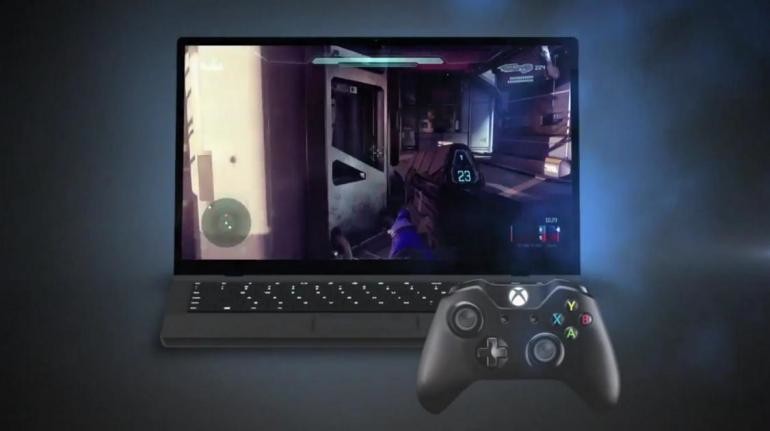
Microsoft have updated it’s Xbox App for Windows 10 which is available to all Windows Insiders who’ve installed the latest build of the Windows 10 Technical Preview to their PC. In this month’s update, you’ll be able to record PC Games, take screenshots in game and the return of Avatars to users profiles within the app. Xbox One SmartGlass and Xbox One are also receiving new updates starting today including Miracast support.
Game DVR for PC’s allows Windows Insiders who are running build 10061 or higher the ability to record game clips for Windows PC games user the new Game Bar on Windows 10. To bring up the Game bar, press Windows + G. Click the “Record that” button to save the last 30 seconds of gameplay, or just press Windows + Alt + G. Additionally, you can manually start and stop recording a game clip by clicking on the “Record” button on the Game bar or pressing Windows + Alt + R. Settings in the Xbox app also allow you change recording length, background recording options, video and audio quality. Microsoft does warn that some PC games will block the Windows key and some full-screen games will not display the Game Bar but they are already working on a fix.
Screenshots for PC’s allows you to take screenshots of Windows PC games by pressing Windows + Alt + PrtScr. Just as with Game DVR, you can also do this by clicking the “Screenshot” button on the Game bar.
The Xbox App includes a new Live Tile which welcomes you back, shows your gamer picture and alerts you of new messages, activity alerts and more. To turn this on, go to Settings – General – Live tile.
The User Profile has also received updates now showing users showcase, bio, location, reputation, tenure and avatar. You can also edit your real-name sharing options on the profile page.
The games and apps you’ve used most recently on your Xbox One are now displayed when you connect the Xbox app to your console. You can also use the Xbox app to pause, fast forward and rewind. Basically the same with how it works today on SmartGlass.
Users who have an Xbox One Digital TV Tuner (Australia/Europe) or a Hauppauge 955Q TV Tuner (available in the U.S. or Canada) can now stream Live TV directly to their Windows 10 device. You can change channels using the OneGuide right on your Windows 10 device.
Finally, the drivers for Xbox controllers are now included with Windows 10, so you no longer have to download and install controller drivers on Windows 10. Microsoft say the app will automatically update once it becomes available in the Windows Store.
Next, the Xbox One system and SmartGlass for Xbox One are receiving updates for preview members. Microsoft have updated the initial channel scan for Over-the-Air TV in the U.S. and Canada to show a sorted list of channels and channel logos so you can tell what channels you receive. Xbox One SmartGlass owners can power on/off the Xbox One system right from the app (beta version only for now).
Now, the most interesting feature coming in the May update is that Xbox One will be getting a Wireless Display app later this week for preview members. This adds Miracast support on Xbox One so you can mirror the experiences on any Windows PC, Windows Phone and Android devices.
Alan (@BeetleComet)

Alan Walsh is a games journalist, head writer at AR12Gaming. They contributed 52 articles to ICXM in 2015, focused on game reviews, Windows and PC, and Xbox news: leads editorial for AR12Gaming and reviews titles for OpenCritic.