Grounded downloads on Windows 11 and Windows 10 PCs through Steam or the Xbox app, and on Xbox, PlayStation and Nintendo Switch consoles, but it has no Mac or iPhone version; on those two it streams through Xbox Cloud Gaming instead.
On this page
Below are the official store links for each platform, the Game Pass plans that include it, the PC requirements, the cloud route for Mac and iPhone, and fixes for the problems that stop a download or a co-op session.
Which Grounded download do you need?
Pick the row that matches the device you play on; each link goes to the official store or cloud page. The Steam, Xbox Store and PlayStation Store copies all list at $39.99 in the US.
| You play on | Get it from | US list price | Note |
|---|---|---|---|
| Windows 11 or 10 PC, Steam library | Steam | $39.99 | Installs through the Steam client; does not unlock the Xbox version |
| Windows 11 or 10 PC, Xbox app | Xbox Store | $39.99 | Xbox Play Anywhere: one digital purchase covers PC and Xbox |
| Xbox Series X|S or Xbox One | Xbox Store | $39.99 | Smart Delivery, Optimized for Xbox Series X|S |
| PS5 or PS4 | PlayStation Store | $39.99 | PS Plus required for online play |
| Nintendo Switch or Switch 2 | Nintendo eShop | Shown on the Nintendo page | Switch 2 compatibility: Supported |
| Mac | Xbox Cloud Gaming | Game Pass Essential, Premium or Ultimate | No Mac build; streams in Safari or another browser |
| iPhone or iPad | Xbox Cloud Gaming | Game Pass Essential, Premium or Ultimate | No iOS app; iOS or iPadOS 14.4 or later in a browser |
Download Grounded for Windows 11 and Windows 10
Grounded has two official PC storefronts. The Xbox Store copy is Xbox Play Anywhere, so it also unlocks the Xbox console version; the Steam copy stays in your Steam library.
- Grounded on Steam (8 GB available space): Windows 10 or 11, 64-bit only
- Grounded on the Xbox Store (PC and Xbox): Installs through the Xbox app; included with PC Game Pass
- Xbox app for Windows (150MB for the app): Needed for the Xbox Store copy; requires Windows 10/11 version 22H2 or higher
Install Grounded through Steam
- Install the Steam client from the Install Steam link on store.steampowered.com, then sign in.
- Open the Grounded store page and select Add to Cart next to Buy Grounded.
- Complete the purchase, then open your Steam library and install Grounded.
- Leave at least 8 GB free on the drive you install to, the space the Steam page lists for both minimum and recommended specs.
Steam also sells a Grounded Series bundle that adds Grounded 2, and a bundle with the Grounded original soundtrack.
Install Grounded from the Xbox app on Windows 11 and 10
- Search for Xbox from the Start button; the Xbox PC app is pre-installed on most Windows 11 PCs. If it is missing, download it from the Xbox on PC page.
- If the PC is in Windows S mode, switch out of it, since the Xbox PC app may not run games in S mode.
- Sign in with the Microsoft account that owns Grounded or holds a Game Pass plan that includes it.
- Buy Grounded from the Xbox Store page, or open it from the Game Pass library.
- Find Grounded in My Library in the Xbox app and install it.
Download Grounded on Xbox Series X|S and Xbox One
The Xbox Store lists Grounded for both Xbox One and Xbox Series X|S, with Smart Delivery and the Optimized for Xbox Series X|S badge. A digital copy is Xbox Play Anywhere, so it also plays on a Windows 10/11 PC at no additional cost.
- Sign in on the console with the Microsoft account you will buy Grounded with.
- Buy Grounded from the Store on the console or from the Grounded page on the Xbox Store, or claim it with an active Game Pass Essential, Premium or Ultimate plan.
- Open My Games and Apps; Grounded shows as Ready to Install.
- Install it, then add Game Pass Core or Ultimate if you want online multiplayer, which the Xbox Store page lists as required on console.
Install Grounded on PS5, PS4 and Nintendo Switch
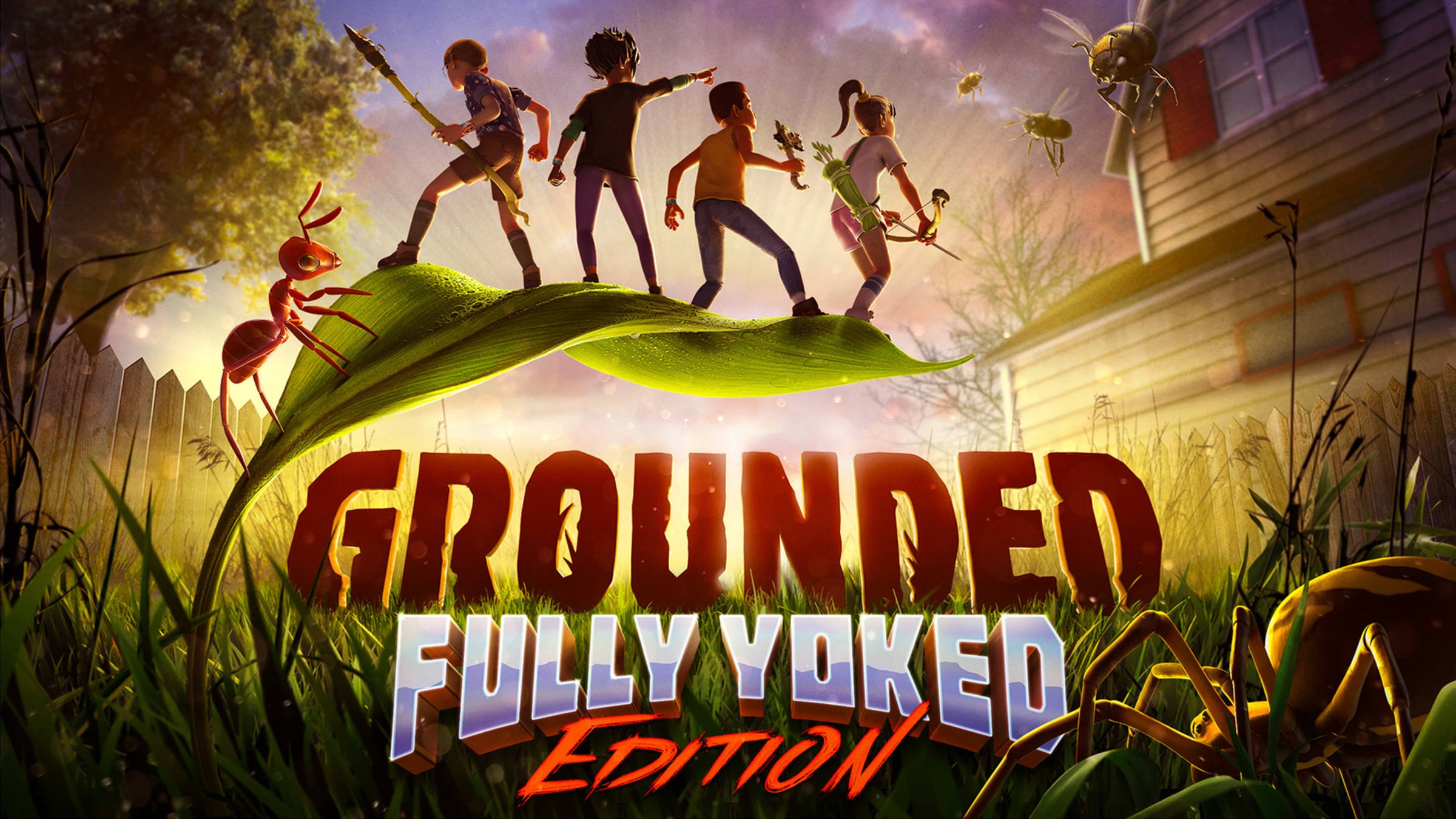
Grounded came to PlayStation and Nintendo Switch on April 16, 2024. The Nintendo listing describes it as the Fully Yoked Edition, with every earlier content update, new ant queens and a new game + mode.
- On PS5 or PS4, open the Grounded page on the PlayStation Store and select Add to Cart; the listing covers both PS5 and PS4.
- Add PS Plus if you want online co-op, which supports up to 4 online players. Streaming Grounded to a PS5 or PS Portal from the cloud needs the Premium tier.
- On Nintendo Switch or Switch 2, buy the digital edition from the Nintendo eShop page and leave at least 3.5 GB free, the file size the listing gives for both Switch and Switch 2.
- Add a Nintendo Switch Online membership for online play with 1 to 4 players and for cloud save data.
Is Grounded on Game Pass?
| Game Pass plan | Includes Grounded? | Cloud play on Mac, iPhone and Android? |
|---|---|---|
| Game Pass Essential | Yes | Yes |
| Game Pass Premium | Yes | Yes |
| Game Pass Ultimate | Yes | Yes |
| PC Game Pass | Yes, listed as PC only | No; cloud gaming is not included with PC Game Pass |
Is Grounded free?
No. Grounded is a paid game with a US list price of $39.99 on Steam, the Xbox Store and the PlayStation Store; Game Pass Essential, Premium, Ultimate and PC Game Pass include it at no extra charge. No official store lists a free version of Grounded. Its official downloads come only from Steam, the Xbox Store, the PlayStation Store and the Nintendo eShop, and Game Pass titles can change over time.
Grounded system requirements and download size
| Minimum | Recommended | |
|---|---|---|
| OS | Windows 10 64bit | Windows 11 64bit |
| Processor | Intel Core i3-3225 | Intel Core i7-7700K or Ryzen 5 1600 |
| Memory | 4 GB RAM | 8 GB RAM |
| Graphics | Nvidia GTX 650 Ti | GeForce GTX 1060 6GB or Radeon RX 470 |
| Storage | 8 GB available space | 8 GB available space |
Both PC tiers require a 64-bit processor and operating system, so Grounded needs a 64-bit edition of Windows. On consoles, the Nintendo listing gives a 3.5 GB file size for both Switch and Switch 2.
Can you download Grounded on Mac?
No. Grounded has no macOS version on any official store, but a Mac can stream it from Xbox Cloud Gaming by opening Safari or another browser at xbox.com/play. Steam lists Windows requirements only, and the Xbox Store lists PC, Xbox One, Xbox Series X|S, Xbox Cloud Gaming and handheld. Xbox confirms cloud gaming works on a Mac through Safari with Game Pass Essential, Premium or Ultimate, and Grounded is cloud playable on those plans.
Cloud play needs a connection of at least 10 Mbps, and Xbox names 20 Mbps for best performance on PCs and tablets. Grounded's cloud page supports controller, touch, and mouse and keyboard.
Grounded on iPhone and Android
Grounded has no App Store or Google Play app. On iPhone, iPad and Android it streams from Xbox Cloud Gaming, which supports iPhone with iOS 14.4 and later, iPads with iPadOS 14.4 and later, and Android phones and tablets with OS 12 and later.
- Play Grounded on Xbox Cloud Gaming: Open in Safari on iPhone; needs Game Pass Essential, Premium or Ultimate
The cloud page lists Play with touch, so a controller is optional on a phone. Xbox recommends 5GHz Wi-Fi or mobile data at 20Mbps or higher.
Fix Grounded not downloading or installing
Grounded is missing from the Xbox app after buying it on Xbox
Xbox Play Anywhere unlocks the PC version only for a digital copy, on the same Microsoft account.
- Confirm the copy you own is digital; disc copies do not carry Xbox Play Anywhere.
- Sign in to the Xbox app with the same Microsoft account used on the console.
- Open My Library and install Grounded from there.
The Xbox app will not install or open on Windows
The Xbox PC app requires Windows 10/11 version 22H2 or higher and does not run games in Windows S mode.
- Run Windows Update until the PC is on version 22H2 or later.
- Switch the PC out of Windows S mode if it is in it.
- Download the Xbox app again from the Xbox on PC page.
Grounded will not install or run on an older PC
Steam lists a 64-bit processor and operating system as a minimum requirement.
- Check that Windows is a 64-bit edition of Windows 10 or Windows 11.
- Check the drive has 8 GB available space.
- If the PC cannot meet the minimum, stream Grounded from Xbox Cloud Gaming instead.
xbox.com/play asks you to buy Grounded or join Game Pass
Cloud play needs Game Pass Essential, Premium or Ultimate; PC Game Pass does not include cloud gaming.
- Sign in at xbox.com/play with the account that holds the subscription.
- Check the plan is Essential, Premium or Ultimate, not PC Game Pass.
- Open the Grounded cloud page again and start the game.
You cannot join friends online on a console
Online play on console needs a separate subscription on each platform.
- On Xbox, add Game Pass Core or Ultimate.
- On PS5 or PS4, add PS Plus.
- On Nintendo Switch or Switch 2, add a Nintendo Switch Online membership.
Frequently asked questions
Is Grounded on Windows 11?
Yes. Grounded runs on Windows 11 and Windows 10, 64-bit only. Steam lists Windows 11 64bit as the recommended OS and Windows 10 64bit as the minimum, with 8 GB of storage for both.
Can I play Grounded on Mac?
Only through the cloud. There is no macOS build, but Xbox Cloud Gaming runs in Safari or another browser at xbox.com/play, and Grounded is cloud playable with Game Pass Essential, Premium or Ultimate.
Can you get Grounded on iPhone?
Not as an app. Grounded streams to iPhone through Xbox Cloud Gaming in a browser, which needs iOS 14.4 or later and a Game Pass Essential, Premium or Ultimate plan. Touch controls are supported, so a controller is optional.
Is Grounded cross-platform?
Yes. The Xbox Store lists Xbox cross-platform multiplayer and co-op, the Nintendo listing tags it with cross-platform play, and the PlayStation version needs a Microsoft account for cross-platform play.
How many players can play Grounded together?
Up to four. Grounded supports online co-op for two to four players, and the Shared Worlds feature lets the group keep playing a world and saving progress even when the original host is offline.
Do I need to buy Grounded twice for Xbox and PC?
No, if you buy the digital version from the Xbox Store. It is an Xbox Play Anywhere game, so the purchase covers Xbox consoles and Windows 10/11 PCs, with shared saves and achievements. Xbox Play Anywhere covers copies bought through the Xbox Store or Windows Store, so a Steam copy does not unlock the Xbox version.
Is Grounded 2 the same download as Grounded?
No. Grounded 2 is a separate game. Steam lists it as the second item in the Grounded Series bundle alongside the original, so a copy of Grounded does not include Grounded 2.
How big is the Grounded download?
Steam lists 8 GB available space for the PC version at both minimum and recommended specs. The Nintendo Switch and Switch 2 versions list a 3.5 GB file size.