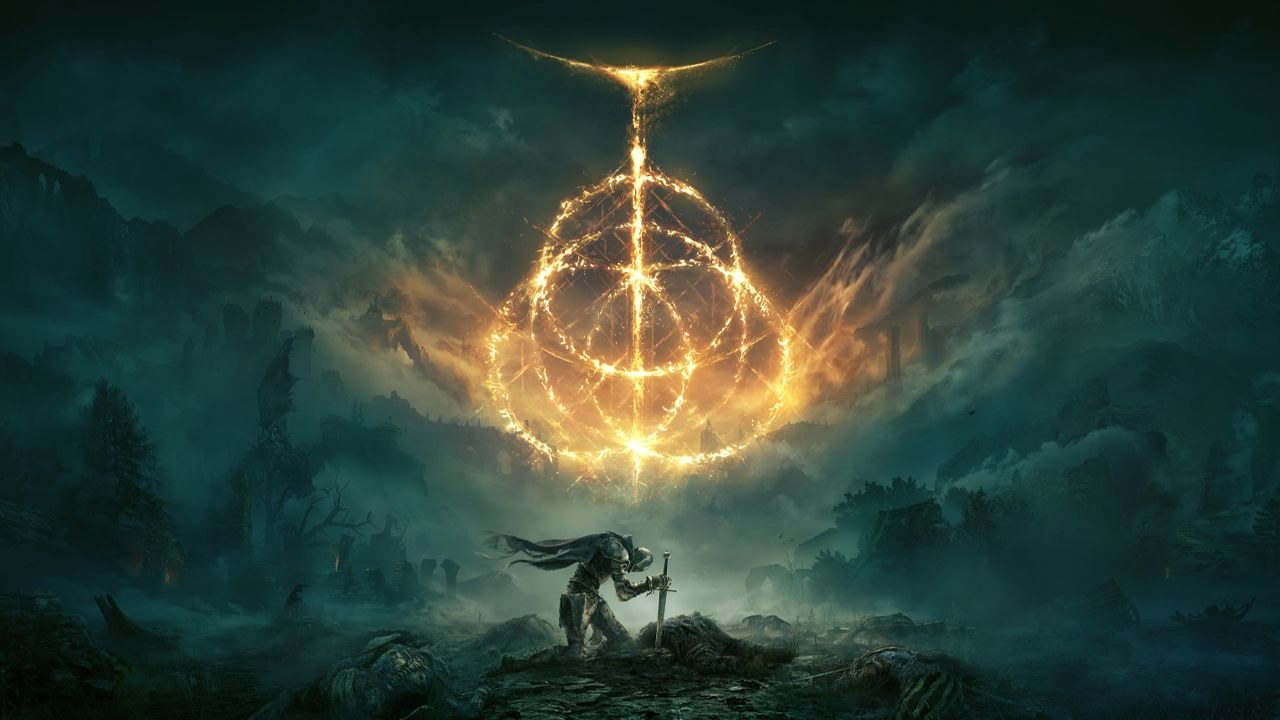
Elden Ring downloads on Windows 11 and Windows 10 PCs through Steam and on PS5, PS4, Xbox Series X|S, Xbox One and Nintendo Switch 2, but there is no Mac or iPhone version.
On this page
Below are the official store links for each platform, the editions and US prices, the PC requirements, and the PS Remote Play route that puts a console copy on a Mac or iPhone.
Which Elden Ring download do you need?
Pick the row that matches the device you play on.
| Your device | Where to get Elden Ring | Official link | Note |
|---|---|---|---|
| Windows 11 or Windows 10 PC | Steam | ELDEN RING on Steam | 64-bit Windows only; needs 60 GB of space |
| PS5 or PS4 | PlayStation Store | Elden Ring on PlayStation | Standard Edition $59.99; PS4 copies upgrade to PS5 free |
| Xbox Series X|S or Xbox One | Microsoft Store on Xbox | ELDEN RING on xbox.com | From $59.99; Smart Delivery |
| Nintendo Switch 2 | Nintendo eShop | ELDEN RING Tarnished Edition | Includes Shadow of the Erdtree; released August 28, 2026 |
| Mac | No Mac version | PS Remote Play | Stream your own PS5 or PS4 copy to the Mac |
| iPhone or iPad | No iOS version | PS Remote Play | Stream your own PS5 or PS4 copy; iOS 14 or later |
Download Elden Ring for Windows 11 and Windows 10
On PC, Elden Ring is sold on Steam. The xbox.com listing plays on Xbox One and Xbox Series X|S only, so it does not cover Windows.
- ELDEN RING on Steam (60 GB available space): Sells the base game, the Shadow of the Erdtree Edition and the Shadow of the Erdtree Deluxe Edition; developer FromSoftware, Inc.
- Steam client for Windows: Required to download and run the Steam version
Install Elden Ring through Steam
- Download the Steam client from store.steampowered.com with Install Steam, run it, and sign in or create a Steam account.
- Open the ELDEN RING page on Steam and use Compare Editions to choose between the base game, the Shadow of the Erdtree Edition and the Shadow of the Erdtree Deluxe Edition.
- Select Add to Cart next to the edition you want and complete the purchase. The price shown is in your region's currency.
- Accept the ELDEN RING EULA; the store page states the game requires agreement to this third-party license.
- Install Elden Ring from your Steam library to a drive with at least 60 GB free.
- Launch ELDEN RING from your Steam library once the download finishes.
Download Elden Ring on Xbox Series X|S and Xbox One
- Open the Microsoft Store on your Xbox and search for Elden Ring, or open the ELDEN RING page on xbox.com signed in with the Microsoft account you use on the console.
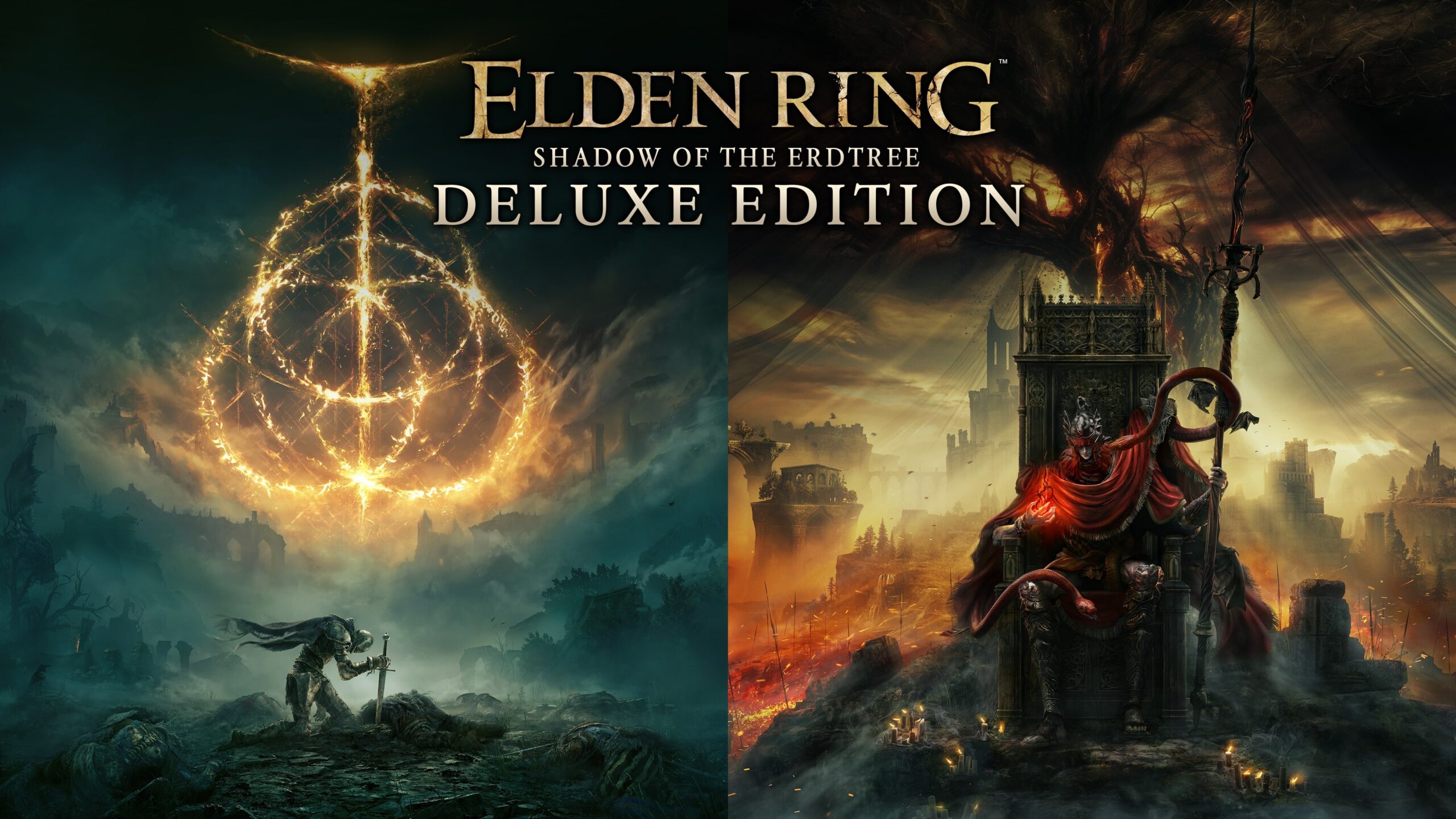
- Choose ELDEN RING ($59.99+), the Shadow of the Erdtree Edition ($79.99+) or the Shadow of the Erdtree Deluxe Edition ($99.99+).
- Buy the edition. The listing supports Smart Delivery and plays on both Xbox One and Xbox Series X|S, and it lists 4K Ultra HD and HDR10 among its capabilities.
- Install it from your console's games library and launch it.
- For online play, add Xbox Game Pass Essential, Premium or Ultimate; the store page states console online multiplayer requires one of them.
Install Elden Ring through the PlayStation Store on PS5 and PS4
- Open PlayStation Store on your PS5 or PS4, or the Elden Ring page on playstation.com.
- Pick the Standard Edition ($59.99), the SOTE Edition with the Shadow of the Erdtree expansion ($79.99) or the SOTE Deluxe Edition ($99.99), and select Add to Cart.
- Download the game. Buying the PS5 digital version also lets you download the PS4 version at no additional cost, and a PS4 purchase upgrades to the PS5 version free.
- Add PS Plus if you want online play; the store page lists it as required, with up to 6 online players.
Install Elden Ring through the Nintendo eShop on Switch 2
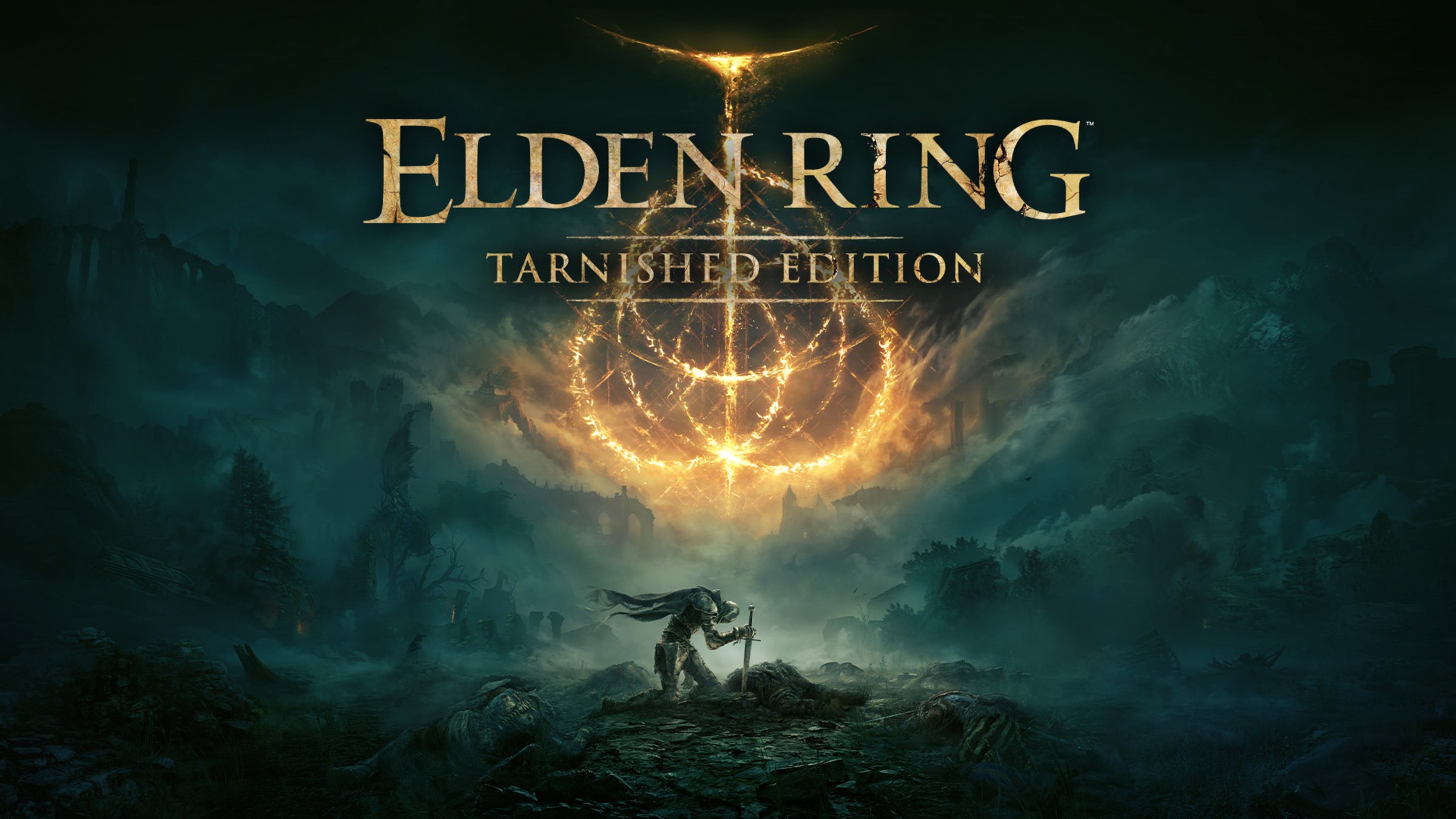
The Nintendo version is ELDEN RING Tarnished Edition, a Nintendo Switch 2 release that arrived on August 28, 2026. It includes the original game, the Shadow of the Erdtree expansion, new armor and customization features for your steed's appearance.
- Open the Nintendo eShop on your Nintendo Switch 2, or the ELDEN RING Tarnished Edition page on nintendo.com.
- Buy ELDEN RING Tarnished Edition. Bandai Namco sells it in physical and digital form.
- Download it to the console and launch it from the home screen.
Is Elden Ring on Game Pass?
Buy Elden Ring outright: the xbox.com store page lists it for purchase from $59.99 and shows no Game Pass inclusion. On Xbox, a Game Pass Essential, Premium or Ultimate membership matters only for online multiplayer, which the store page states requires one of those tiers.
Is Elden Ring free?
No. Elden Ring is a paid game on Steam, PlayStation Store and Xbox. The table lists the official US console prices; Steam shows its price in your local currency. The Tarnished Pack DLC adds 2 new starting classes, new armor and a new appearance customization feature for your steed, usable in the base game and the expansion.
| Edition or add-on | What it includes | PlayStation Store | Xbox |
|---|---|---|---|
| ELDEN RING (Standard Edition) | The base game | $59.99 | $59.99+ |
| Shadow of the Erdtree Edition | Base game and the Shadow of the Erdtree expansion | $79.99 | $79.99+ |
| Shadow of the Erdtree Deluxe Edition | Base game, expansion, digital artbooks and original soundtracks | $99.99 | $99.99+ |
| Shadow of the Erdtree expansion | The expansion alone, sold as an add-on to the base game | $39.99 | $39.99 |
| SOTE Premium Bundle | Expansion plus its digital artbook and OST | $49.99 | Not listed |
| ELDEN RING Tarnished Pack | 2 new starting classes, new armor, steed appearance customization | $4.99 | $4.99 |
Elden Ring system requirements and download size
Both columns require a 64-bit processor and operating system, and both need 60 GB of available space.
| Component | Minimum | Recommended |
|---|---|---|
| OS | Windows 10 | Windows 10/11 |
| Processor | Intel Core i5-8400 or AMD Ryzen 3 3300X | Intel Core i7-8700K or AMD Ryzen 5 3600X |
| Memory | 12 GB RAM | 16 GB RAM |
| Graphics | NVIDIA GeForce GTX 1060 3 GB or AMD Radeon RX 580 4 GB | NVIDIA GeForce GTX 1070 8 GB or AMD Radeon RX Vega 56 8 GB |
| DirectX | Version 12 (Feature Level 12.0) | Version 12 (Feature Level 12.0) |
| Storage | 60 GB available space | 60 GB available space |
| Sound | Windows compatible audio device | Windows compatible audio device |
Can you download Elden Ring on Mac?
No. Elden Ring has no Mac version: the publisher lists Xbox Series X|S, PS5, Xbox One, PS4 and PC, and the Steam page names Windows 10 and Windows 10/11 as the only supported systems. If you own it on PS5 or PS4, stream it to the Mac with the free PS Remote Play app. PS Remote Play is free on Mac and streams games from your own console. A DualSense connects over Bluetooth on macOS 11.3 or later and a DUALSHOCK 4 on macOS 11 or later. Sony excludes only titles that need a VR headset or extra peripherals, or that must be streamed with PS Plus Premium, and the Elden Ring listing names neither. Sony asks for at least 5Mbps and recommends 15Mbps.
Elden Ring on iPhone and Android
There is no Elden Ring app for iPhone, iPad or Android. To play on a phone, stream a copy you own on PS5 or PS4 with PS Remote Play. iPhone and iPad need iOS 14 or later for a DUALSHOCK 4 or on-screen controls, and iOS 14.5 or later for a DualSense. Android phones need Android 9 or later for on-screen controls, Android 10 for a DUALSHOCK 4 and Android 12 for a DualSense.
- PS Remote Play (iPhone, iPad, Android, Mac, Windows PC): Free app; needs your own PS5 or PS4 with Elden Ring installed
- Elden Ring on PlayStation Store: The console copy you stream
Fix Elden Ring not downloading or installing
Elden Ring will not install on PC
The target drive has less than the 60 GB of available space the game needs.
- Free up space on the drive until at least 60 GB is available.
- Or add a second Steam library folder on a larger drive and install there.
- Start the install again from the Steam library.
Elden Ring installs but will not start on PC
The PC is below the minimum specification or lacks a 64-bit processor and operating system.
- Confirm Windows is a 64-bit installation of Windows 10 or Windows 11.
- Compare the processor and graphics card with the minimum row: Intel Core i5-8400 or AMD Ryzen 3 3300X, and GeForce GTX 1060 3 GB or Radeon RX 580 4 GB.
- Check that the graphics card supports DirectX 12 at Feature Level 12.0, which the publisher lists for both columns, and install the latest driver from NVIDIA or AMD.
Elden Ring is missing from the Microsoft Store on PC
The Microsoft Store listing covers Xbox One and Xbox Series X|S only.
- Install Steam on the PC.
- Buy Elden Ring on its Steam page; the xbox.com listing names only Xbox One and Xbox Series X|S.
The PS5 version will not download from a PS4 disc
The PS5 Digital Edition has no disc drive, so the disc upgrade cannot run on it.
- Use the disc on a standard PS5 with a disc drive to claim the free upgrade.
- Or buy the digital PS5 version, which also includes the PS4 version.
Online co-op or PvP does not work on console
Console online play needs a subscription.
- On PS5 or PS4, join PS Plus.
- On Xbox, join Xbox Game Pass Essential, Premium or Ultimate.
- Restart Elden Ring and try the multiplayer again.
Frequently asked questions
How many GB is Elden Ring on PC?
Elden Ring needs 60 GB of available space on PC, in both the minimum and the recommended requirements on Steam. The publisher notes that its PC specs are valid for launch day and may be updated in the future.
Is Elden Ring on the Microsoft Store for PC?
No. The Microsoft Store and xbox.com listing plays on Xbox One and Xbox Series X|S only. The Windows 11 and Windows 10 version is sold on Steam, so buy it there rather than through the Xbox store.
Does the PS4 version of Elden Ring upgrade to PS5?
Yes. A PS4 purchase upgrades to the PS5 version for free, and the PS5 digital version includes the PS4 version. A PS4 disc cannot be upgraded on the PS5 Digital Edition, which has no disc drive.
Does Elden Ring run on Windows 11?
Yes. Steam lists Windows 10/11 as the recommended operating system and Windows 10 as the minimum. Both need a 64-bit processor and system, DirectX 12 and 60 GB of available space.
What is the story of Elden Ring?
You play one of the Tarnished, exiles who return to the Lands Between after the Elden Ring is shattered. Demigods holding its shards rule their domains, characters with their own motivations help or hinder you, and epic boss battles stand in the way. You can summon familiar spirits or other players to fight alongside you.
Who made Elden Ring, and when was it released?
FromSoftware, Inc. handled development, and Bandai Namco Entertainment publishes it. It was released in February 2022 on PC, PS5, PS4, Xbox Series X|S and Xbox One, with the Tarnished Edition following on Nintendo Switch 2 on August 28, 2026.
Do you need Shadow of the Erdtree to play Elden Ring?
No. The Standard Edition is sold without Shadow of the Erdtree, which is an add-on costing $39.99 on PlayStation Store and Xbox. It also comes bundled in the Shadow of the Erdtree Edition, and in the Tarnished Edition on Switch 2.
What is the latest Elden Ring news?
Bandai Namco published Elden Ring Patch Notes Version 1.17 on 27 August 2026. The next day brought the Tarnished Pack, with new classes, weapons, armor and steed customization, and the Switch 2 Tarnished Edition launch. Community Quests followed on 01 September 2026.
Can you play Elden Ring with friends?
Yes. Elden Ring supports online co-op with up to two other Tarnished and online PvP, including invasions, duels and the Colosseums. Console online play needs PS Plus on PlayStation or Game Pass Essential, Premium or Ultimate on Xbox.