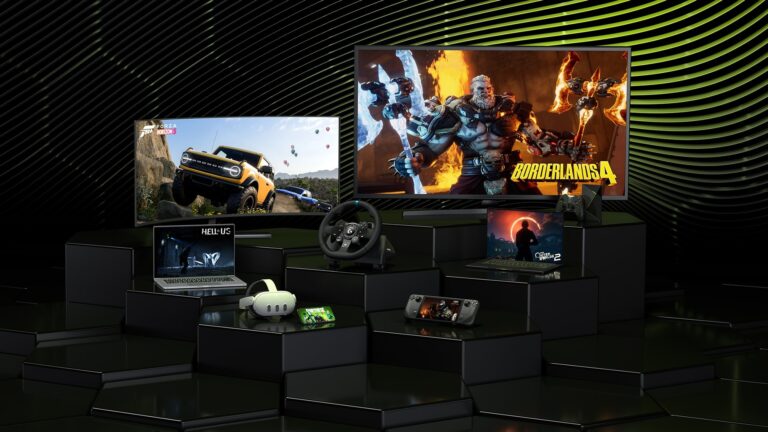
Overwatch 2, now listed in every store as Overwatch, is a free download for Windows PCs through Battle.net or Steam and for Xbox, PlayStation and Nintendo Switch, but there is no Mac or iPhone version; on those devices the legitimate route is streaming the Battle.net copy with NVIDIA GeForce NOW, which added Overwatch 2 in 2024.
On this page
Below are the official store link for each platform, the install steps, the PC requirements and fixes for the problems that stop a download.
Which Overwatch 2 download do you need?
Two things decide the download: your device and, on a PC, the launcher you prefer. Cross-play and cross-progression carry your unlocks and progress across multiple platforms, so the choice does not lock your account to one device.
| Your device | How you get Overwatch 2 | Official link | Cost |
|---|---|---|---|
| Windows 11 or 10 PC | Install it through the Battle.net app | Overwatch on Battle.net | Free to play |
| Windows 11 or 10 PC, Steam library | Install it through Steam; a Battle.net account is still required | Overwatch on Steam | Free to play |
| Xbox Series X|S or Xbox One | Download it from the Xbox store | Overwatch on Xbox | Free+ (optional in-game purchases) |
| PS5 or PS4 | Add it to your library on PlayStation Store | Overwatch on PlayStation | Free |
| Nintendo Switch | Download it from Nintendo eShop | Overwatch on Nintendo Switch | Free to play |
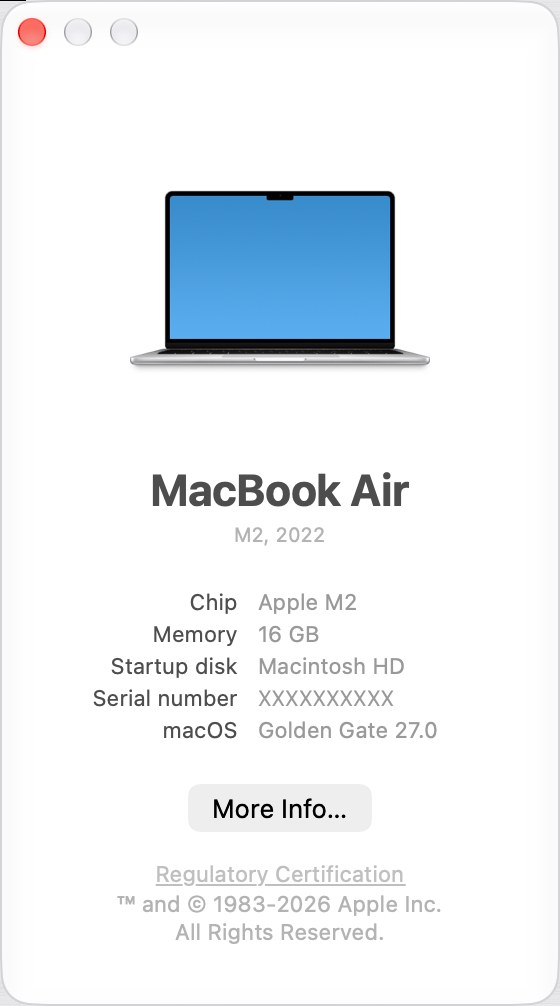
| Mac | No Mac version; stream the Battle.net copy with GeForce NOW | GeForce NOW | Game free; GeForce NOW plan terms apply |
| iPhone or iPad | No iOS app; stream the Battle.net copy with GeForce NOW | GeForce NOW | Game free; GeForce NOW plan terms apply |
Download Overwatch 2 for Windows 11 and Windows 10
Both PC routes install the same free game, and both need a Battle.net account. Battle.net is Blizzard's own storefront; Steam suits a player who keeps every game in one library.
- Overwatch on the Battle.net shop: Free to play; installs through the Battle.net app
- Battle.net desktop app for Windows: The launcher Overwatch installs and updates through
- Overwatch on Steam (50 GB available space): Free To Play; requires a Battle.net account
Install Overwatch 2 through Battle.net
- Open the Battle.net download page and select Download for Windows.
- Run the installer you just downloaded and sign in with your Battle.net account, or create one.
- Find Overwatch in the Battle.net app, or open the Overwatch page on the Battle.net shop and start it from there.
- Choose an install drive and start the install. Steam lists 50 GB of available space for the PC version, so keep at least that much free.
- Launch Overwatch from Battle.net once the download finishes; reaching the main menu confirms the install worked.
Install Overwatch 2 through Steam
- Open the Overwatch page on Steam and sign in to Steam.
- Select Play Game to add the free game to your library and start the download.
- Pick an install drive with 50 GB of available space.
- Launch Overwatch from your Steam library and link or create a Battle.net account when asked; Steam lists it as a required third-party account.
Download Overwatch 2 on Xbox, PlayStation and Nintendo Switch
Overwatch has been on consoles since the original game launched, and every console version is now free. The Xbox version supports Smart Delivery, so the right build installs on Xbox One or Xbox Series X|S.
- Overwatch on Xbox Series X|S and Xbox One: Free+; Optimized for Xbox Series X|S, 120 fps, console keyboard and mouse
- Overwatch on PS5 and PS4: Free; online play required
- Overwatch on Nintendo Switch (25.2 GB): Free to play; TV, tabletop and handheld modes
On PlayStation, select Add to Library on the store page while signed in, then download Overwatch from the library on the console. On Xbox, the store page shows the game as Free+; sign in and install it to the console from there or from the console Store.
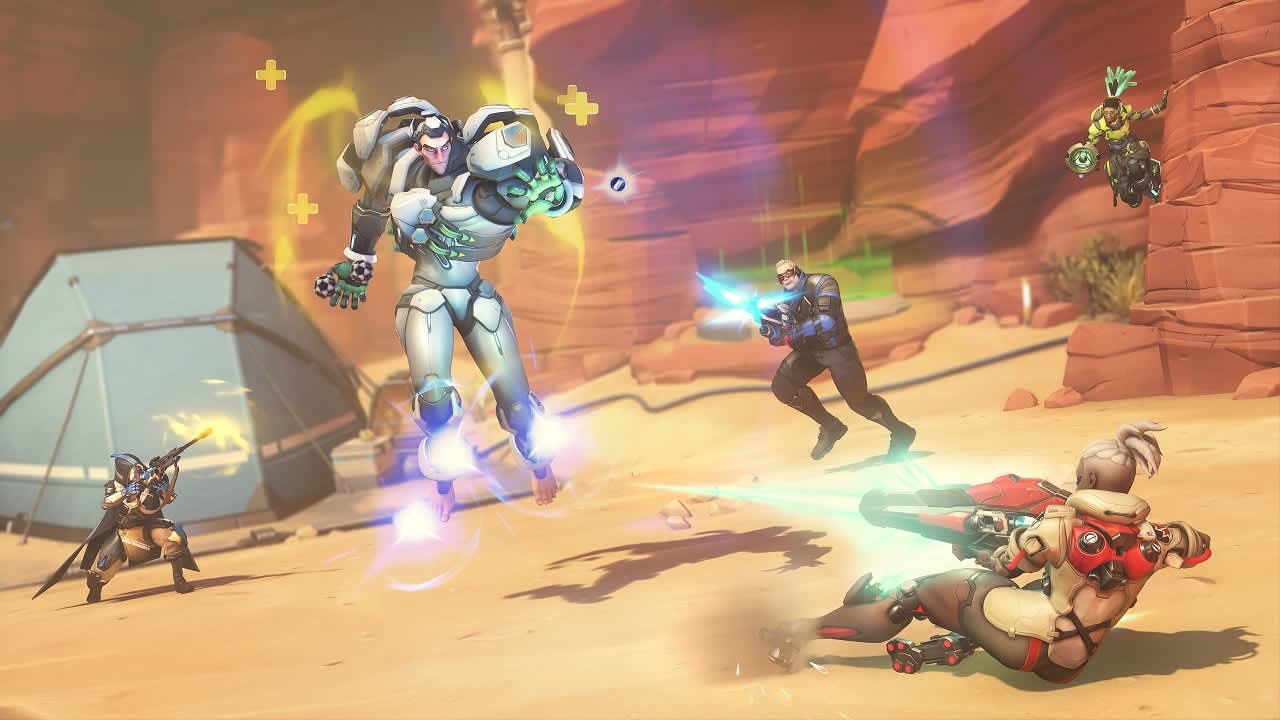
Is Overwatch 2 free?
Yes. Overwatch is free to play on every platform it ships on, and in-game purchases are optional. Blizzard's site, Steam, Xbox, PlayStation and Nintendo all list the game itself as free. The paid items are add-ons: on the US Xbox and PlayStation stores, 500 Overwatch Coins cost $4.99 and the Ultimate Battle Pass Bundle 2026: Season 5 costs $39.99.
Overwatch 2 system requirements and download size
These are the PC requirements from the Steam page. Overwatch needs a 64-bit processor and a 64-bit operating system.
| Component | Minimum | Recommended |
|---|---|---|
| OS | Windows 10 64-bit (latest Service Pack) | Windows 10 64-bit (latest Service Pack) |
| Processor | Intel Core i3 or AMD Phenom X3 8650 | Intel Core i7 or AMD Ryzen 5 |
| Memory | 6 GB RAM | 8 GB RAM |
| Graphics | NVIDIA GeForce GTX 600 series, AMD Radeon HD 7000 series | NVIDIA GeForce GTX 1060 / GTX 1650, AMD R9 380 / RX 6400 or Intel Arc A770 |
| DirectX | Version 11 | Version 11 |
| Network | Broadband internet connection | Broadband internet connection |
| Storage | 50 GB available space | 50 GB available space |
Windows 11 itself requires a compatible 64-bit processor, so a Windows 11 PC already meets the 64-bit part of the Steam requirement. On Nintendo Switch the download is 25.2 GB.
Can you download Overwatch 2 on Mac?
No. Overwatch has no macOS version, so the legitimate way to play on a Mac is to stream the Battle.net copy through NVIDIA GeForce NOW. The Steam page lists only Windows 10 64-bit as the operating system, and the Battle.net Download for Mac button installs the Battle.net app, not Overwatch. NVIDIA added the Battle.net version of Overwatch 2 to GeForce NOW in 2024. The GeForce NOW Mac app needs macOS 10.15 or higher and 15 Mbps for 720p at 60 fps or 25 Mbps for 1080p at 60 fps. Search for Overwatch in the GeForce NOW app before choosing a plan to confirm it is still listed.
Can you play Overwatch 2 on iPhone or Android?
Overwatch has no iPhone, iPad or Android app. GeForce NOW streams the Battle.net copy to an iPhone or iPad running iOS 15.4 or later and to an Android phone or tablet running Android 7.0 or later. On iPhone and iPad a gamepad is required, because a keyboard and mouse work only for menus and typing usernames and passwords.
- NVIDIA GeForce NOW: Stream the Battle.net copy of Overwatch on iPhone, iPad and Android
- GeForce NOW system requirements: Supported controllers include Xbox, PS5 DualSense, DualShock 4 and MFi gamepads
Fix Overwatch 2 not downloading or installing
Overwatch 2 does not show up in the store
Blizzard changed the title from Overwatch 2 to Overwatch, and every store lists it under the new name.
- Search the store for Overwatch instead of Overwatch 2.
- Use the direct store links in the table above to land on the right page.
- Check that the listing names Blizzard Entertainment as the publisher before you download.
The download stops with not enough disk space
Steam lists 50 GB of available space for the PC version, and the Switch version is 25.2 GB.
- Free space on the install drive, or choose a different drive in Battle.net or Steam.
- Restart the download.
Steam will not start the game after the download
Overwatch on Steam requires a linked Battle.net account.
- Launch Overwatch from your Steam library.
- Sign in to an existing Battle.net account or create one when prompted.
- Launch again once the accounts are linked.
Overwatch will not install on an older Windows PC
Overwatch requires a 64-bit processor and a 64-bit operating system.
- Open Settings > System > About and check which type of processor and Windows the PC has.
- If Windows is 32-bit, the PC cannot run Overwatch.
- GeForce NOW does not help on that PC either, because its Windows app also requires a 64-bit version of Windows 10 or later; play on a console or a 64-bit PC instead.
Streaming Overwatch on Mac or iPhone stutters
GeForce NOW requires less than 80ms of network latency from an NVIDIA data center.
- Use Ethernet or a 5 GHz Wi-Fi network.
- Check for at least 15 Mbps for 720p or 25 Mbps for 1080p streaming.
- On iPhone, connect a supported controller instead of the on-screen virtual gamepad, which NVIDIA does not recommend for long-term gameplay.
Other questions about downloading Overwatch 2
Why do the Overwatch 2 store pages show different release dates?
Each listing keeps its own release history. The Xbox listing carries the original Overwatch release date of 5/23/2016, PlayStation and Nintendo show October 4, 2022, when Overwatch 2 launched free, and Steam shows 10 Aug, 2023, the date of the Steam release.
How often does Overwatch 2 get new content?
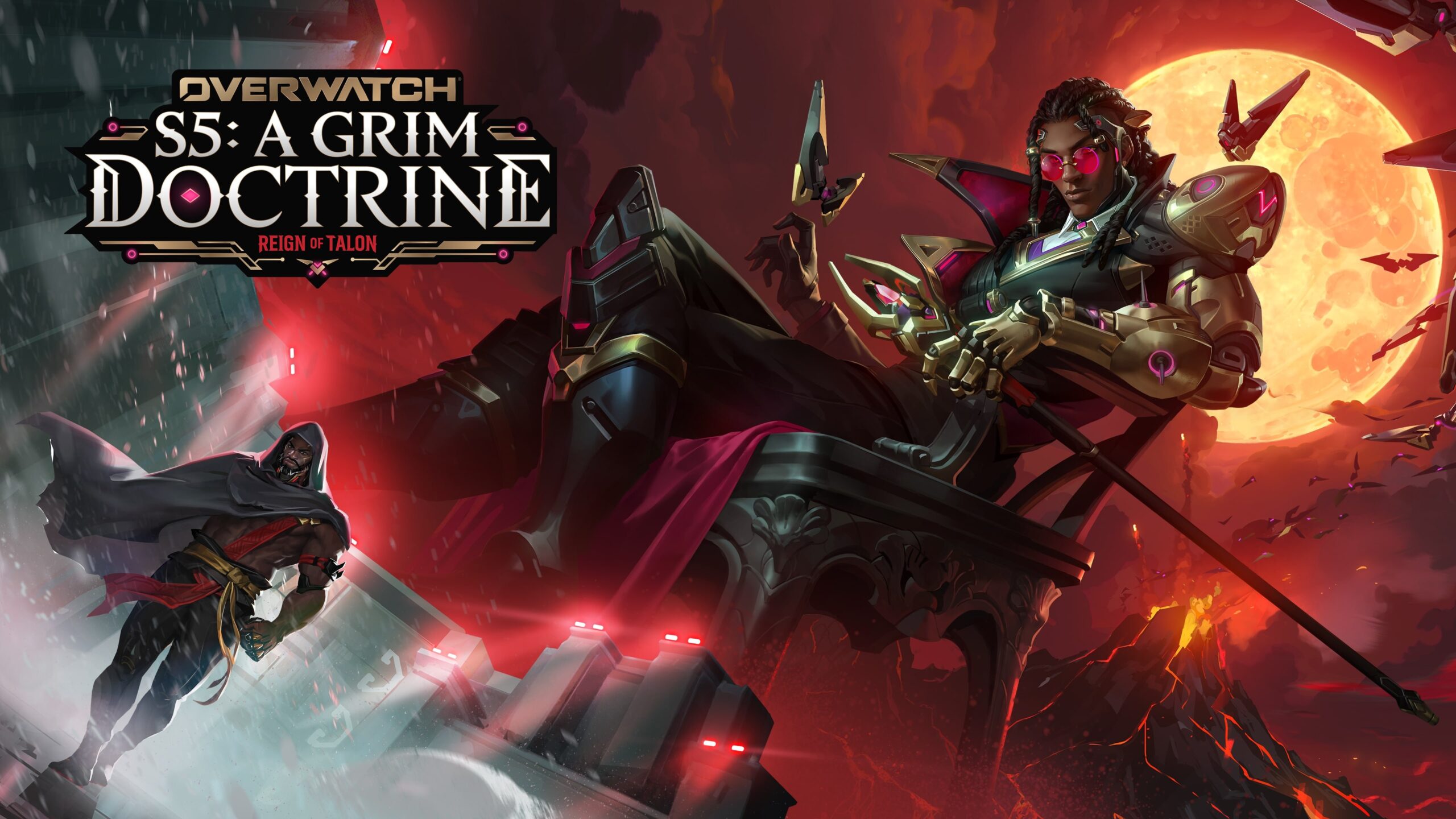
A new season starts on a nine-week release cycle. Each season brings game updates with new maps, game modes, features, challenges and limited-time collaborations, plus a Battle Pass with rewards built into that season. Recent updates, such as the Season 4 Midcycle, are listed with patch notes on the Overwatch news page.
Is Overwatch 2 still called Overwatch 2?
No. Blizzard changed the title from Overwatch 2 to Overwatch, and Steam, Xbox, PlayStation and Nintendo list it under that name. It is the same free game, and purchased in-game items and content are not affected by the rename.
Is Overwatch 2 free on PC?
Yes. Overwatch is free to play on Windows PCs through Battle.net or Steam, and Steam lists it under Free To Play. Money only buys optional items such as Overwatch Coins, Battle Pass bundles and skin bundles, and a Battle.net account is required on both launchers.
Can you play Overwatch 2 on a Mac?
Not natively. There is no macOS version of Overwatch, but you can stream the Battle.net copy through NVIDIA GeForce NOW on macOS 10.15 or higher. Confirm Overwatch is listed in the GeForce NOW app before you choose a plan.
Can you play Overwatch 2 on iPhone?
Only by streaming. Overwatch has no iOS app, but GeForce NOW can stream the Battle.net copy to an iPhone or iPad on iOS 15.4 or later. You need a supported gamepad, because keyboard and mouse are limited to menus there.
Do you need a Battle.net account to play Overwatch 2 on Steam?
Yes. Steam lists a Battle.net account as a required third-party account for Overwatch. Sign in to an existing Battle.net account or create a new one when the game asks on first launch.
How big is the Overwatch 2 download?
Steam lists 50 GB of available space for the PC version at both minimum and recommended settings. The Nintendo Switch version is a 25.2 GB download. The Xbox and PlayStation store pages do not list a download size.
Is Overwatch 2 cross-platform?
Yes. Overwatch supports cross-play and cross-progression, so you can play with friends on other platforms and access your unlocks, progress and accolades on any of the platforms Overwatch supports.
Can you play Overwatch 2 on PS5 and Xbox Series X|S?
Yes. Overwatch is free on PS5 and PS4 through PlayStation Store, and on Xbox Series X|S and Xbox One through the Xbox store, where Smart Delivery installs the right version for your console.