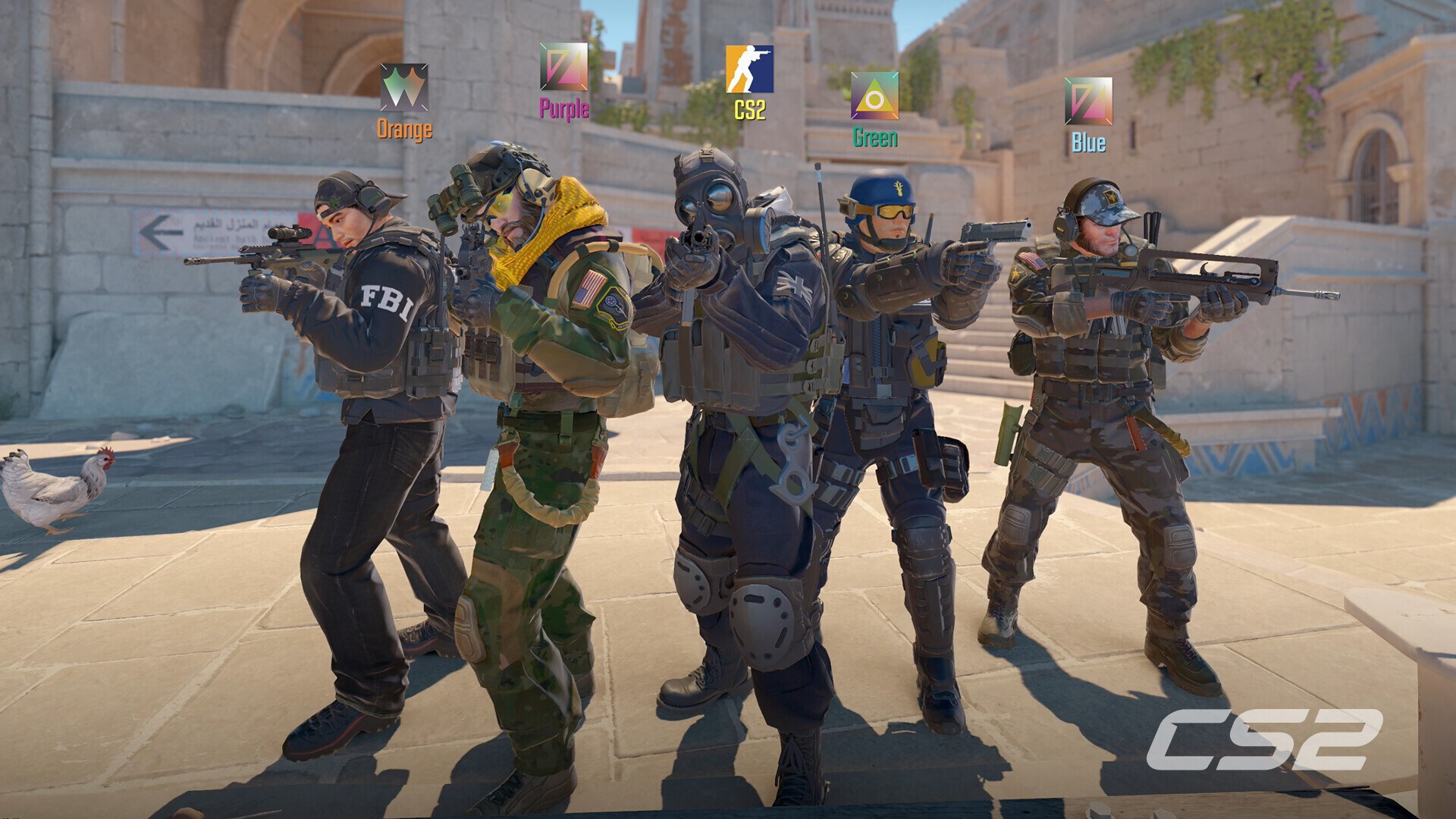
Counter-Strike 2 is free to play, but only on Windows PC and SteamOS + Linux through Steam: there is no Mac, iPhone or console version, so on a Mac or iPhone the official route is streaming it from your own PC with Valve's free Steam Link app.
On this page
Below are the official Steam links, the install steps for Windows 11 and 10, what Prime Status costs, the system requirements, the Mac and iPhone options, and fixes for disk-space, launch and missing-game problems.
Which Counter-Strike 2 download do you need?
There is one version of Counter-Strike 2, published by Valve on Steam. Every row below leads back to that Steam copy, either installed on the device or streamed to it.
| Your device | Official source | Price | Note |
|---|---|---|---|
| Windows 11 or Windows 10 PC | Counter-Strike 2 on Steam | Free To Play | Steam lists Windows 10 as the minimum OS and 85 GB of free space |
| Linux PC | Counter-Strike 2 on Steam | Free To Play | Steam lists SteamOS + Linux, with Ubuntu 20.04 as the minimum |
| iPhone or iPad | Steam Link on the App Store | Free app | Streams the game from your own PC running Steam on the same local network |
| Mac | Steam Link on the App Store | Free app | No Mac build; Steam Link streams the game from a Windows or Linux PC you own |
| Xbox, PlayStation or Nintendo Switch | None | Not available | Valve lists no console version of Counter-Strike 2 |
Download Counter-Strike 2 for Windows 11 and Windows 10
Steam is the only official PC source. The game is listed as Free To Play, and Steam handles both the download and every later update.
- Counter-Strike 2 on Steam (85 GB available space): Developer and publisher: Valve. Select Play Game on the store page to start
- Install Steam (Valve): The Steam client is required before Counter-Strike 2 can download
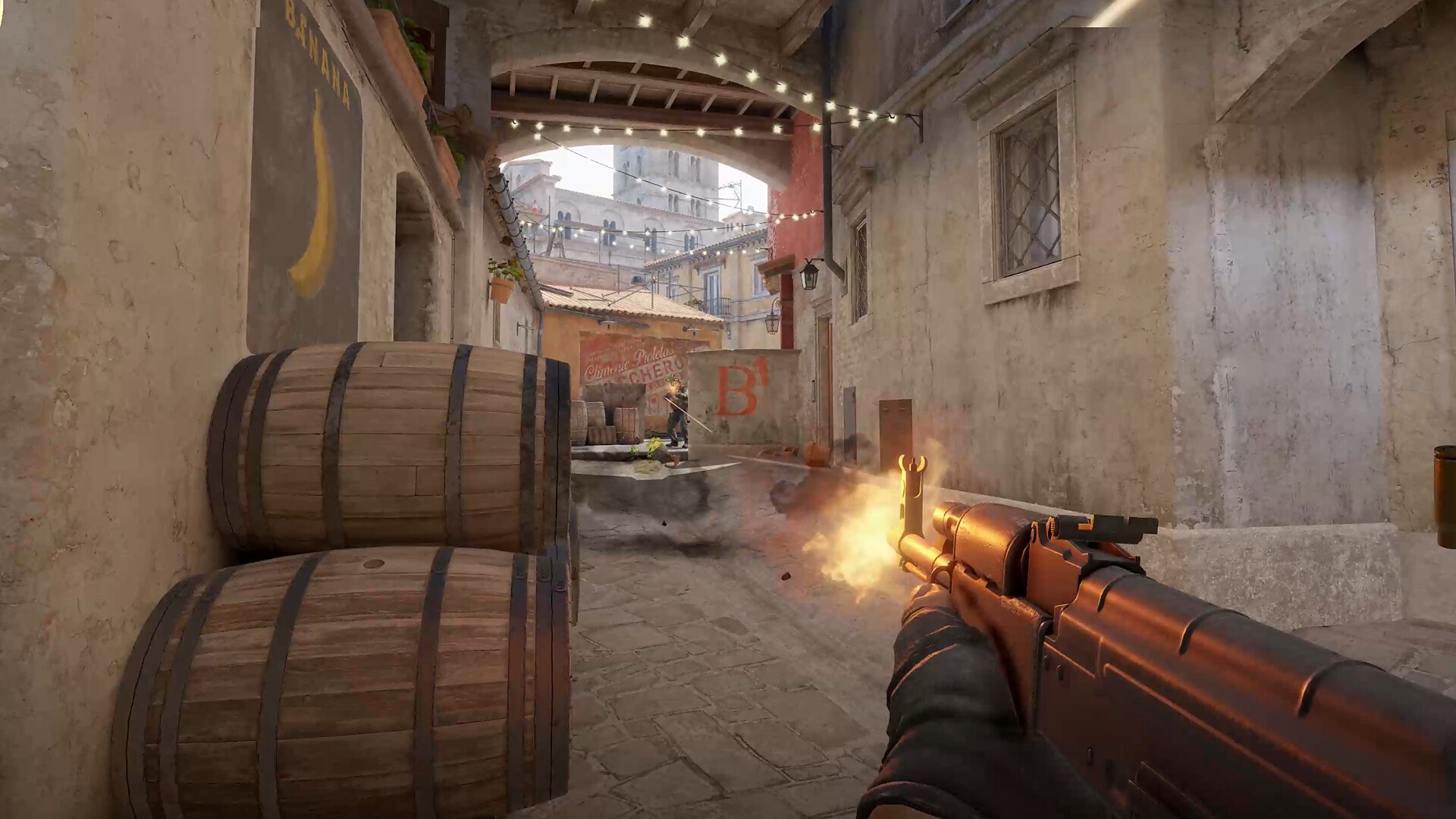
How to install Counter-Strike 2 on Windows 11 and 10
- Open the Steam about page and select Install Steam, then run the installer and sign in or create a free Steam account.
- Open the Counter-Strike 2 store page in Steam and select Play Game under the Free To Play heading.
- Pick a drive with at least 85 GB of free space when Steam asks where to install, and let the download run.
- When the download finishes, open your Steam library, select Counter-Strike 2 and press Play.
- Confirm the Counter-Strike 2 main menu loads and that a match starts.
Is Counter-Strike 2 on Game Pass, Xbox, PS5 or Switch?
No. Counter-Strike 2 is not on Game Pass, Xbox Cloud Gaming, Xbox Series X|S, Xbox One, PlayStation or Nintendo Switch; Valve lists only Windows and SteamOS + Linux. Older Counter-Strike games did reach Xbox and turned up in Deals with Gold sales, but Counter-Strike 2 is a Steam game. A console player needs a Windows or Linux PC to play it.
Is Counter-Strike 2 free?
Yes. Steam lists Counter-Strike 2 as Free To Play, and Valve describes it as a free upgrade to CS:GO that carries every CS:GO item forward. The one paid package on the store page is the Prime Status Upgrade, and the game also has in-game purchases.
| What | Price on Steam (US) | What you get |
|---|---|---|
| Counter-Strike 2 | Free To Play | The full game, including Premier mode and CS Ratings |
| Prime Status Upgrade | $14.99 | Matchmaking with other Prime Status players, plus eligibility for Prime-exclusive souvenir items, item drops and weapon cases |
| In-game purchases | Varies | Steam lists In-App Purchases for the game |
Steam marks the Prime Status Upgrade as not eligible for refund, so buy it only once you know the game runs well on your PC.
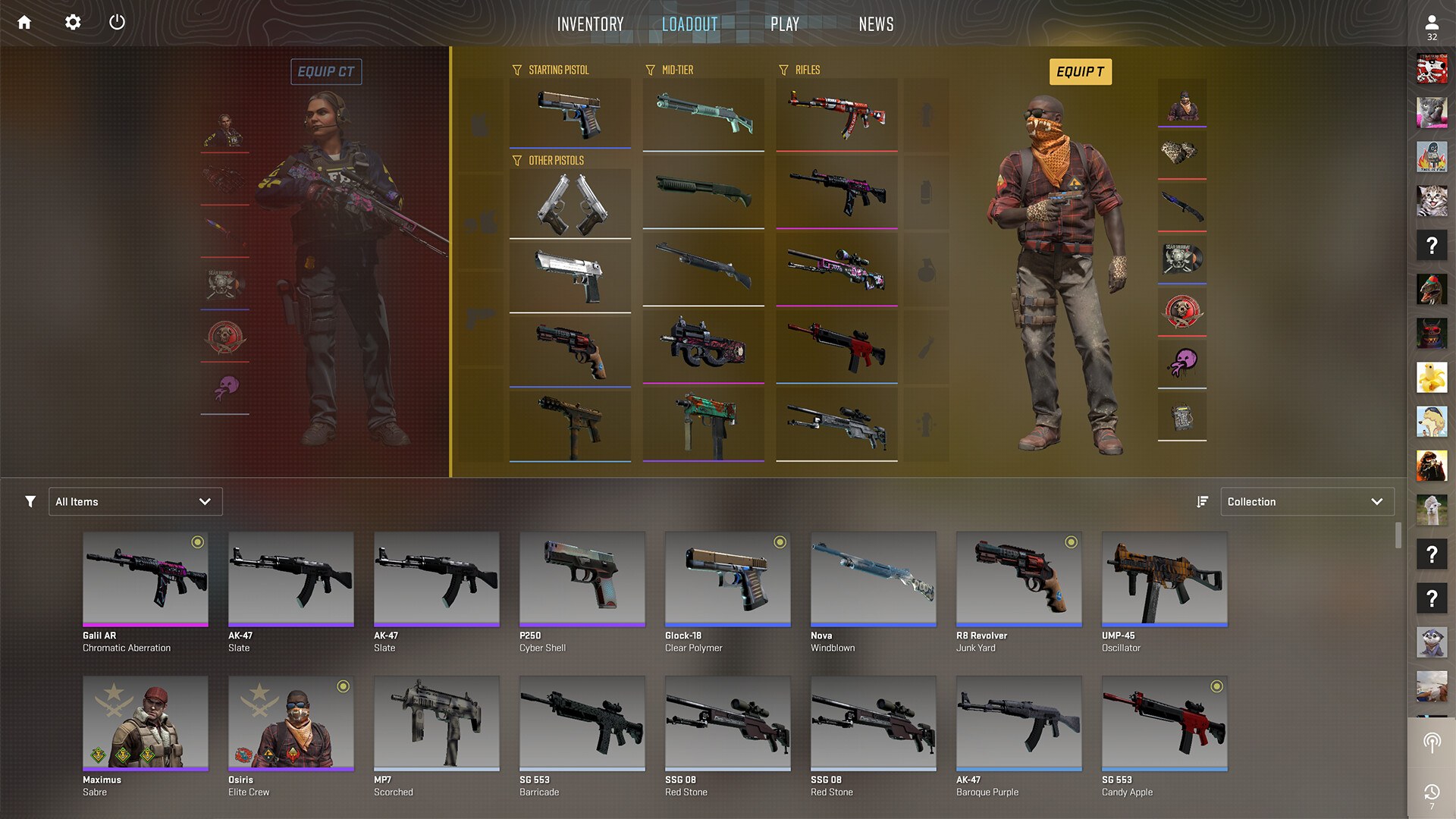
Counter-Strike 2 system requirements and download size
| Component | Windows minimum | SteamOS + Linux minimum |
|---|---|---|
| OS | Windows 10 | Ubuntu 20.04 |
| Processor | 4 hardware CPU threads, Intel Core i5 750 or higher | 4 hardware CPU threads, Intel Core i5 750 or higher |
| Memory | 8 GB RAM | 8 GB RAM |
| Graphics | 1 GB or more, DirectX 11-compatible with support for Shader Model 5.0 | AMD GCN+ or NVIDIA Kepler+ with up-to-date Vulkan drivers; VK_EXT_graphics_pipeline_library support highly recommended |
| DirectX | Version 11 | Not applicable (Vulkan) |
| Storage | 85 GB available space | 85 GB available space |
| Sound card | Not listed | Highly recommended |
Steam publishes minimum specs only. Windows 11 meets the Windows 10 minimum, so the same Steam download applies to both.
Can you download Counter-Strike 2 on Mac?
No. Counter-Strike 2 has no Mac version, and Steam lists only Windows and SteamOS + Linux as supported systems. The legitimate route is streaming. Install Valve's free Steam Link app on the Mac (it requires macOS 10.13 or later), keep a Windows or Linux PC with Counter-Strike 2 installed running Steam on the same local network, and connect to that PC. The game runs on the PC, which sends video and audio to the Mac and receives your input back.
Counter-Strike 2 on iPhone
There is no Counter-Strike 2 app for iPhone. Steam lists Remote Play on Phone for the game, which works through Valve's free Steam Link app: your PC runs the game and the iPhone shows it.
- Steam Link for iPhone and iPad (App Store) (58.6 MB): Free, by Valve. Requires iOS 11.0 or later and a computer running Steam on the same local network
Valve's App Store listing says to pair an MFi or Steam controller with the iPhone first. For the best stream, it recommends connecting the PC to the router by Ethernet and the iPhone to the 5GHz band of the Wi-Fi network.
How to update Counter-Strike 2
- Leave Steam running and signed in; Steam lists automatic game updates as a standard feature, so Counter-Strike 2 patches download without any action.
- If a match will not start after a patch, close the game, open your Steam library and let the queued update for Counter-Strike 2 finish.
- To read what changed, open the Counter-Strike 2 store page and select View update history.
Fix Counter-Strike 2 not downloading or installing
Steam says there is not enough disk space
Counter-Strike 2 needs 85 GB of free space on the install drive.
- Free space on the drive Steam chose, or pick a different drive when Steam asks for an install location.
- Restart the download from your Steam library.
Counter-Strike 2 will not launch on an older PC
The PC is below the minimum: Windows 10, 4 CPU threads, 8 GB RAM and a DirectX 11 graphics card with Shader Model 5.0.
- Compare your PC with the requirements table above.
- Install the latest Windows updates and the newest driver from your graphics card maker's own site.
- If the PC is below the minimum, stream the game from a stronger PC with Steam Link instead.
Counter-Strike 2 is missing from the Steam library
The game was never added to the account you are signed in to.
- Check which Steam account is signed in.
- Open the Counter-Strike 2 store page and select Play Game again to add it.
Frequently asked questions
Is Counter-Strike 2 free to download?
Yes. Steam lists Counter-Strike 2 as Free To Play on Windows and SteamOS + Linux. The only paid add-on on the store page is the Prime Status Upgrade at $14.99 in the US, which changes who you are matched with and which drops you can receive.
How big is the Counter-Strike 2 download?
Steam lists 85 GB of available space as the storage requirement for both Windows and SteamOS + Linux. Keep at least that much free on the drive you install to before you select Play Game on the store page.
Can I play Counter-Strike 2 on Windows 11?
Yes. Steam lists Windows 10 as the minimum, and Windows 11 runs the same Steam download. The PC still needs 4 hardware CPU threads, 8 GB RAM and a DirectX 11 graphics card with Shader Model 5.0 support.
Is Counter-Strike 2 on Mac?
No. Counter-Strike 2 has no macOS version, and Steam lists only Windows and SteamOS + Linux. The Steam Link app runs on a Mac, but it only streams the game from a Windows or Linux PC running Steam on the same network.
Can you play Counter-Strike 2 on iPhone?
Only by streaming. There is no iPhone app for the game, but Steam lists Remote Play on Phone, and the free Steam Link app streams Counter-Strike 2 from your own PC running Steam on the same local network. Steam Link requires iOS 11.0 or later.
Is Counter-Strike 2 on Xbox or PS5?
No. Valve lists Counter-Strike 2 only for Windows and SteamOS + Linux, so there is no Xbox Series X|S, Xbox One, PlayStation or Nintendo Switch version, and it is not part of Game Pass or Xbox Cloud Gaming.
Do I keep my CS:GO items in Counter-Strike 2?
Yes. Valve describes Counter-Strike 2 as a free upgrade to CS:GO and states that all items from CS:GO move forward to CS2, so items already on your Steam account carry over to the new game.