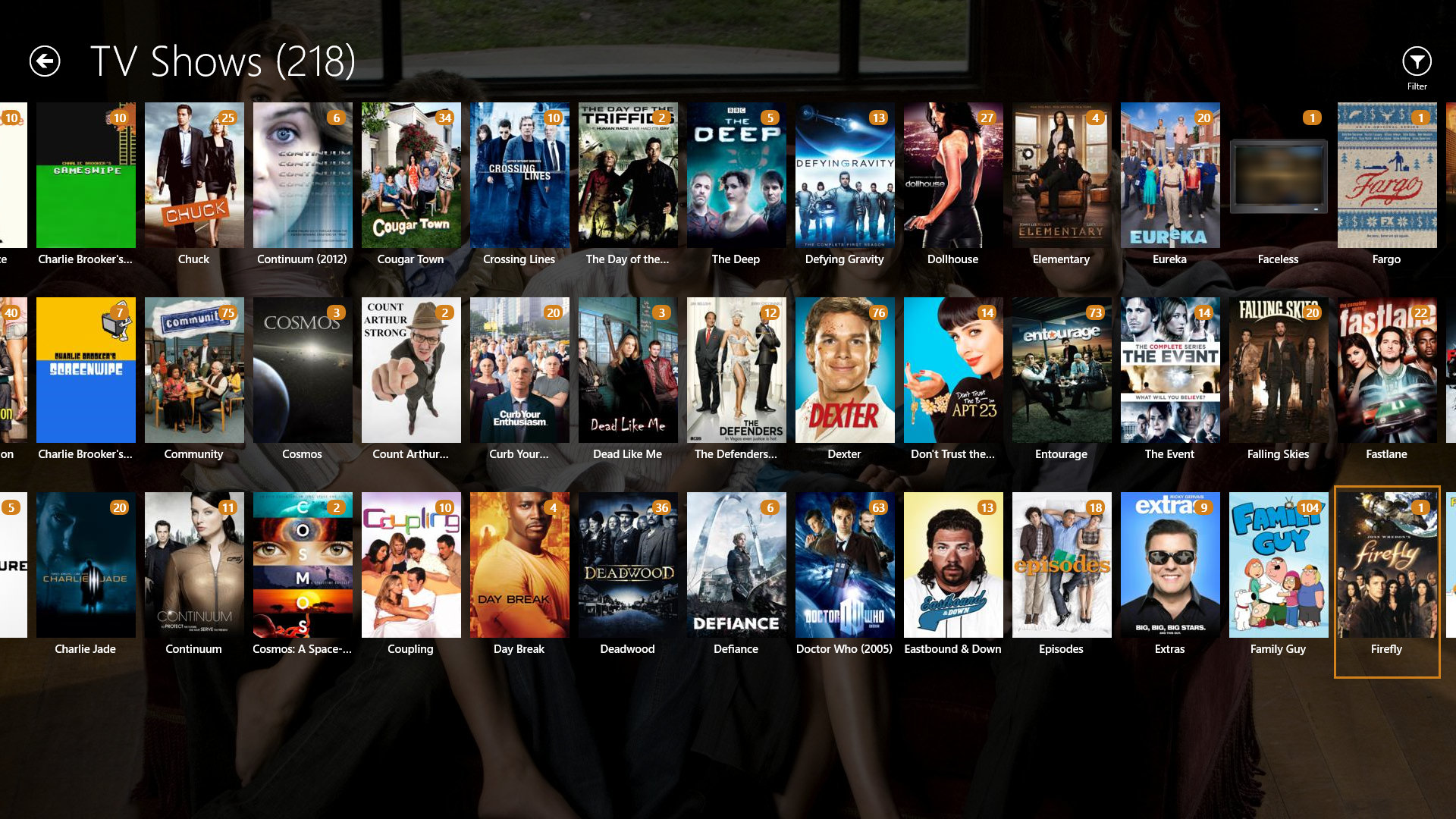
Plex is a great way for streaming media to Xbox One and other devices. Beforehand, you needed a subscription to be able to stream your movies to the console but now, after the recent Plex update, it’s completely free. While the subscription does offer advanced features that I wish I had $150 for, the free streaming is still great.
There’s an Xbox One Media Player app that allows you to do the same but Plex allows you to adjust the quality of the file. I tried to play a 4K home video the other day and it kept on buffering. I adjusted the quality to 2 Mb/s at 720p using Plex and it looked great and played without any interruptions. I could never do that using the Media Player app.
The Xbox 360 app dropped the requirement for the subscription to stream movies earlier this year so it’s great that the Xbox One requirement was dropped too. According to Digital Trends, “This shouldn’t come as a surprise to anyone who has been using Plex for a while, as it’s a fairly common practice for new versions of the app to only be available to Plex Pass subscribers in early access form, going free once the app is polished and bug-free. An updated version of the app on the Roku had the same requirement before going free for all in August.” You learn something new every day.
There was also an update that came with the requirement being removed. The update adds screen dimming to help plasma screen owners on Xbox One, and now displays a Continue Watching option on the home screen. Be sure to check it out. You just need to download the Plex app on your Xbox One and download the Plex server app for your computer. Connect them to the same network and it’ll work.
Source: Digital Trends

Asher is a games journalist, former News Writer (Gaming) at Windows Central. They contributed 1110 articles to ICXM between 2015–2017, focused on opinion pieces, game reviews, Windows and PC, and Xbox news: wrote over 1,100 ICXM pieces on Xbox news, hardware reviews, and platform commentary before joining Future plc’s Windows Central in 2017.