Roblox Studio is a free download for Windows 11, Windows 10 and Mac only: Roblox lists no Studio version for iPhone, iPad, Android, Chromebook, Linux or consoles, and the Roblox app on phones and tablets plays games but does not build them.
On this page
Below are the official download, the install and update steps, the requirements, and fixes for the problems that stop Studio from installing or signing in.
Which Roblox Studio download do you need?
Roblox Studio is one installer per desktop system, downloaded from Roblox itself. Match your device to the row below.
| Your device | What you can get | Where | Note |
|---|---|---|---|
| Windows 11 or Windows 10 PC | Roblox Studio (RobloxStudio.exe) | roblox.com/create | Free; Windows 10 is the minimum |
| Mac | Roblox Studio (RobloxStudio.dmg) | roblox.com/create | Free; macOS 10.14 is the minimum |
| iPhone or iPad | No Studio. The Roblox app plays games only | Roblox on the App Store | Build on a Windows PC or Mac instead |
| Android phone or tablet | No Studio | None | Build on a Windows PC or Mac instead |
| Chromebook | No Studio. The Roblox app installs from Google Play on Chrome OS 53 or later | Roblox requirements | Playing works; building needs Windows or Mac |
| Xbox or PlayStation | No Studio | None | Build on a Windows PC or Mac; the Devices section of the publish window sets where players can join |
| Linux | Nothing | Roblox requirements | Roblox is not supported on Linux |
Free download and official source for Roblox Studio
Roblox Studio comes only from Roblox, which describes it as a free application available on Windows and Mac. The download starts from the Roblox create page and finishes in a pop-up dialog with a Download Studio button.
- Roblox Studio for Windows 11/10 and Mac (Roblox create page): Free. Windows gets RobloxStudio.exe, Mac gets RobloxStudio.dmg
How to install Roblox Studio on Windows 11, Windows 10 and Mac
- Open roblox.com/create in your browser and start the Studio download.
- In the pop-up dialog, click Download Studio.
- Open your browser's download history and double-click the installer: RobloxStudio.exe on Windows, RobloxStudio.dmg on Mac.
- Wait for the confirmation pop-up, then click Launch Studio.
- Sign in to Studio with your Roblox account (create one at roblox.com if you have none).
- To confirm the install works, open the Classic Obby template, keep the Test option selected and click Play. Your avatar should appear on the course; click Stop to return to editing.
A second route installs Studio from roblox.com: open one of your own experiences, open its menu in the upper-right corner and select Edit. A pop-up reports that Roblox Studio is installing, and Studio opens on its own when it finishes.
How do I download Roblox Studio for free?
Download it from roblox.com/create and sign in with your Roblox account; Roblox describes Studio as a free application for Windows and Mac. Costs appear only if you choose them: Creator Store models and plugins are either free or sold for US dollars by their creators. A copy of Studio offered for sale, or as an 'unlocked' or portable build, does not come from Roblox.
Roblox Studio device and browser requirements
| Requirement | Minimum | Recommended |
|---|---|---|
| Windows version | Windows 10 | Windows 11 |
| Mac version | macOS 10.14 | macOS 14+ |
| Memory (RAM) | 3 GB | 8 GB |
| Screen resolution | 1600×900 or higher | 1600×900 or higher |
| Browser on Windows (roblox.com) | Chrome, Firefox or Microsoft Edge | Same |
| Browser on Mac (roblox.com) | Chrome, Firefox or Safari | Same |
| Graphics on Windows (Roblox app) | DirectX 10 or higher feature level support | A desktop under 5 years old with a dedicated video card, or a laptop under 3 years old |
| Internet (Roblox app) | 4-8 Mb/s for a single-use household | More bandwidth in larger households |
Roblox states only the operating system, memory and resolution for Studio. The browser rows are the browsers the Roblox website supports, and the graphics and internet rows are the Roblox app requirements.
Can you download Roblox Studio on Mac?
Yes. Roblox makes Studio for Mac, delivered as RobloxStudio.dmg from the same roblox.com/create download. The Mac version needs macOS 10.14 or later, with macOS 14+ and 8 GB of memory recommended. It opens Studio Settings with Option+S instead of Alt+S, and the publish shortcut is Option+P.
Is there Roblox Studio for iPhone, iPad or Android?
No. Roblox lists Studio for Windows and Mac only, and that includes Android phones and tablets. The Roblox app below is the legitimate download for iPhone and iPad: it plays games, including ones you publish from Studio, but it cannot create them.
- Roblox for iPhone and iPad (App Store) (225.1 MB): Free with in-app purchases. Requires iOS 14.0 or later. Plays games only
How to update Roblox Studio on Windows PC and Mac
Every Roblox game runs on the latest version of the engine, so an outdated Studio misses current features and APIs.
- Open Roblox Studio and look at the upper-right corner.
- If an Update button appears, your version is outdated. Click it.
- Save or close the open place when Studio prompts you.
- Let Studio update and restart automatically. No Update button after the restart means you are on the current version.
Close every other program before installing or updating Roblox, as Roblox advises to minimize future problems.
Common Roblox Studio problems and quick fixes
Studio will not sign in, or asks you to log in when you already are
A proxy server setting or a wrong system clock can block Studio's connection to Roblox.
- Restart the computer and try again.
- On Windows, press Windows key + S, type proxy and open Change Proxy Settings. Set Use Setup Script and Use a Proxy Server to off, then click Save.
- Right-click the Windows clock in the lower-right corner and make sure Set Time Automatically is on and the correct time zone is selected.
- Open Studio and sign in again.
Editing a place loads an empty skybox or Place1, or panels are blank
The same connection problems that stop Studio signing in.
- Work through the restart, proxy and clock fixes above.
- If the place still opens empty, uninstall Studio, delete the leftover Roblox folder (steps below) and reinstall from roblox.com/create.
The installer loops or the browser cannot find Roblox
Roblox or another program was running during the install, or temporary files are corrupted.
- Close all programs, including any open Roblox window.
- Clear your browser's temporary internet files and cookies.
- Check that your security software allows Roblox to reach the internet.
- Download and run the installer again.
Studio crashes when opening a place
Corrupted Roblox files.
- Restart the computer.
- Uninstall Studio, delete the Roblox folder under C:\Users\(Your Windows Username)\AppData\Local and reinstall.
Publish to Roblox is greyed out or publishing fails
A playtest is still running, or a connection setting is blocking the upload.
- Click Stop to end any running playtest.
- Open File > Publish to Roblox again.
- If publishing still fails, apply the proxy and clock fixes above.
Any of these problems on a Mac
The proxy and clock fixes are Windows settings; on a Mac, Roblox's fix is a reinstall.
- Remove Studio with the Mac steps in the uninstall section below.
- Download Studio again from roblox.com/create and reinstall.
How to uninstall and reinstall Roblox Studio
- On Windows, open search (Windows key + S), type Programs and features and select the Programs and Features icon.
- Find Roblox Studio in the list and uninstall it.
- For a persistent problem, open File Explorer, go to C:\Users\(Your Windows Username)\AppData\Local and delete the Roblox folder. Places you saved elsewhere are not touched.
- On a Mac, press Command + Option + Esc and Force Quit Roblox Studio if it is listed, then drag it from Finder > Applications to the Trash and empty the Trash.
- Reinstall Studio from roblox.com/create. Places published to Roblox reopen from your account after you sign in.
Roblox Studio frequently asked questions
Do I need to know coding to use Roblox Studio?
No, not to start. Roblox's beginner building lessons use templates and basic parts, and the Classic Obby template already contains the code that runs its gameplay. Game logic uses Luau, a scripting language derived from Lua 5.1, and the Script Editor offers autocompletion, syntax highlighting and Roblox Engine API documentation.
Can I make money with Roblox Studio?
Yes. Earned Robux from passes, developer products, subscriptions, paid access and other game sales can be exchanged for real money through DevEx. Among other requirements, you must be at least 13 years old and hold 30,000 Earned Robux; the standard rate pays $114 USD for 30,000 Earned Robux.
On which devices can I run Roblox Studio?
Only Windows and Mac. Studio needs Windows 10 or macOS 10.14 at minimum and 3 GB of memory. iPhone, iPad, Android, Chromebook, Linux, Xbox and PlayStation have no Studio version, although games built in Studio can be published for players on other devices.
Can I use Roblox Studio on a Chromebook?
No. Roblox Studio runs on Windows or Mac, and Roblox is not supported on Linux. A Chromebook on Chrome OS 53 or later can play Roblox by installing the Roblox app from Google Play, but building games needs a Windows PC or a Mac.
What should I build first in Roblox Studio?
Start simple with an obby. The Classic Obby template opens a working obstacle course with the gameplay code already in place, so you can learn to add and move parts, playtest the jumps and publish without writing a game from scratch first.
How do I enable snap to grid in Roblox Studio?
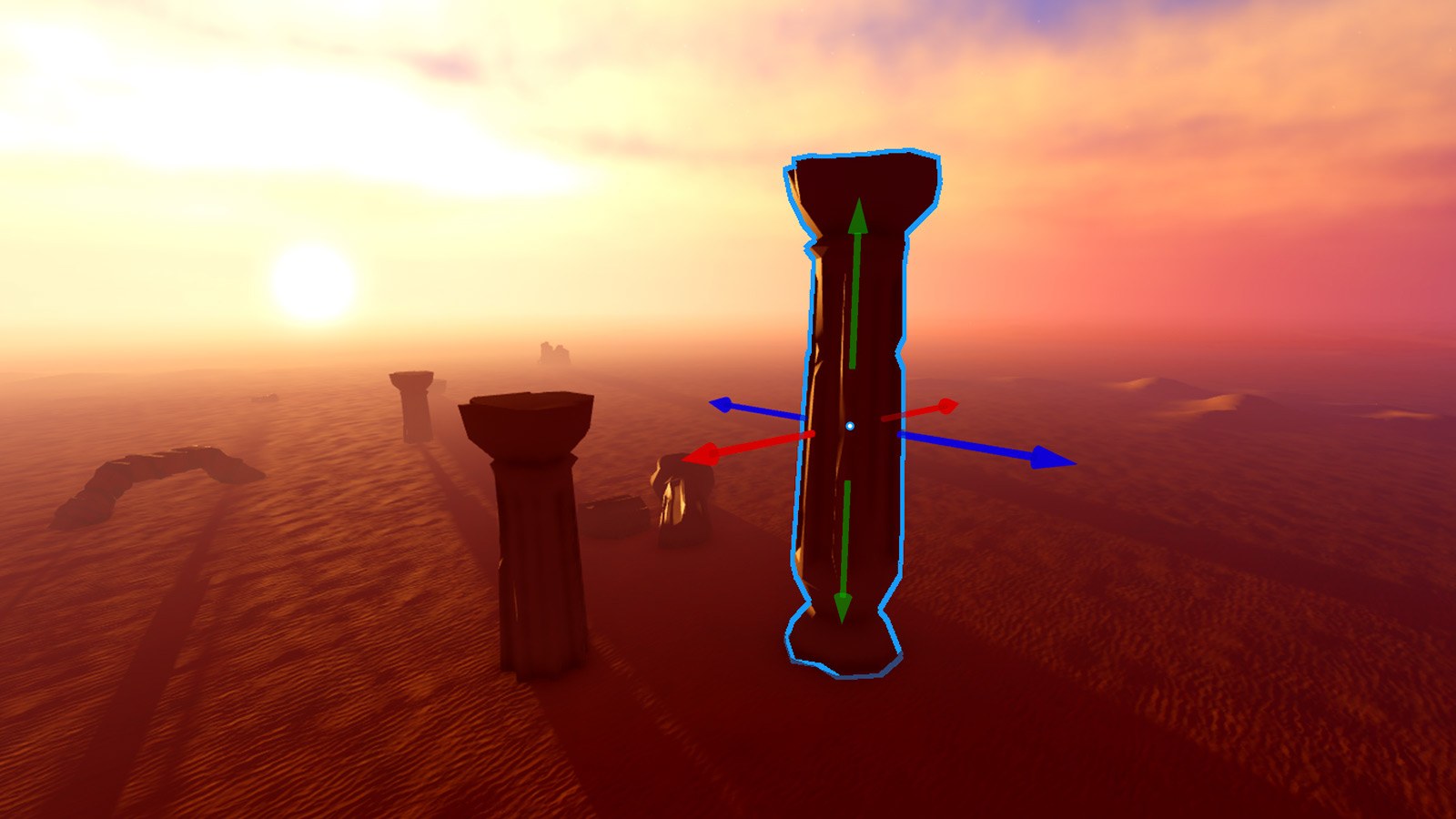
Set transform snapping on the Home or Model tab of the toolbar. For example, 5 studs and 90° positions every part you move on or away from the others in 5 stud increments, which keeps platforms, walls and floors lined up when you block out a level.
How should I plan my builds in Roblox Studio?
Greybox the layout first. Roblox's environment art lessons start from a Baseplate template with transform snapping on, block out the playable areas with simple block parts and placeholder materials, and only then replace the greybox with high-quality assets that meet the game's design requirements.
Which Roblox Studio hotkeys should I learn first?
F5 starts a Test playtest, F8 runs without your avatar and Shift+F5 stops it. Alt+P (Option+P on Mac) publishes, Alt+S (Option+S) opens Studio Settings, F focuses the camera on a selected part and Ctrl+9 jumps to the command bar. Rebind shortcuts under File > Customize Shortcuts.
How do I install plugins in Roblox Studio?
Open the Toolbox in Studio, which shows the Creator Store, and find the plugin you want to try out. Click it and select Install; the plugin then appears on the Plugins tab. Plugins can also be saved to your inventory from the Creator Store on the Creator Hub.
How do I test my creations in Roblox Studio?
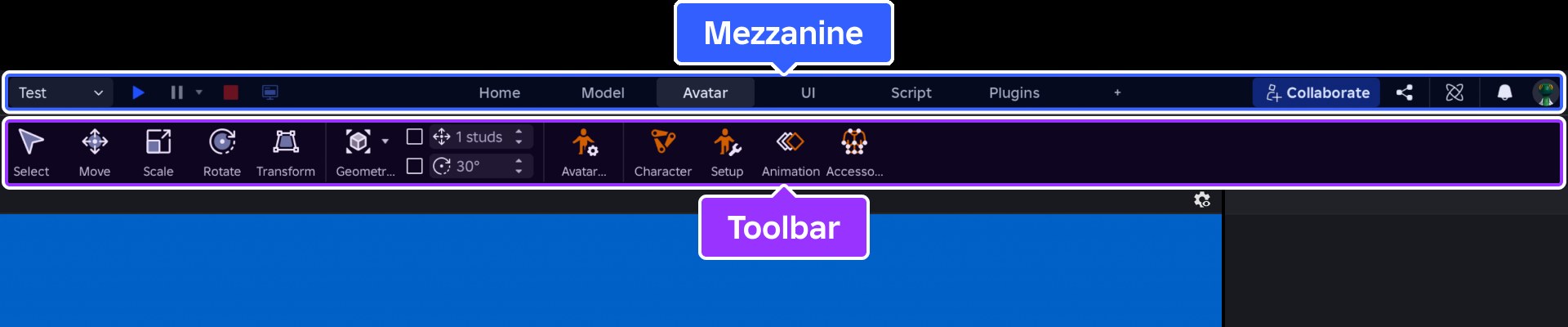
Choose Test, Test Here or Run in the playtest menu at the top left, then click Play. Server & Clients simulates up to eight players, Team Test lets collaborators join, and Device Simulator previews screen sizes and touch input of devices you do not own.
How do I undo mistakes in Roblox Studio without losing work?
Publish often, so you are ready to roll back. Closing Studio without publishing loses every edit, so use File > Publish to Roblox every ten minutes or after a big change. Version History, under Window > Version History, restores earlier saved or published versions of a place.
What are the key features of Roblox Studio for game creation?
Studio combines a 3D editor with a terrain editor, a Luau Script Editor, the Creator Store for models, audio and plugins, playtesting modes, Team Create collaboration and Version History, and publishing to Roblox for players on mobile, tablet, PC, console and VR headsets.