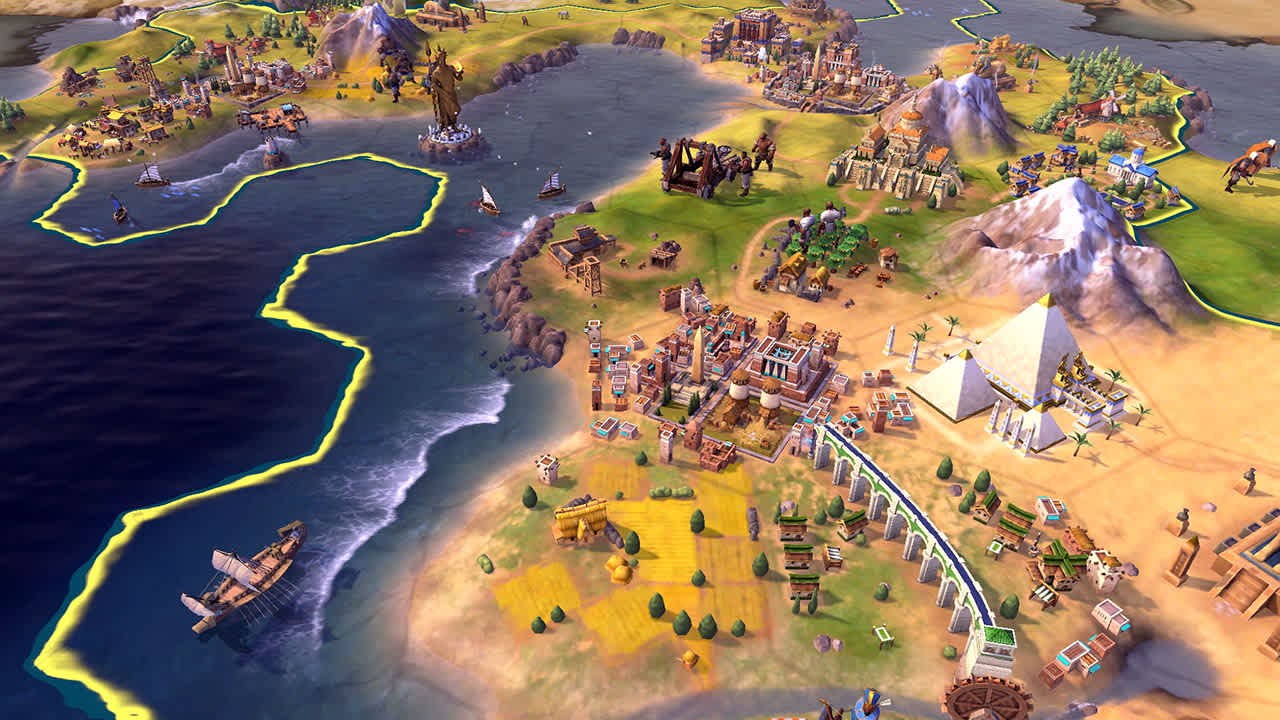
Civilization VI downloads officially from Steam for Windows PC and Mac, from the Xbox app for Windows PC, and from the App Store for iPhone and iPad, where the first 60 turns are free and the supported list ends at the iPhone 14 series.
On this page
Below are the official store links for every platform including Xbox, PlayStation, Nintendo Switch and Android, the prices, install sizes, Windows and Mac requirements, and fixes for installs that fail.

Which Civilization VI download do you need?
Firaxis Games developed Civilization VI and 2K publishes it; Aspyr handles the Mac, Linux, iPhone, iPad and Android versions. Pick the row for the device you play on.
| You play on | Get it from | Official link | Space or note |
|---|---|---|---|
| Windows PC (64-bit) | Steam | Steam store page | 17 GB minimum, 23 GB recommended |
| Windows PC (64-bit) | Xbox app / Microsoft Store | Windows PC edition on xbox.com | Xbox achievements and Xbox cloud saves |
| Mac | Steam (macOS build by Aspyr) | Steam store page | macOS 10.14.6 (Mojave) or later, 17 GB |
| iPhone or iPad | App Store | App Store listing | 4 GB, free download with 60 free turns, iPhone 7 to iPhone 14 series |
| Android phone or tablet | Google Play | Google Play listing | Free download with 60 free turns |
| Xbox One or Xbox Series X|S | Xbox store | Xbox edition on xbox.com | Xbox One X Enhanced |
| PS4 or PS5 | PlayStation Store | PS4 edition on playstation.com | PS4 game, playable on PS5 |
| Nintendo Switch or Switch 2 | Nintendo eShop | Switch edition on nintendo.com | 17 GB on both consoles |
| Linux | Steam (SteamOS + Linux build by Aspyr) | Steam store page | Ubuntu 16.04 (64bit), NVIDIA graphics only |
Download Civilization VI for Windows 11 and Windows 10
Steam and xbox.com both sell Civilization VI for Windows PC. The Steam listing names 64-bit Windows 7, 8.1 and 10 and does not list Windows 11 by name, while the Steam client itself has supported only Windows 10 and later since January 1st, 2024.
The Steam copy carries Steam Workshop mods, Remote Play Together and Family Sharing. The Windows PC edition on xbox.com carries Xbox achievements, Xbox cloud saves, Xbox cross-platform multiplayer and online multiplayer for 2-8 players. That edition lists PC as its only platform, while the Xbox console edition lists Xbox One and Xbox Series X|S.
- Sid Meier's Civilization VI on Steam (17 GB minimum): Windows, macOS and SteamOS + Linux from one purchase page
- Sid Meier's Civilization VI (Windows PC) on xbox.com: Xbox achievements and Xbox cloud saves
Install Civilization VI through Steam
- Open the Civilization VI page on the Steam store and select Install Steam if the Steam client is not on the PC or Mac yet.
- Sign in to Steam, return to the Civilization VI page and select Add to Cart next to the edition you want.
- Complete the purchase, then open your Steam library and choose to install Civilization VI on a drive with at least 17 GB free.
- Keep the PC online for the first launch: the initial installation requires a one-time Internet connection for Steam authentication.
- Let the installer add the Microsoft Visual C++ 2012 and 2015 runtime libraries and DirectX, which ship with the game.
- Launch Civilization VI from the library; reaching the main menu confirms the install worked.
Download Civilization VI on Xbox, PlayStation and Nintendo Switch
All three console editions bundle the Vikings Scenario Pack plus the Poland, Australia, and Persia and Macedon civilization and scenario packs. The Xbox edition is listed for Xbox One and Xbox Series X|S and is Xbox One X Enhanced.
The PS4 edition is playable on PS5, though some PS4 features may be absent there, and adds the Nubia and the Khmer and Indonesia packs as a bonus. The Switch edition runs on Switch 2 with behavior consistent with Switch and supports up to 4 players over wireless LAN.
- Sid Meier's Civilization VI for Xbox One and Xbox Series X|S: Online multiplayer for 2-4 players
- Sid Meier's Civilization VI for PS4 (plays on PS5): PS Plus required for online play
- Sid Meier's Civilization VI for Nintendo Switch (17 GB): Supported on Nintendo Switch 2
Is Civilization VI on Game Pass?
No. Buy Civilization VI outright: xbox.com sells both the Xbox console edition and the Windows PC edition at a regular price of $29.99, and neither listing offers it through Game Pass. Game Pass still matters on Xbox consoles, because online multiplayer there requires Xbox Game Pass Essential, Premium, or Ultimate.
Is Civilization VI free?
Only the mobile versions start free. The App Store and Google Play listings give 60 turns of Civilization VI for free, then ask for an in-app upgrade to keep playing. The PC, Mac and console versions are paid from the first turn.
The prices below are the regular US list prices on the official stores; sales lower them for limited periods.
| Edition | Xbox and Windows PC (xbox.com) | PS4 (PlayStation Store) | What it adds |
|---|---|---|---|
| Sid Meier's Civilization VI | $29.99 | $29.99 | Base game |
| Civilization VI Platinum Edition | $49.99+ | $49.99 | Base game plus the Civilization VI Expansion Bundle and the Nubia and Khmer and Indonesia packs |
| Civilization VI Anthology | $69.99+ | $69.99 | Base game, Rise and Fall, Gathering Storm, New Frontier Pass, Leader Pass and the leader and scenario packs |
| New Frontier Pass (add-on) | $39.99 | – | Eight civilizations, nine leaders and six game modes |
| Leader Pass (add-on) | $19.99 | – | 12 new leaders and six takes on classic leaders |
On Android, the New Frontier Pass costs $29.99 and the Leader Pass $19.99 as in-app purchases. On Nintendo Switch, the New Frontier Pass is $39.99 and the Anthology Upgrade Bundle is $49.99.
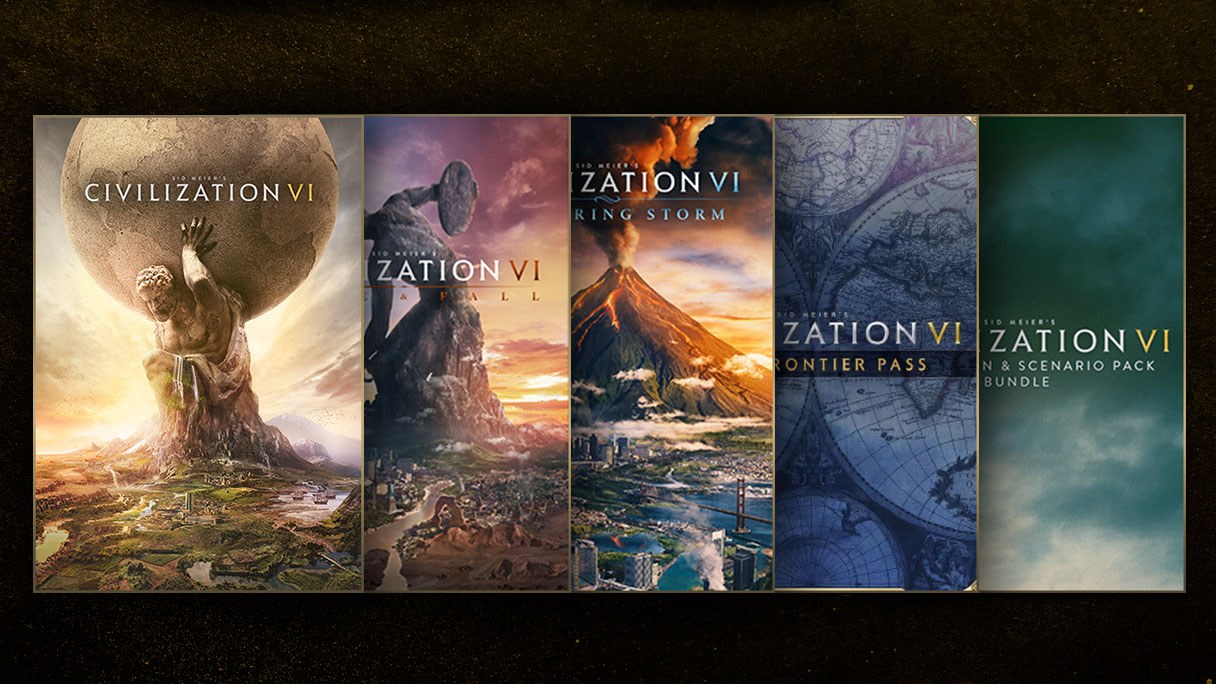
Civilization VI system requirements and download size
These are the PC system requirements on the Steam listing, which requires a 64-bit processor and operating system.
| Component | Windows minimum | Windows recommended | Mac minimum |
|---|---|---|---|
| Operating system | Windows 7, 8.1 or 10 (64-bit) | Windows 7, 8.1 or 10 (64-bit) | macOS 10.14.6 (Mojave) |
| Processor | Intel Core i3 2.5 GHz or AMD Phenom II 2.6 GHz | Fourth Generation Intel Core i5 2.5 GHz or AMD FX8350 4.0 GHz | Intel Core i5 2.7 GHz |
| Memory | 4 GB RAM | 8 GB RAM | 6 GB RAM |
| Graphics | 1 GB: AMD 5570, nVidia 450 or Intel Integrated Graphics 530 | 2GB: AMD 7970 or nVidia 770 | 1 GB: GeForce 775M, Radeon HD 6970 or Intel Iris Pro |
| DirectX | Version 11 | Version 11 | Not applicable |
| Storage | 17 GB available space | 23 GB available space | 17 GB available space |
Other install sizes: 17 GB on Nintendo Switch and Switch 2, and 4 GB for the iPhone and iPad app.
Can you download Civilization VI on Mac?
Yes. Buy Civilization VI on Steam, which carries a native macOS build developed and published by Aspyr alongside the Windows and Linux builds. Steam lists cross-platform multiplayer, but Mac and PC can fall out of sync during updates or patches; in that window Mac players can only play multiplayer with other Mac players.
Civilization VI on iPhone and Android
Aspyr publishes Civilization VI on the App Store for iPhone and iPad and on Google Play for Android. Both are free downloads with 60 free turns, and the expansions are in-app purchases.
The App Store listing names supported iPhones from the iPhone 7 through the iPhone 14 series, plus iPads including the iPad Air 2, iPad Air (3rd and 4th Gen), iPad Mini (5th Gen), iPad (5th to 8th Gen) and iPad Pro models up to the 12.9-inch 5th Gen. Aspyr states the game will not work on a device missing from that list, and no newer iPhone appears on it.
Link a 2K Account and tick the multi-platform cloud save box in options to carry saves between platforms you own the game on.
- Sid Meier's Civilization VI on the App Store (iPhone, iPad) (4 GB): Free download, 60 free turns
- Civilization VI on Google Play (Android): Free download, 60 free turns, all expansions available
Fix Civilization VI not downloading or installing
Steam will not install Civilization VI on Windows 7 or 8.1
Starting January 1st, 2024, the Steam client supports only Windows 10 and later.
- Check that the PC runs a 64-bit edition of Windows 10 or Windows 11.
- Move the PC to a supported Windows version, then reinstall Steam from the Install Steam link on the store page.
- Install Civilization VI again from the Steam library.
The install stops because the drive is full
Civilization VI needs 17 GB available space on PC and Mac, and the recommended spec asks for 23 GB.
- Free at least 17 GB on the target drive, or 23 GB to match the recommended spec.
- Restart the download from the Steam library or the Xbox app.
Civilization VI will not run on an iPhone or iPad
The app works only on the devices on its supported list, from the iPhone 7 to the iPhone 14 series.
- Compare your iPhone or iPad model with the supported devices on the App Store listing.
- Free 4 GB of storage on a supported device and download the app again.
- On an unsupported device, play on a supported phone, an Android device, a Mac or a PC instead.
The mobile game stops after 60 turns
The free download includes 60 turns; the full game is an in-app upgrade.
- Buy the full-game upgrade from the in-app offer to keep playing.
- Buy Rise and Fall, Gathering Storm, the New Frontier Pass or the Leader Pass as further in-app purchases if you want the expansion content.
The Linux version fails on AMD or Intel graphics
ATI and Intel chipsets are not supported for Civilization VI on Linux.
- Run the Linux build on a PC with NVIDIA graphics, a GeForce 650 or better with 1 GB VRAM.
- On an Intel i3 system, add a 2 GB swap partition, which some i3 processors require.
Civilization VI download FAQ
Is Civilization VI free on iPhone?
The download is free and includes 60 turns of Civilization VI at no cost. To keep playing after that, you buy the full game as an in-app upgrade, and the Rise and Fall, Gathering Storm, New Frontier Pass and Leader Pass content are further in-app purchases.
Can Civilization VI run on Windows 11?
Steam does not name Windows 11 on the Civilization VI listing, which lists 64-bit Windows 7, 8.1 and 10. The Steam client itself has supported only Windows 10 and later since January 1st, 2024, and the game is also sold as a Windows PC edition on xbox.com.
How big is the Civilization VI download?
On Windows and Mac, Steam asks for 17 GB available space at minimum and 23 GB for the recommended spec. The Nintendo Switch and Switch 2 editions take 17 GB, and the iPhone and iPad app takes 4 GB.
Does Civilization VI need an internet connection?
The Steam version does: initial installation requires a one-time internet connection for Steam authentication, and activation needs an internet connection. Online multiplayer adds platform rules, with PS Plus required on PS4 and Xbox Game Pass Essential, Premium, or Ultimate required on Xbox consoles.
Can I carry my Civilization VI saves between phone and PC?
Yes, when you own the game on both platforms. Link the same 2K Account on each device and tick the multi-platform cloud save box in the game's options to continue compatible save files across platforms.
Does Civilization VI work on PS5 and Switch 2?
Yes. The PS4 edition is playable on PS5, though some PS4 features may be absent, and the Nintendo Switch edition is supported on Switch 2 with game behavior consistent with the original Switch.
Which Civilization VI edition should I buy?
Buy the Anthology for everything: it includes the base game, the Rise and Fall and Gathering Storm expansions, the New Frontier Pass, the Leader Pass and the extra leader and scenario packs. Add-on content requires the base game, and some Leader Pass features need an expansion.