Forza Horizon 5 is a paid download for Windows 11 and Windows 10 PCs from Steam or the Xbox app, and it also sells for Xbox Series X|S, Xbox One and PS5, but there is no Mac or iPhone version, so on those devices the official route is streaming it with Xbox Cloud Gaming in a browser.
On this page
Below are the official store links for every platform, what each edition and Game Pass plan includes, the PC system requirements and fixes for downloads that stall.
Which Forza Horizon 5 download do you need?
| Your device | Official route | Link | Standard Edition price |
|---|---|---|---|
| Windows 11 or Windows 10 PC, Steam library | Steam, plus a Microsoft account for Xbox Live | Forza Horizon 5 on Steam | $59.99 |
| Windows 11 or Windows 10 PC, Xbox library | Xbox store, installed with the Xbox PC app; one purchase also covers Xbox consoles through Xbox Play Anywhere | Forza Horizon 5 on xbox.com | $59.99+, or included with Game Pass Premium, Ultimate and PC Game Pass |
| Xbox Series X|S or Xbox One | Xbox store, with Smart Delivery | Forza Horizon 5 on xbox.com | $59.99+, or included with Game Pass Premium and Ultimate |
| PS5 | PlayStation Store | Forza Horizon 5 on playstation.com | $59.99 |
| Mac | No Mac version; stream it with Xbox Cloud Gaming in a supported browser | Play Forza Horizon 5 on xbox.com | Game Pass Premium or Ultimate, or Game Pass Essential plus a purchased copy |
| iPhone or iPad | No App Store version; stream it with Xbox Cloud Gaming in Safari | Play Forza Horizon 5 on xbox.com | Game Pass Premium or Ultimate, or Game Pass Essential plus a purchased copy |
Download Forza Horizon 5 for Windows 11 and Windows 10
Forza Horizon 5 is published by Xbox Game Studios and developed by Playground Games, and on PC it sells in two official places: Steam and the Xbox store. The Steam version needs a Microsoft account and a persistent internet connection.
- Forza Horizon 5 on Steam (110 GB): Standard $59.99, Deluxe $79.99, Premium $99.99; requires an Xbox Live account, which can be linked to Steam
- Forza Horizon 5 on the Xbox store: plays on PC, Xbox One, Xbox Series X|S and Xbox Cloud Gaming, and supports Xbox Play Anywhere
- Xbox PC app (150MB): installs Xbox store and Game Pass games; requires Windows 10/11, version 22H2 or higher
Pick the store whose library you want the game in. A Steam copy stays in Steam, while a digital Xbox store copy also appears on an Xbox console signed in to the same account.
Install Forza Horizon 5 from the Xbox app on Windows
- Download the Xbox PC app and sign in with your Microsoft account.
- Buy Forza Horizon 5 on the Xbox store page, or find it in the Game Pass library if your plan includes it.
- Open the Xbox app and go to My Library, where Xbox Play Anywhere games you own appear.
- Select Forza Horizon 5 and install it to a drive with plenty of free space; Steam lists 110 GB for the PC version.
- Launch the game once the install finishes and let it sign in to your Xbox profile.
Install Forza Horizon 5 through Steam
- Open the Forza Horizon 5 Steam page and buy the edition you want.
- Install it from your Steam library to a drive with 110 GB available space.
- Launch the game and accept the Forza Horizon 5 EULA, a third-party agreement Steam lists as required.
- Sign in with the Microsoft account you use for Xbox; Steam lists Requires 3rd-Party Account: Xbox Live (Supports Linking to Steam Account) for this game.
- Leave the PC online while you play, because the game requires a persistent internet connection.
Download Forza Horizon 5 on Xbox Series X|S, Xbox One and PS5
The Xbox store lists Forza Horizon 5 for Xbox Series X|S and Xbox One, and the PlayStation Store lists it for PS5. Each console buys it from its own store.
- Forza Horizon 5 on the Xbox store: Xbox Series X|S and Xbox One with Smart Delivery, Optimized for Xbox Series X|S, 4K Ultra HD and HDR10; online console multiplayer needs Game Pass Essential, Premium or Ultimate
- Forza Horizon 5 on playstation.com: PS5, PS5 Pro Enhanced; PS Plus required for online play, with up to 12 online players; PS5 and PS Portal cloud streaming only with a PS Plus Premium subscription
On an Xbox console, a digital copy bought on xbox.com shows as Ready to Install under My Games and Apps once you sign in with the same account.

Is Forza Horizon 5 on Game Pass?
| Game Pass plan | Forza Horizon 5 access | Cloud playtime |
|---|---|---|
| Ultimate | Included to download and to stream | 15 hours/month |
| Premium | Included to download and to stream | 10 hours/month |
| PC Game Pass | Included to download on Windows PC only | None; cloud gaming is not included |
| Essential | Not included; streaming needs a purchased copy | 5 hours/month |
| No subscription | Buy the game on xbox.com, Steam or the PlayStation Store | None |
xbox.com lists Forza Horizon 5 under Premium, PC only and Ultimate. A Game Pass title can leave the library, while a purchased copy stays yours.
Is Forza Horizon 5 free?
No, Forza Horizon 5 is not free on any platform: the Standard Edition lists at $59.99 on Steam and the PlayStation Store and from $59.99 on xbox.com, and it offers in-game purchases.
| Edition or add-on | Price on xbox.com | What it adds |
|---|---|---|
| Standard Edition | $59.99+ | The base game |
| Deluxe Edition | $79.99+ | The base game and the Car Pass |
| Premium Edition | $99.99+ | The base game, Hot Wheels, Rally Adventure, Car Pass, Welcome Pack and VIP Membership |
| Car Pass | $29.99 | 42 extra cars, including 8 Formula Drift cars |
| Forza Horizon 5: Hot Wheels | $19.99 | Horizon Hot Wheels Park, 10 new cars and over 80 snappable track pieces |
| Forza Horizon 5 Rally Adventure | $19.99 | The rally expansion |
| Formula Drift Pack | $6.99 | 8 Formula Drift cars, also included in the Car Pass |
| Welcome Pack | $4.99 | 5 pre-tuned cars, a Player House and a one-time Autoshow car grant |
Hot Wheels returns as an expansion after the Forza Horizon 3 Hot Wheels add-on, and in Forza Horizon 5 it lets you design and share your own tracks. Every add-on requires the base game.
Forza Horizon 5 system requirements and download size
| Component | Minimum | Recommended |
|---|---|---|
| OS | Windows 10 version 18362.0 or higher, 64-bit | Windows 10 version 18362.0 or higher, 64-bit |
| Processor | Intel i5-4460 or AMD Ryzen 3 1200 | Intel i5-8400 or AMD Ryzen 5 1500X |
| Memory | 8 GB RAM | 16 GB RAM |
| Graphics | NVidia GTX 970, AMD RX 470 or Intel Arc A380 | NVidia GTX 1070, AMD RX 590 or Intel Arc A750 |
| DirectX | Version 12 | Version 12 |
| Network | Broadband Internet connection | Broadband Internet connection |
| Storage | 110 GB available space | 110 GB available space |
These are the Steam store requirements. Xbox Cloud Gaming needs no download and a connection of at least 10 Mbps, and Xbox recommends 20 Mbps on PCs and tablets and a 5Ghz Wi-Fi connection.
Can you download Forza Horizon 5 on Mac?
No: the Xbox store, Steam and the PlayStation Store list Forza Horizon 5 for Windows PC, Xbox and PS5 only, with no Mac build. The official alternative on a Mac is Xbox Cloud Gaming, which plays on xbox.com in a supported browser.
Stream Forza Horizon 5 on a Mac at xbox.com/play with Game Pass Premium or Ultimate, or with Game Pass Essential plus a purchased copy. Xbox says xbox.com cloud play works on phones, tablets and PCs in a supported browser such as Microsoft Edge, Google Chrome or Safari. The Forza Horizon 5 cloud page lists play with a controller, and Xbox Cloud Gaming needs a compatible controller connected over Bluetooth or USB. Mac is not named in the device list on the Xbox Cloud Gaming page.
Forza Horizon 5 on iPhone and Android
Forza Horizon 5 has no iPhone or Android version: the Xbox store lists it for PC, Xbox One, Xbox Series X|S and Xbox Cloud Gaming. Xbox Cloud Gaming streams the console version to Apple and Android phones and tablets through a supported browser.
- Play Forza Horizon 5 on xbox.com: open it in Safari on iPhone; cloud playable with Game Pass Essential, Premium or Ultimate, and a game purchase is required on Essential
- Xbox Cloud Gaming: plan comparison and requirements: a compatible controller and at least 10 Mbps on a phone
How to check Forza Horizon 5 installed correctly
- On PC, open your Steam library or the Xbox app's My Library and confirm Forza Horizon 5 shows as installed rather than queued.
- Launch the game and wait for it to sign in to your Xbox profile; reaching the main menu confirms the install and the account link both work.
- On Xbox, open My Games and Apps and check the game no longer shows Ready to Install.
- For cloud play, open the xbox.com play page and start the game with your controller connected.
Fix Forza Horizon 5 not downloading or installing
Forza Horizon 5 will not install because the drive is full
Steam lists 110 GB available space for the PC version.
- Select File Explorer from the taskbar, then This PC, and read the free space under Devices and drives.
- On Windows 11, select Start > Settings > System > Storage > Cleanup recommendations.
- Review Temporary files, Large or unused files and Unused apps, then select Clean up for each section.
- Retry the install, or pick a drive with more free space.
Windows shows a Low Disk Space error after you cleared space
The Temp folder can fill quickly with application (.appx) files used by Microsoft Store.
- On Windows 11, select Start > Settings > System > Troubleshoot > Other troubleshooters, then next to Windows Store Apps, select Run.
- Press the Windows Logo Key + R, type wsreset.exe and select OK; the Store opens by itself after a blank window closes.
- Restart the PC and resume the download in the Xbox app.
The Xbox app will not install on the PC
The PC runs a Windows version older than the app supports, or Windows S mode.
- Confirm the PC runs Windows 10/11, version 22H2 or higher.
- Update Windows if it is older, then download the Xbox PC app again.
- If the PC is in S mode, switch out of it; Microsoft notes that playing games on the Xbox PC app may require it.
The Steam version will not start or asks for an Xbox account
The Steam version requires a Microsoft account and a persistent internet connection.
- Check the PC is online.
- Sign in with the Microsoft account you use for Xbox; Steam lists Xbox Live as a required third-party account that supports linking to Steam.
- If it still fails, uninstall Forza Horizon 5 from the Steam library and install it again.
Cloud play on Mac or iPhone stutters
Xbox says streaming performance depends on the internet connection, your location and the device.
- Move to a 5Ghz Wi-Fi network or a stronger mobile data signal.
- Check the speed: Xbox recommends 10 Mbps on phones and 20 Mbps on PCs and tablets.
- Close other streams and downloads on the same network, then restart the game.
How to uninstall Forza Horizon 5
- For the Xbox store version, select Start > Settings > Apps > Installed apps.
- Find Forza Horizon 5, select More > Uninstall.
- For the Steam version, uninstall it from the Steam library instead.
- Xbox Play Anywhere saves stay with your Xbox account, so a reinstall picks up where you left off.
Forza Horizon 5 download FAQ
How big is the Forza Horizon 5 download on PC?
Steam lists 110 GB available space for both the minimum and the recommended specification. Install to an internal drive with at least that much free space before you start the download. The Xbox store and PlayStation Store pages do not list an install size for consoles.
Can I play Forza Horizon 5 on Windows 11?
Yes. Forza Horizon 5 supports Xbox Play Anywhere, which plays on Windows 10/11 PCs, and Steam lists Windows 10 version 18362.0 or higher on a 64-bit processor. It installs from Steam or from the Xbox store through the Xbox PC app, which itself needs Windows 10/11, version 22H2 or higher.
Is Forza Horizon 5 on PlayStation?
Yes, on PS5. The PlayStation Store sells the Standard Edition for $59.99, the PS5 version is PS5 Pro Enhanced, and online play needs PS Plus. The PlayStation Store lists PS5 as the only PlayStation platform for the game.
If I buy Forza Horizon 5 on Xbox, do I get the PC version?
Yes, when you buy the digital Xbox store version. Forza Horizon 5 supports Xbox Play Anywhere, so one purchase plays on Xbox consoles and Windows 10/11 PCs at no additional cost, with saves and add-ons following your account. A Steam copy does not carry over.
Does Forza Horizon 5 need an internet connection?
Yes. The PC version lists a persistent internet connection as required, plus a Microsoft account. Online multiplayer on Xbox consoles also needs Game Pass Essential, Premium or Ultimate, and on PS5 it needs PS Plus.
Can I play Forza Horizon 5 on an Android phone?
Only by streaming. Xbox Cloud Gaming runs Forza Horizon 5 in a supported browser on Android phones and tablets, with a compatible controller and Game Pass Premium or Ultimate, or Game Pass Essential plus a purchased copy. There is no Google Play version.
Is Forza Horizon 5 multiplayer cross-platform?
Yes. Steam lists cross-platform multiplayer, and the PlayStation Store page advertises cross-platform play across Mexico's open world. The Xbox store lists online co-op for 2-6 players and online multiplayer for 2-12 players.
Where is Forza Horizon 5 set?
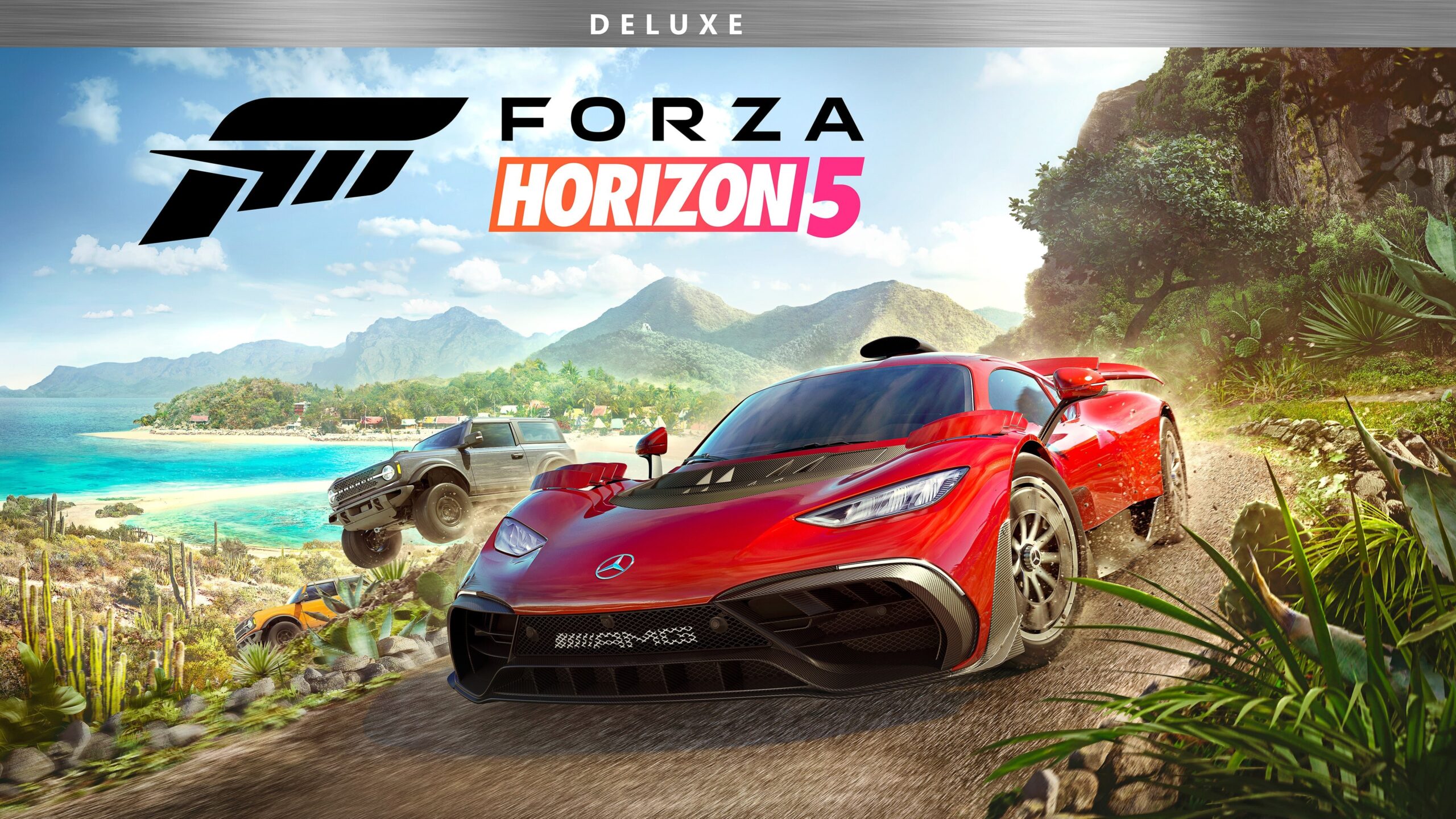
Forza Horizon 5 is set in Mexico, with jungles, deserts and beaches and seasons that change the world every week. Earlier entries moved around, including Forza Horizon 3, which was set in Australia.