Rocket League is a free download for Windows 11 and Windows 10 PCs from the Epic Games Store, and for Xbox, PlayStation and Nintendo Switch, but there is no current Mac or iPhone version, so on those devices the official route is streaming it with Xbox Cloud Gaming at xbox.com/play.
On this page
Below are the official store links for each platform, what is free and what costs money, the PC system requirements and fixes for the problems that stop a download or a match.
What operating systems are compatible with Rocket League?
Rocket League is available for 64-bit Windows, Xbox One, Xbox Series X|S, PS4 (and PS5 through backward compatibility), Nintendo Switch and Nintendo Switch 2. Match your device to a row and use that store.
| Your device | Official route | Link | Price |
|---|---|---|---|
| Windows 11 or Windows 10 PC | Epic Games Store, installed with the Epic Games Launcher | Rocket League on the Epic Games Store | Free |
| Xbox Series X|S or Xbox One | Xbox store | Rocket League on xbox.com | Free, with in-app purchases |
| PS4 or PS5 | PlayStation Store (the PS4 version also plays on PS5) | Rocket League on playstation.com | Free |
| Nintendo Switch or Switch 2 | Nintendo eShop | Rocket League on nintendo.com | Free |
| Mac | No current build; stream it with Xbox Cloud Gaming in Safari or another browser | Play Rocket League on xbox.com | Game Pass plan, except select free-to-play games; details in the Mac section |
| iPhone, iPad or Android | No download; stream it with Xbox Cloud Gaming in the browser | Play Rocket League on xbox.com | Game Pass plan, except select free-to-play games; details in the Mac section |
Download Rocket League for Windows 11 and Windows 10
On a Windows PC, Rocket League is a free download from the Epic Games Store. Its Steam store page is unlisted at the publisher's request and does not appear in Steam search, and the Xbox store version plays on Xbox One and Xbox Series X|S only.
- Rocket League on the Epic Games Store (20 GB): free on Windows; needs a 64-bit processor and operating system
- Epic Games Launcher: the PC client that installs and starts Rocket League
Install Rocket League through the Epic Games Launcher
- Download the Epic Games Launcher from Epic and sign in with your Epic Games account.
- Open the Rocket League store page and add the free game to your library.
- Install it from your library to a drive with at least 20 GB free.
- Start Rocket League from the Epic Games Launcher once the install finishes.
Download Rocket League on Xbox, PlayStation and Nintendo Switch
Each console has its own free listing. Progress follows your account: the Inventory, Competitive Rank and Rocket Pass Tier carry across any connected platform.
- Rocket League on the Xbox store: Xbox One and Xbox Series X|S; listed as Optimized for Xbox Series X|S, with 4K Ultra HD, HDR10 and 120 fps among its capabilities
- Rocket League on the PlayStation Store: PS4 version, playable on PS5; 1-4 players and 8 online players
- Rocket League on the Nintendo eShop (25.4 GB): Nintendo Switch and Nintendo Switch 2; TV, tabletop and handheld modes
On PS5, the PS4 version may need the latest system software first, and some features available on PS4 may be absent. On Switch 2, the game is supported and behaves as it does on Nintendo Switch.
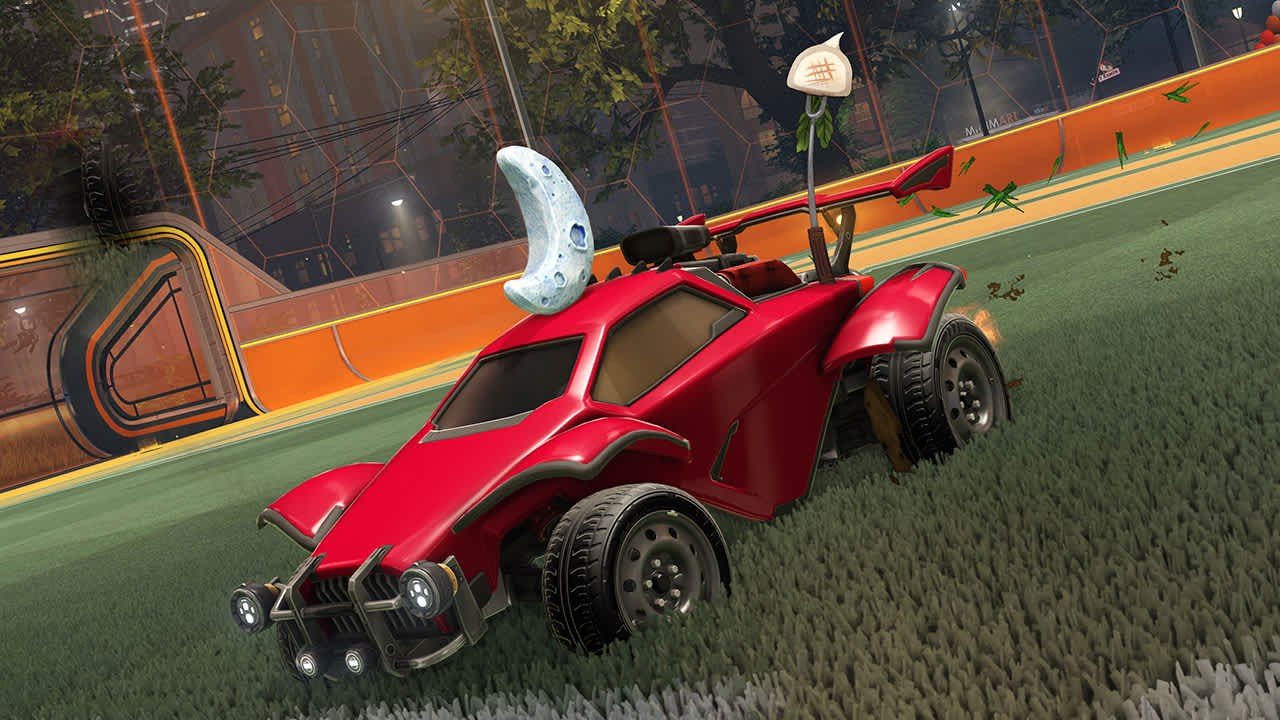
Is Rocket League free?
Yes. Rocket League is free to download and play on the Epic Games Store, Xbox, PlayStation and Nintendo Switch, and it sells optional item packs and Credits.
| What | Cost | Notes |
|---|---|---|
| Online Matches | Free | 1v1, 2v2 and 3v3, casual and Competitive Ranks |
| Extra Modes | Free | Rumble, Snow Day and Hoops, the basketball mode |
| Offline play | Free | Season Mode, Local Matches, splitscreen and Mutators that change the rules |
| Challenges and Tournaments | Free | Weekly and season-long Challenges unlock customization items |
| Season 24 Rookie Pack | $1.99 | US price on the PlayStation Store and Xbox store |
| Season 23 Veteran Pack | $4.99 | US price on the PlayStation Store and Xbox store |
| Season 24 Elite Pack | $9.99 | US price on the PlayStation Store and Xbox store |
| Season 23 Rocketeer Pack | $19.99 | US price on the PlayStation Store and Xbox store |
| Credits x500, x1100, x3000, x6500 | $4.99, $9.99, $24.99, $49.99 | US prices on the Xbox store; Credits cannot be shared across linked accounts |
Items in item packs can be shared across linked accounts on other platforms, so a pack bought on one store follows you; Credits stay on the platform where you bought them.
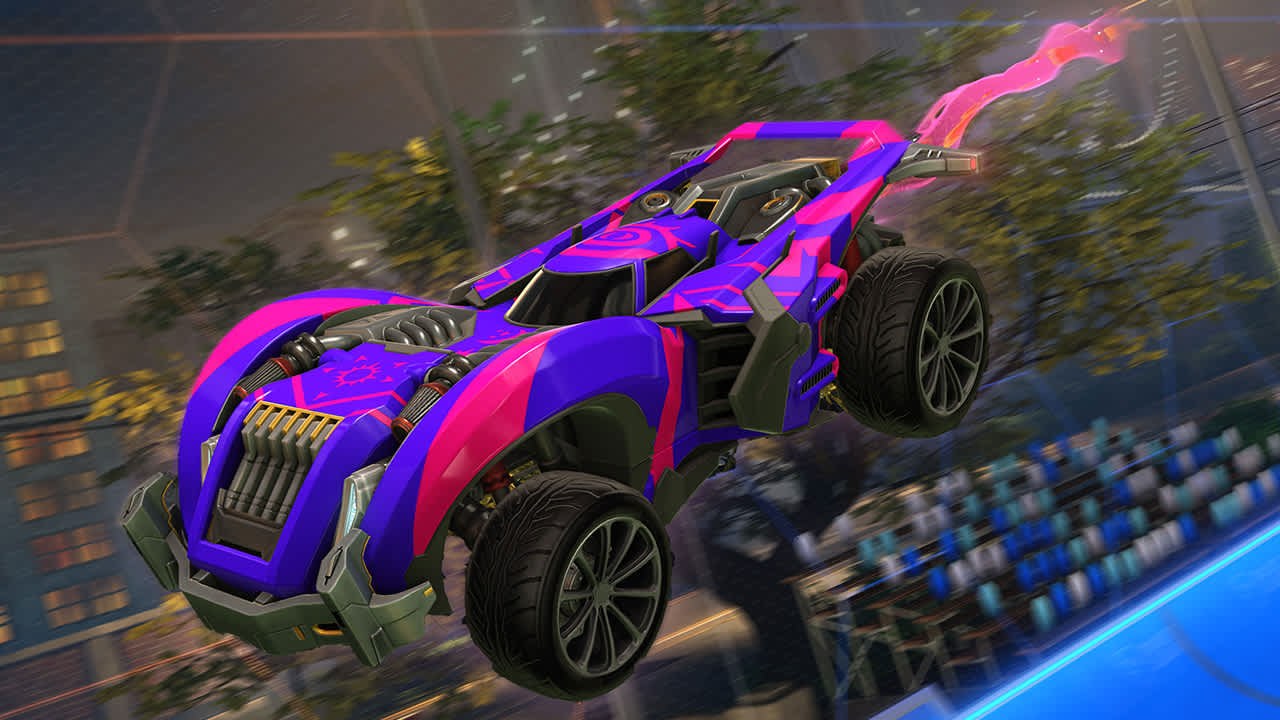
Is Rocket League on Game Pass?
You do not need Game Pass to download Rocket League; it is free on the Xbox store and on PC. The Xbox store lists Rocket League under the Ultimate subscription, and Ultimate includes 15 hours/month of cloud playtime. PC Game Pass does not include cloud gaming, and the PC version comes from the Epic Games Store rather than the Xbox app.
Rocket League system requirements and download size
| Component | Minimum | Recommended |
|---|---|---|
| OS | Windows 7 (64 bit) or Newer (64 bit) Windows OS | Windows 7 (64 bit) or Newer (64 bit) Windows OS |
| Processor | 2.5 GHz Dual core | 3.0+ GHz Quad core |
| Memory | 4 GB RAM | 8 GB RAM |
| Graphics | NVIDIA GeForce 760, AMD Radeon R7 270X, or better | NVIDIA GeForce GTX 1060, AMD Radeon RX 470, or better |
| DirectX | Version 11 | Version 11 |
| Network | Broadband Internet connection | Broadband Internet connection |
| Storage | 20 GB available space | 20 GB available space |
Windows 11 and Windows 10 both meet the operating system line. A gamepad or controller is recommended. On Switch the game file is 25.4 GB.
Can you download Rocket League on Mac?
No: there is no supported Mac version. The final patch for the macOS and Linux versions was released on March 10, 2020, and it disabled online functionality such as Casual and Competitive Playlists; only offline features like Local Matches and splitscreen still work in that old build.
Stream Rocket League on a Mac from its Xbox Cloud Gaming page at xbox.com/play in Safari or another browser, with a controller connected over Bluetooth or USB. Xbox supports cloud gaming on a Mac with a Game Pass Essential, Premium or Ultimate subscription, and select free-to-play games also stream with a free Microsoft account. The Xbox store lists Rocket League under Ultimate, so sign in on the play page to see whether it starts without a plan.
Rocket League on iPhone and Android
There is no Rocket League version for iPhone, iPad or Android; on those devices the official way to play it is Xbox Cloud Gaming. Xbox supports cloud play on iPhone with iOS 14.4 or later, iPad with iPadOS 14.4 or later, and Android phones and tablets on Android 12 or later.
- Play Rocket League on xbox.com: open it in Safari on iPhone or Chrome on Android and sign in with your Microsoft account; the page lists only Play with controller
Pair a controller over Bluetooth or a cable before starting a match. Xbox sets a 10 Mbps minimum for cloud play and recommends 5GHz Wi-Fi or mobile data at 20Mbps or higher on phones and tablets.
What are the alternatives to Rocket League?
Try Rocket Racing, the arcade racer from the creators of Rocket League, if you want the same cars without the ball. Rocket Racing takes the cars in your Rocket League Vehicle Locker to the track, where you drift, fly and boost across an ever-growing rotation of locations. The PlayStation Store lists it as free.
How to check Rocket League installed and works
- On PC, open your Epic Games Launcher library and confirm Rocket League shows as installed rather than downloading.
- Start the game and wait for the main menu; reaching it confirms the install and the account sign-in both work.
- Join an online match; online play working confirms your region and connection can reach the servers.
- On a console, start the game from the home screen and check your Rocket Pass Tier matches the one on your other platforms.
Fix Rocket League not downloading or installing
Rocket League does not appear in Steam search
The game is unlisted on the Steam store at the publisher's request.
- Download the Epic Games Launcher.
- Add Rocket League from the Epic Games Store page.
- Install it from the Epic library.
The PC install will not finish
The install drive has less than the 20 GB the game needs.
- Free up space on the drive, or choose a different drive with at least 20 GB available.
- Retry the install from the Epic Games Launcher.
- Confirm the PC runs 64-bit Windows, which the game requires.
Items from a purchased pack are missing on PC
Item pack contents are claimed by starting Rocket League with the Epic Games Launcher after the purchase.
- Close Rocket League.
- Start it again from the Epic Games Launcher.
- If the missing purchase is Credits bought on another platform, it will not carry over: Credits cannot be shared across linked accounts.
Online matches are missing on a Mac or Linux PC
The final macOS and Linux patch on March 10, 2020 disabled online play.
- Use Local Matches or splitscreen in the old build, which still work offline.
- For online play, stream the game from its Xbox Cloud Gaming page instead.
The game installs but cannot connect online
Server access is restricted in some regions.
- Check your location: online play is restricted in China, Crimea, Cuba, Iran, North Korea, Sudan and Syria.
- Outside those regions, check your connection and try an online match again.
Cloud play on Mac or iPhone stutters
The connection is below what Xbox Cloud Gaming needs.
- Move to a 5GHz Wi-Fi network or a stronger mobile data signal.
- Check the speed: Xbox sets a 10 Mbps minimum and recommends 20Mbps or higher on phones and tablets.
- Close other streams and downloads on the same network, then restart the game.
Rocket League download FAQ
Why should I download Rocket League?
Rocket League is a free hybrid of arcade-style soccer and vehicular mayhem with physics-driven matches, Competitive Ranks and cross-platform progression. It has won or been nominated for more than 150 Game of the Year awards, and the Epic Games Store and all three console stores offer it free.
Is Rocket League still on Steam?
Not in the store: the Rocket League Steam page is unlisted at the publisher's request and does not show in Steam search. On a Windows PC, download Rocket League free from the Epic Games Store and install it with the Epic Games Launcher.
How big is the Rocket League download?
The PC version lists 20 GB of available space for both the minimum and recommended specification. On Nintendo Switch and Switch 2 the game file is 25.4 GB. Leave extra room on the drive for updates.
Can I play Rocket League on Windows 11?
Yes. The PC version needs Windows 7 or a newer 64-bit Windows, a 64-bit processor and DirectX 11, so Windows 11 and Windows 10 both qualify. Install it free from the Epic Games Store with the Epic Games Launcher.
Is Rocket League on PS5?
Yes, through backward compatibility. The PlayStation Store offers the free PS4 version, which plays on PS5, though some features available on PS4 may be absent. The PS5 may need the latest system software first.
Is Rocket League cross-platform?
Yes. Rocket League supports cross-platform multiplayer, and cross-platform progression shares your Inventory, Competitive Rank and Rocket Pass Tier on any connected platform. Credits are the exception: they cannot be shared across linked accounts.
Can I play Rocket League offline?
Yes. Season Mode, Local Matches and splitscreen work without an online connection. Online Matches, Competitive Ranks and Tournaments need an internet connection to reach the game's servers.
Who makes Rocket League?
Psyonix develops Rocket League, and Epic Games publishes it on Nintendo Switch. The game first released on July 7, 2015, came to Xbox One on February 17, 2016, and reached Switch on November 14, 2017.