Diablo IV is a paid download for Windows 11 and Windows 10 PCs through Battle.net or Steam, and for Xbox Series X|S, Xbox One, PS5 and PS4, but Blizzard makes no Mac or iPhone version, so on those devices the legitimate route is streaming a PC copy through NVIDIA GeForce NOW.
On this page
Below are the official link for each platform, the install steps for Battle.net, Steam and the Xbox app, the prices and PC requirements, and fixes for the problems that stop a download.
Which Diablo IV download do you need?
Every version needs a Battle.net account and an internet connection, and cross-progression carries your characters between platforms. Buy the base game once on the platform you play most.
| Your device | How you get Diablo IV | Official link | Price or access |
|---|---|---|---|
| Windows 11 or 10 PC | Buy it from Blizzard and install it with the Battle.net app | Diablo IV on Blizzard.com | Paid; Standard Edition or Age of Hatred Collection |
| Windows 11 or 10 PC, Steam library | Buy it on Steam; a Battle.net account is still required | Diablo IV on Steam | Paid |
| Windows PC with Game Pass | Install it from the Xbox app, which hands the install to Battle.net | Diablo IV on Xbox | Game Pass; check the tier in the Xbox app |
| Xbox Series X|S or Xbox One | Buy it in the Xbox store or play it with Game Pass Premium or Ultimate | Diablo IV in the Xbox store | $49.99+ or Game Pass Premium / Ultimate |
| PS5 or PS4 | Buy it on PlayStation Store | Diablo IV on PlayStation | $49.99 |
| Mac | No Mac version; stream a PC copy with GeForce NOW | GeForce NOW requirements | Buy the PC game, then stream it with GeForce NOW |
| iPhone or iPad | No iOS app; stream a PC copy with GeForce NOW in Safari | GeForce NOW requirements | Buy the PC game, then stream it with GeForce NOW |
Download Diablo IV for Windows 11 and Windows 10
Both PC stores sell the same Standard Edition and Age of Hatred Collection, and both sign in with a Battle.net account. Battle.net is Blizzard's own launcher; Steam suits a player who keeps every game in one library, though Diablo IV still runs through a linked Battle.net account.
- Diablo IV editions on Blizzard.com (90 GB available space): Standard Edition or the Age of Hatred Collection; installs through Battle.net
- Battle.net desktop app for Windows: The launcher that downloads and updates Diablo IV
- Diablo IV on Steam (90 GB available space): Requires a Battle.net account and agreement to the Diablo IV EULA
Install Diablo IV through Battle.net
- Open the Battle.net download page and select Download for Windows.
- Run the installer and sign in with your Battle.net account, or create one.
- Buy Diablo IV from the Diablo IV site with the same Battle.net account.
- Select Diablo IV in the Battle.net app, pick an SSD with at least 90 GB free and start the install.
- Launch Diablo IV when the download finishes and create a character on the Seasonal or Eternal Realm.
Install Diablo IV through Steam
- Open the Diablo IV page on Steam and sign in.
- Select Add to Cart next to the Standard Edition or the Age of Hatred Collection and complete the purchase.
- Install Diablo IV from your Steam library to an SSD with 90 GB of available space.
- Launch the game and sign in to an existing Battle.net account or create one; Steam lists it as a required third-party account.
Install Diablo IV from the Xbox app on PC
Diablo IV came to Game Pass for console and PC on March 28, 2024. On PC the Xbox app does not install the game itself; it installs Battle.net and links the two accounts first.
- Open the Xbox app on PC and sign in with the Microsoft account tied to your Game Pass membership.
- Select Diablo IV, then the Install button.
- Select Install Battle.net when prompted and finish that installation. If Battle.net is already installed, this step is skipped.
- Sign in to your Battle.net account, or create one, to connect it to your Microsoft account.
- Complete the Diablo IV installation once the accounts are connected.
Download Diablo IV on Xbox Series X|S, Xbox One, PS5 and PS4
Diablo IV launched on Xbox and PlayStation on June 6, 2023. The Xbox purchase includes Diablo IV for both Xbox One and Xbox Series X|S, the PlayStation purchase covers PS4 and PS5, and both console versions support couch co-op for two players on one screen.
- Diablo IV for Xbox Series X|S and Xbox One: $49.99+; included with Game Pass Premium and Ultimate; Smart Delivery; Optimized for Xbox Series X|S
- Diablo IV for PS5 and PS4: $49.99; PS5 Pro Enhanced; PS Plus required for online play
On Xbox, buy the game or claim it with Game Pass in the store while signed in to the account you use on the console, then install it from the console library. On PlayStation, select Add to Cart on the store page, then download Diablo IV from the game library on the console.
Is Diablo IV on Game Pass?
Yes on Xbox consoles: the Xbox store lists Diablo IV as included with Game Pass Premium and Ultimate. Game Pass covers the base game only. The Vessel of Hatred and Lord of Hatred expansions are sold separately, and Lord of Hatred requires the base game. On PC, Diablo IV joined Game Pass on March 28, 2024 and installs through the Xbox app and Battle.net; check the Diablo IV page in the Xbox app for the tier your PC plan includes. Online multiplayer on console requires Game Pass Essential, Premium or Ultimate.
How much does Diablo IV cost?
Diablo IV is not free to play. These are the US prices on the Xbox and PlayStation stores; Platinum is the game's virtual currency.
| What you buy | Includes | Xbox price | PlayStation price |
|---|---|---|---|
| Diablo IV Standard Edition | Base game | $49.99+ | $49.99 |
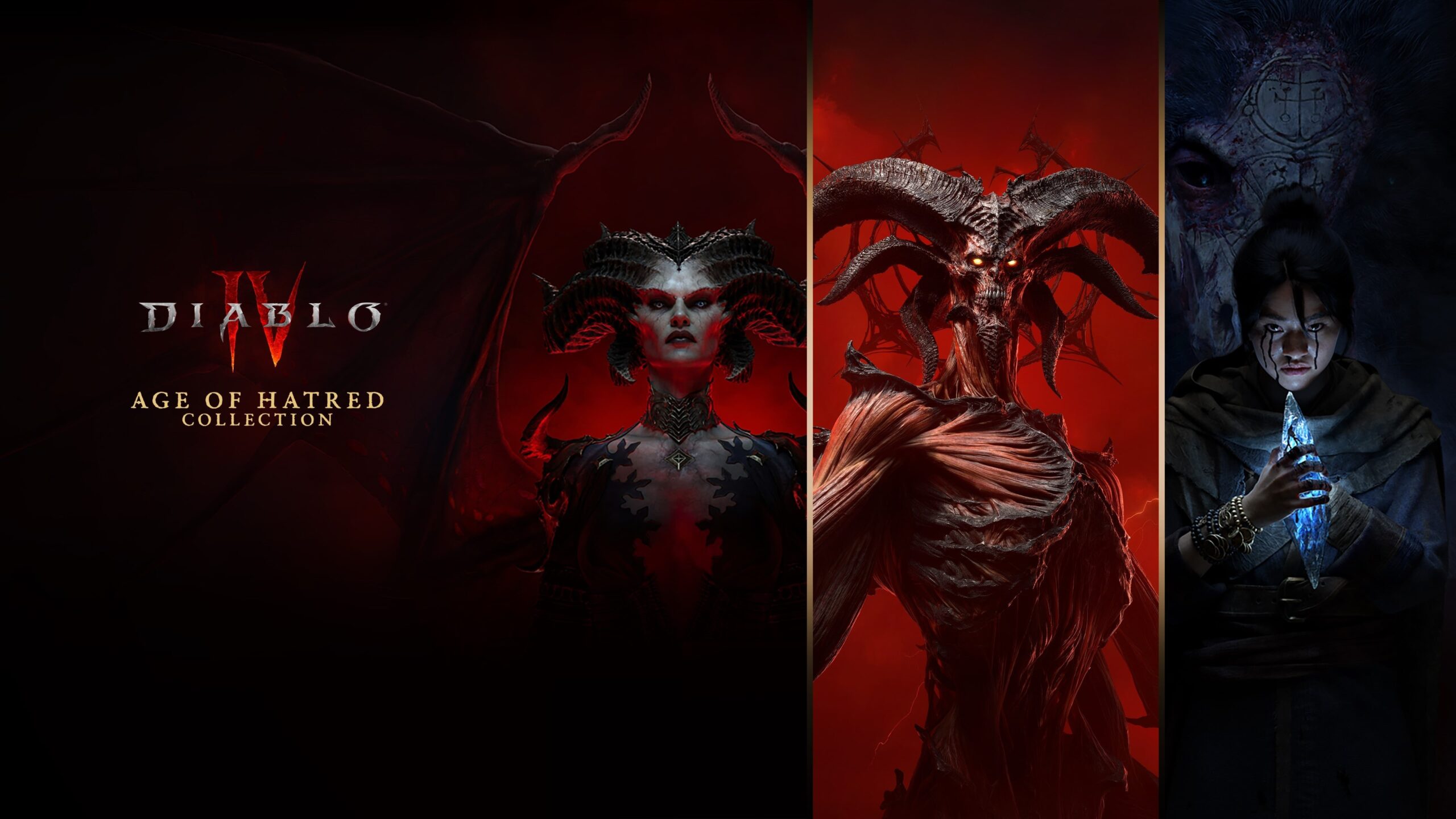
| Diablo IV: Age of Hatred Collection | Base game, Vessel of Hatred and Lord of Hatred | $69.99+ | $69.99 |
| Lord of Hatred Standard Edition | Expansion with Vessel of Hatred; Paladin and Warlock classes | $39.99 | $39.99 |
| Lord of Hatred Deluxe Edition | Standard expansion plus cosmetic bundles, a mount, a pet and a Premium Battle Pass Bundle | $59.99 | $59.99 |
| Lord of Hatred Ultimate Edition | Deluxe contents plus more cosmetics and 3,000 Platinum | $89.99 | $89.99 |
| 500 Platinum | In-game currency | $4.99 | $4.99 |
Every Lord of Hatred edition requires the base game, and buying any of them unlocks Vessel of Hatred as well.
Diablo IV system requirements and download size
These are the PC requirements from the Steam page. Diablo IV needs a 64-bit processor, a 64-bit edition of Windows 10 version 1909 or newer, and an SSD.
| Component | Minimum | Recommended |
|---|---|---|
| OS | 64-bit Windows 10 version 1909 or newer | 64-bit Windows 10 version 1909 or newer |
| Processor | Intel Core i5-2500K or AMD FX-8350 | Intel Core i5-4670K or AMD Ryzen 1300X |
| Memory | 8 GB RAM | 16 GB RAM |
| Graphics | NVIDIA GeForce GTX 660, Intel Arc A380 or AMD Radeon R9 280 | NVIDIA GeForce GTX 970, Intel Arc A750 or AMD Radeon RX 470 |
| DirectX | Version 12 | Version 12 |
| Storage | 90 GB available space, SSD Required | 90 GB available space, SSD Required |
| Target | 1080p native / 720p render, low settings, 30fps | 1080p, medium settings, 60fps |
The Diablo IV page on Xbox.com lists Windows 10/11 for the PC edition. The Xbox and PlayStation store pages do not state a console download size.
Can you download Diablo IV on Mac?
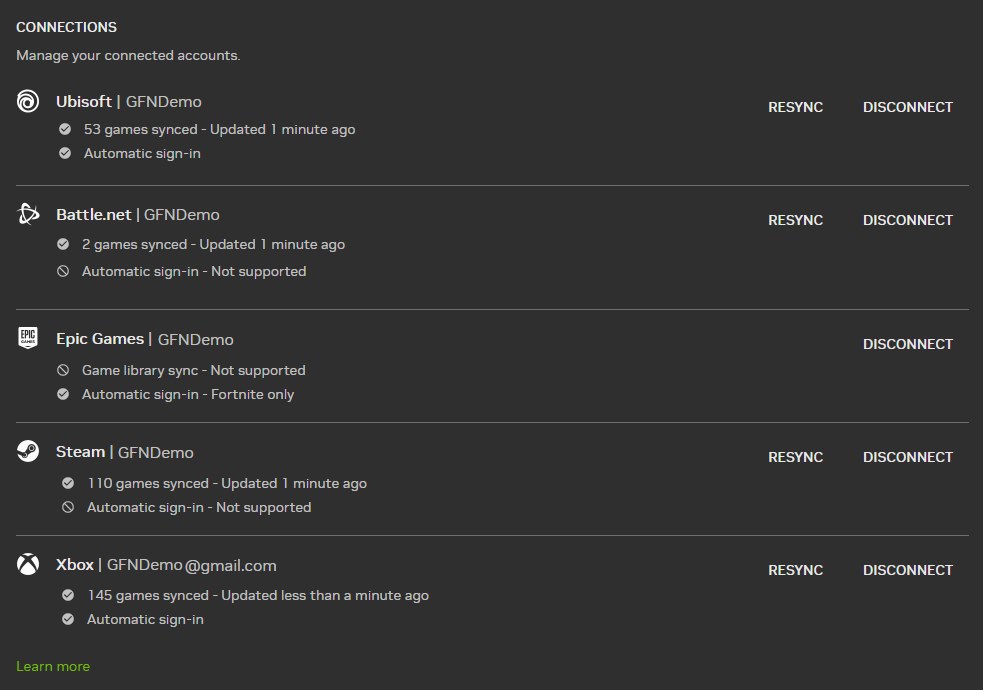
No. Diablo IV has no macOS version; the legitimate way to play on a Mac is to stream a PC copy through NVIDIA GeForce NOW. The published PC requirements list 64-bit Windows 10 only. The Battle.net page offers a Download for Mac button, but that installs the launcher, not Diablo IV. NVIDIA added the Vessel of Hatred expansion to GeForce NOW in October 2024 and syncs Battle.net libraries into it. GeForce NOW runs on macOS 10.15 or higher and needs 15 Mbps for 720p at 60 FPS or 25 Mbps for 1080p at 60 FPS. Search for Diablo IV in the GeForce NOW app before you choose a membership to confirm the store you bought it on is listed.
Diablo IV on iPhone and Android
Diablo IV has no iPhone, iPad or Android app. GeForce NOW streams a PC copy to an iPhone or iPad running iOS 15.4 or later through Safari, and it needs a gamepad there: keyboard and mouse work only for menus and typing. On Android, the GeForce NOW app needs Android 7.0 or later and 1GB of available memory.
- GeForce NOW system requirements: iPhone or iPad on 15.4 or later, Android 7.0 or later; Xbox, DualSense or DualShock 4 gamepads
- Battle.net desktop app: Buy and hold the PC copy here; GeForce NOW syncs Battle.net libraries
Any Diablo IV APK or iOS installer is unofficial. Blizzard does not publish one, and the game cannot run without a Battle.net sign-in.
Fix Diablo IV not downloading or installing
Diablo IV on Steam will not start after the download
The Steam version requires a linked Battle.net account.
- Launch Diablo IV from your Steam library.
- Sign in to your Battle.net account, or create one, when prompted.
- Launch again once the accounts are linked.
The Xbox app install on PC stops at Battle.net
Game Pass on PC installs Diablo IV through Battle.net and needs the two accounts connected.
- Select Install Battle.net when the Xbox app asks and let it finish.
- Sign in to Battle.net and connect it to the Microsoft account that holds your Game Pass membership.
- Return to the Xbox app and select Install on Diablo IV again.
The download fails for lack of space or runs badly after install
Diablo IV needs 90 GB of available space and lists an SSD as required.
- Free at least 90 GB on an SSD.
- Change the install location in Battle.net or Steam to that SSD.
- Restart the download.
Diablo IV will not install on an older Windows PC
It needs a 64-bit processor, 64-bit Windows 10 version 1909 or newer and DirectX 12.
- Check the system type and Windows version in the Windows settings.
- If it reads 32-bit or an older Windows 10 version, the PC cannot run Diablo IV locally.
- Stream a PC copy with GeForce NOW instead, which needs only 64-bit Windows 10 or later.
Online co-op does not work on console
PlayStation requires PS Plus for online play, and Xbox requires Game Pass Essential, Premium or Ultimate for online multiplayer.
- Check that your PS Plus or Game Pass subscription is active.
- Keep the console connected to the internet; Diablo IV needs a connection even for solo play.
- Invite the other player again once the subscription shows as active.
Spiritborn, Paladin or Warlock is missing at character creation
The Spiritborn comes with Vessel of Hatred, and the Paladin and Warlock come with Lord of Hatred.
- Buy Lord of Hatred, which also unlocks Vessel of Hatred, or the Age of Hatred Collection.
- Log out and back in; Blizzard delivers purchased items in-game after the next login.
- Create a new character and pick the class.
Other questions about downloading Diablo IV
Is Diablo IV free?
No. Diablo IV is a paid game; the Standard Edition costs $49.99 on PlayStation and from $49.99 on Xbox. Xbox console players can also get the base game through Game Pass Premium or Ultimate, but the expansions are sold separately.
How big is the Diablo IV download?
Steam lists 90 GB of available space for the PC version at both minimum and recommended settings, and marks an SSD as required. The Xbox and PlayStation store pages do not state a download size for the console versions.
Does Diablo IV work on Windows 11?
Yes. The Diablo IV page on Xbox.com lists Windows 10/11 for the PC edition, and Steam asks for 64-bit Windows 10 version 1909 or newer. The same Battle.net, Steam and Xbox app downloads serve Windows 11 and Windows 10.
Can you play Diablo IV offline?
No. Every version of Diablo IV requires an internet connection and a Battle.net account, including solo play. On console, online co-op also needs PS Plus on PlayStation or a Game Pass Essential, Premium or Ultimate plan on Xbox.
Do you need a Battle.net account for Diablo IV on Steam or Xbox?
Yes. Steam lists a Battle.net account as a required third-party account, and the Xbox and PlayStation versions also require one. Sign in to an existing Battle.net account or create one when the game asks on first launch.
Can you play Diablo IV on a Mac?
Not natively. Diablo IV has no macOS version, but you can stream a PC copy through NVIDIA GeForce NOW on macOS 10.15 or higher. Confirm Diablo IV is listed in the GeForce NOW app before you choose a membership.
Can you play Diablo IV on iPhone?
Only by streaming. Diablo IV has no iOS app, but GeForce NOW can stream a PC copy to an iPhone or iPad on iOS 15.4 or later through Safari. You need a gamepad, because keyboard and mouse only work for menus there.
Is Diablo IV cross-platform?
Yes. Diablo IV supports cross-play and cross-progression on all available platforms, and progress is shared across them through your Battle.net account. A character made on Xbox can be continued on PC or PlayStation.
Do you need the base game to play Lord of Hatred?
Yes. Lord of Hatred and Vessel of Hatred both require the Diablo IV base game. Any edition of Lord of Hatred also unlocks Vessel of Hatred, and the Age of Hatred Collection bundles the base game with both expansions.
Does Diablo IV need an SSD?
Yes. Both the minimum and recommended PC requirements on Steam say SSD Required, alongside 90 GB of available space.