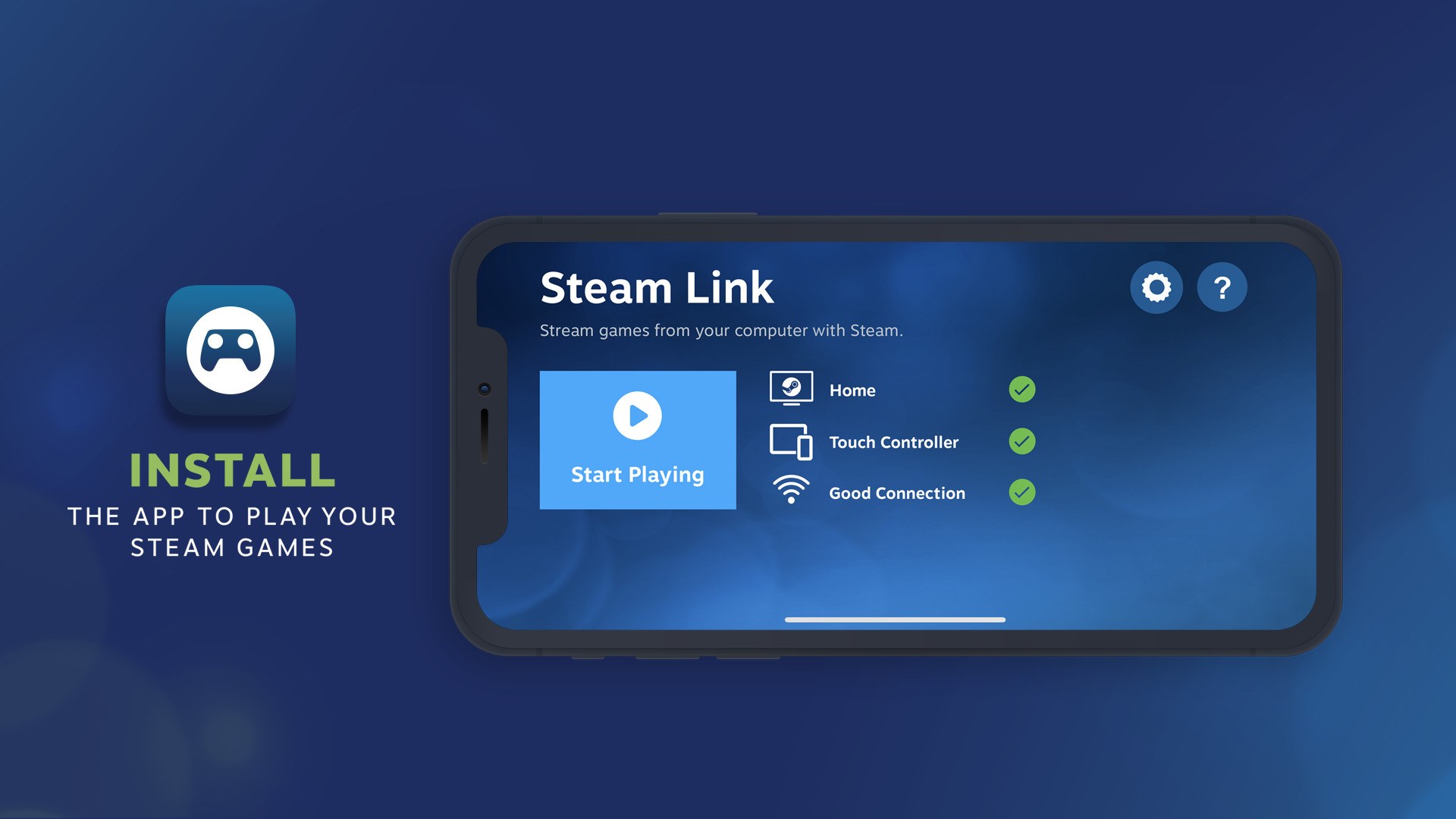
Steam Link is available for Windows 11 and Windows 10, Mac and iPhone: Valve's Remote Play page carries the Windows build, and one free App Store app covers iPhone, iPad, Mac, Apple TV and Apple Vision Pro.
On this page
Below: which build fits each device, how to set up the PC running Steam, Android and Fire TV links, requirements, and fixes for a Steam Link that will not connect or lags.
Which Steam Link download do you need?
Steam Link does not run games itself. It streams them from a computer that is running Steam, so every device needs that host computer. Match the device you want to play on to a row.
| Device you play on | Get it from | Notes |
|---|---|---|
| Windows 11 or Windows 10 PC | Valve's Remote Play page | The Windows link under Get it now for; a second PC with Steam installed can also stream with no extra app |
| Mac | App Store | Same app as the iPhone version |
| iPhone, iPad, Apple TV or Apple Vision Pro | App Store | One app for all four; pair an MFI or Steam controller |
| Android phone, tablet or Android TV | Google Play | Published by Valve Corporation |
| Amazon Fire TV or Fire Tablet | Amazon Appstore | Works with game controllers and the Fire TV Voice Remote |
| Linux PC | Valve's Remote Play page | The Linux link under Get it now for |
| Raspberry Pi 3, 3+, 4 or 5 | Valve's Remote Play page | Listed by Valve as a supported Steam Link device |
| Meta Quest 2, 3 or Pro | Valve's Remote Play page | Streams SteamVR games wirelessly from the PC |
| Xbox, PlayStation or Nintendo Switch | No download | None of these consoles is on Valve's Steam Link device list |
Download Steam Link for Windows 11 and Windows 10
Valve publishes the Windows build of Steam Link on its Remote Play page. Use it on a laptop or spare PC that should stream games from your main gaming PC. If that second PC can run the full Steam client, Valve's PC to PC route works too: log into Steam on both computers and start streaming from the Steam Library.
- Steam Link for Windows (Valve Remote Play page): select Windows in the Get it now for list
- Steam client for the gaming PC (Valve's digital game platform): select Install Steam; the host must be running Steam for Steam Link to connect
How to download, install, and use Steam on a Windows PC with Steam Link
Every Steam Link device connects to a computer running Steam. Set that host up first, then the device you play on.
- On the gaming PC, open store.steampowered.com/about and select Install Steam.
- Run the installer, then log into Steam with the account that owns your games.
- Connect the gaming PC to your router with an Ethernet cable if you can.
- On the device you play on, install Steam Link from its store (see the table above).
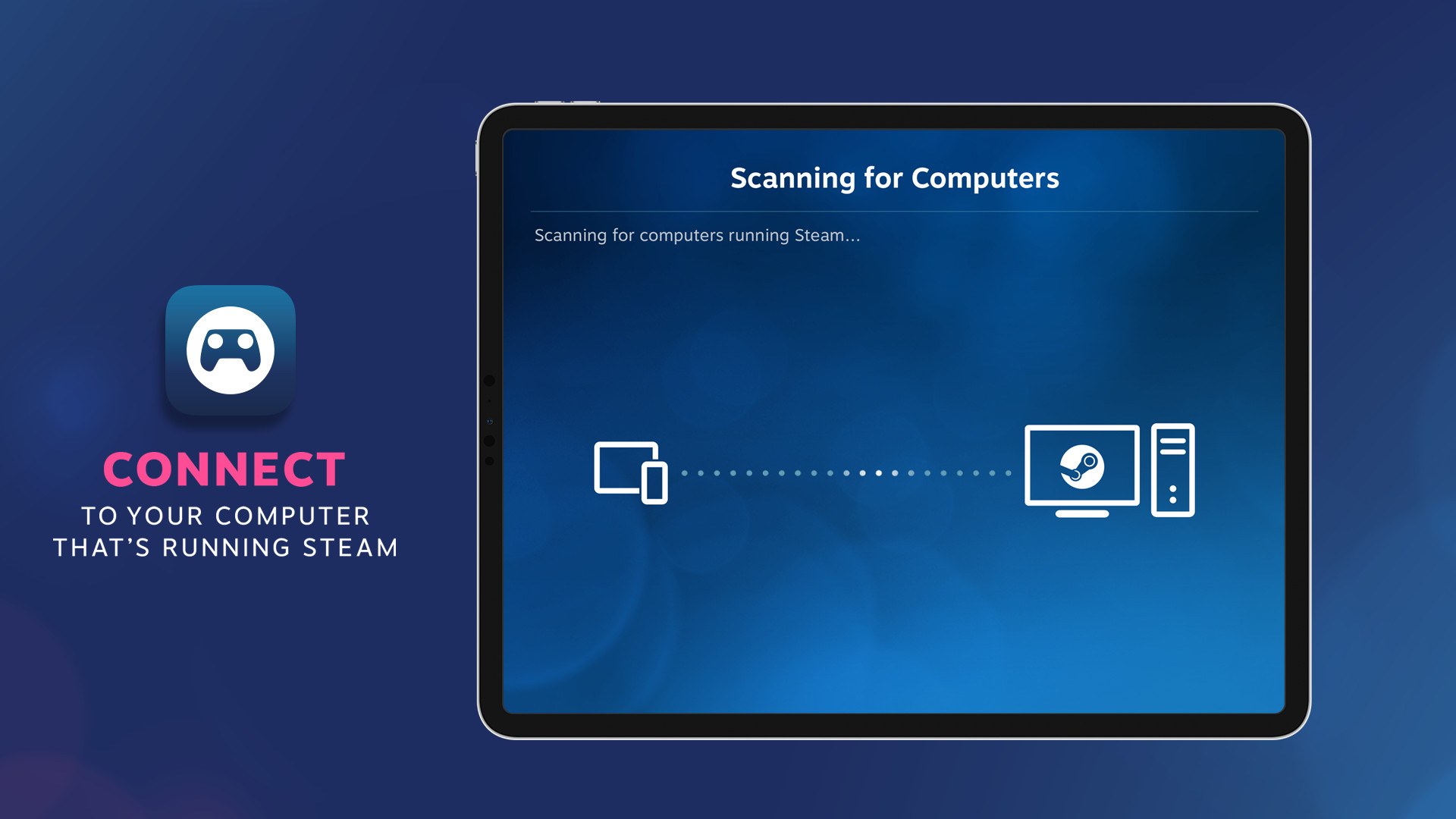
- Open Steam Link and choose the computer running Steam on your network.
- Pair a Bluetooth controller or Steam Controller to the device, then start a game from your Steam Library.
- Check that the game's picture and sound arrive on the device and that the controller moves the game; if not, see the fixes below.
Steam keeps running on the gaming PC the whole time. Video and audio go from the PC to the Steam Link device, and controller input and voice go back to the PC.
Can you download Steam Link on Mac?
Yes. Steam Link for Mac is the same free App Store app as the iPhone version, and it requires macOS 10.13 or later. Open the Steam Link App Store page on the Mac and install it. A Mac can also be the host instead: the App Store listing names Windows, Mac and Linux as the computers running Steam that Steam Link streams from.
Steam Link on iPhone, iPad, Android and Fire TV
Both mobile apps come from Valve through the official stores. The iPhone app pairs with an MFI or Steam controller, and the Android and Fire TV apps with a Bluetooth controller or Steam Controller. On iPhone and iPad, the device must be on the same local network as the computer running Steam.
- Steam Link on the App Store (iPhone, iPad, Mac, Apple TV, Apple Vision) (1.3.32 · 58.6 MB)
- Steam Link on Google Play (Android phone, tablet and TV)
- Steam Link on the Amazon Appstore (Fire TV and Fire Tablet) (1.3.32 · 28.3MB)
To join a friend's game on a phone, accept the invite in the Steam Chat app (Android 6.0+ or iPhone and iPad 11.0+); the game then opens in Steam Link.
Is Steam Link free?
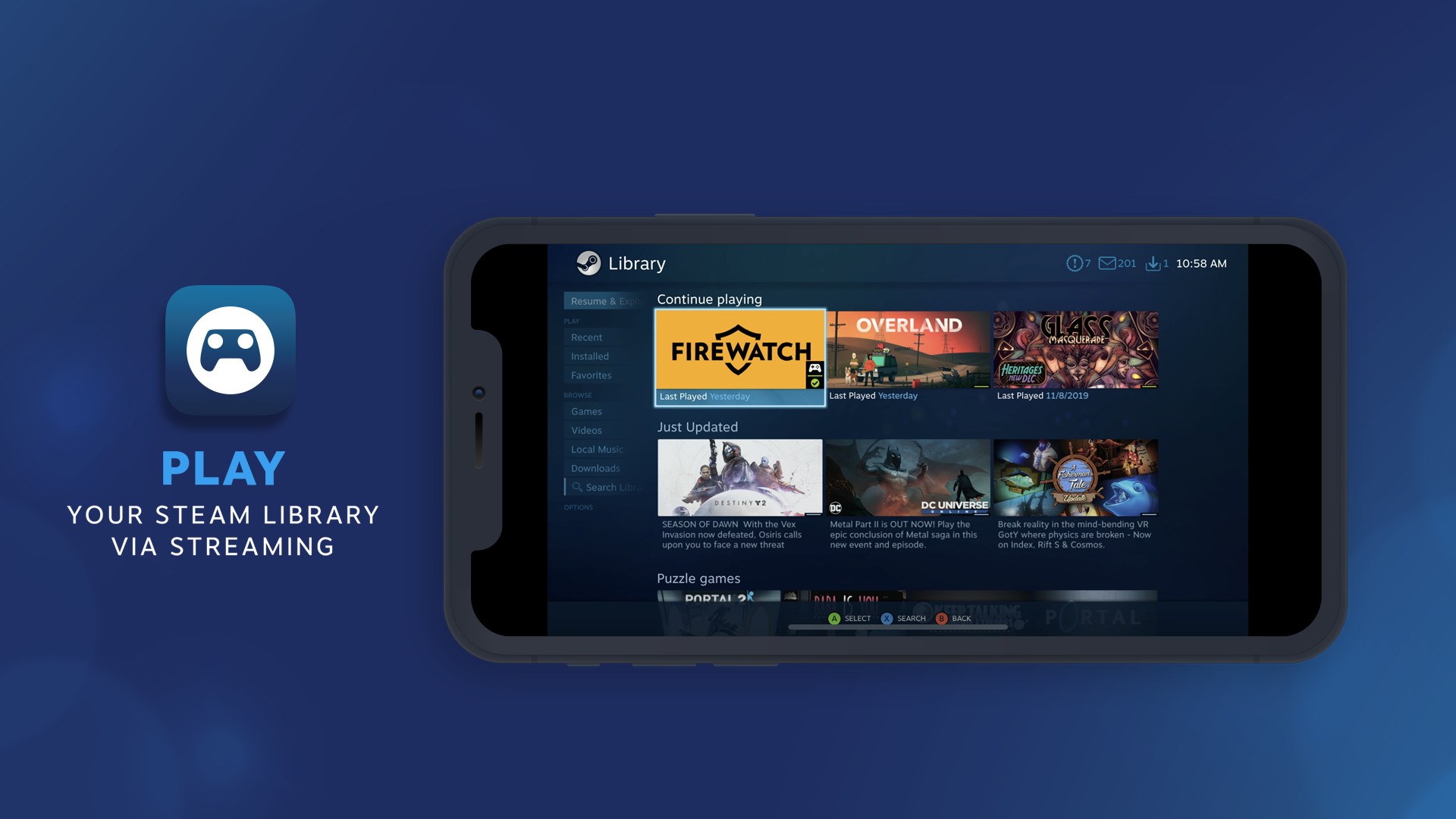
Yes on the stores: the App Store lists Steam Link as Free and the Amazon Appstore lists it as App Free to Download. Valve's Remote Play page lists no price for the Windows, Linux or Raspberry Pi builds. Steam Link includes no games of its own. It plays the existing Steam games in your library on the computer running Steam. Remote Play Together, which shares your local multiplayer games with friends over the internet, is free as well, according to Valve.
Steam Link system requirements and download size
| Device | Requirement |
|---|---|
| Host computer | A computer running Steam on Windows, Mac or Linux (iPhone and iPad must be on its local network) |
| iPhone / iPad | iOS 11.0 or later / iPadOS 11.0 or later; 58.6 MB download |
| Mac | macOS 10.13 or later |
| Apple TV / Apple Vision | tvOS 11.0 or later / visionOS 1 or later |
| Android phone, tablet or TV | Android 5.0 or later (Valve's Remote Play page) |
| Fire TV / Fire Tablet | Android 9.0 or later; 28.3MB download |
| Meta Quest 2, 3 or Pro | PC running Steam and SteamVR on Windows 10 or newer, NVIDIA GTX970 or better, a 5GHz Wi-Fi 5 router, and a wired connection from the PC to the router |
For phones and tablets, Valve recommends an Ethernet connection from the computer to a 5GHz Wi-Fi router, with the device on the 5GHz band and within range. For Android TV and Fire TV, connect both the computer and the TV to the router with Ethernet.
How to check your Steam Link version and update it
- On iPhone, iPad, Mac or Apple TV, open the Steam Link App Store page and install the update if one is offered.
- On Android, open the Google Play listing and tap Update.
- On Fire TV, update from the Amazon Appstore listing.
- On Windows, download the build again from Valve's Remote Play page.
- Update Steam on the host computer too, because some streaming options depend on the Steam client version.
Version 1.3.32 on the App Store and Amazon Appstore added 59.94 FPS as a framerate limit. Version 1.3.31 added a 100 Mbit/s bandwidth option, and its Unlimited option allows adaptive bitrate up to 250 MBit/s when the host runs a Steam beta dated June 10th or newer.
How to show FPS and raise the frame rate in Steam Link games
Steam Link's frame rate settings live in the app on the device you play on. The App Store version history documents each one for iPhone, iPad, Mac and Apple TV.
You want to see the frame rate while streaming
The Apple version of Steam Link has a performance graph in its streaming overlay that a button turns on and off.
- Open the streaming overlay while a game is running.
- Use the button that toggles the performance graph.
- Watch the graph for drops while you play.
The stream will not reach 120 FPS on an Apple device
Streaming at 120 FPS requires enhanced 1080p or 4K settings.
- Open Steam Link's streaming settings.
- Choose an enhanced 1080p or 4K configuration, or enter an exact framerate value.
- Start the game again. HDR streaming from Windows needs the same enhanced configuration.
Frames drop with the framerate limit on automatic
Versions before 1.3.32 dropped more frames when the framerate limit was set to automatic.
- Update Steam Link to 1.3.32 or later from its store.
- If a TV still judders, set the 59.94 FPS framerate limit, added in the same version.
- If drops continue, enter lower exact values for bitrate, framerate or resolution in the streaming settings.
Fix Steam Link not connecting, lagging or not working
Steam Link does not find the computer
Steam Link only connects to a computer that is running Steam, and on iPhone and iPad it must be on the same local network.
- Open Steam on the host computer and log in.
- Put the device on the same Wi-Fi network as the computer.
- Update Steam Link and Steam, then open Steam Link again.
The stream lags, stutters or looks blurry
Valve's store listings tie streaming performance to the local network between the computer and the device.
- Connect the computer to the router with Ethernet.
- Move the phone or tablet to the 5GHz band and keep it within range of the router.
- For Android TV or Fire TV, connect the TV to the router with Ethernet as well.
- Lower the streaming bitrate, framerate or resolution in Steam Link's streaming settings, or set a framerate limit.
The controller does not work in Steam Link
Steam Link needs a controller paired to the device itself, not to the PC.
- Pair a Bluetooth controller or Steam Controller with the phone, tablet or TV (an MFI or Steam controller on iPhone and iPad).
- Open Steam Link and check the controller status on the main screen.
- On Apple devices, update Steam Link: the App Store version history lists gyro support for DualShock and DualSense controllers.
To report a bug or crash, email Valve at [email protected], the support address on the store listings.
Steam Link download FAQ
Where do I download Steam Link for Windows?
From Valve's Remote Play page at store.steampowered.com/remoteplay, where Windows is listed under Get it now for. A second Windows PC with the Steam client installed can also stream without Steam Link.
Is Steam Link available on Mac?
Yes. The Steam Link App Store app runs on Mac as well as iPhone, iPad, Apple TV and Apple Vision, and it requires macOS 10.13 or later. A Mac running Steam can also act as the host computer that Steam Link streams from.
Is Steam Link free?
Yes. The App Store lists Steam Link as Free and the Amazon Appstore lists it as App Free to Download. The app streams games you already own in your Steam library from a computer running Steam.
Does Steam Link work without a gaming PC?
No. Steam Link connects your device to a computer that is running Steam on Windows, Mac or Linux, and the games run on that computer. Without a computer running Steam, Steam Link has nothing to stream.
What Android version does Steam Link need?
Android 5.0 or later for phones, tablets and Android TV, according to Valve's Remote Play page. The Fire TV version on the Amazon Appstore lists Android 9.0 as its minimum operating system.
Can I use Steam Link on Xbox or PlayStation?
No. Valve's Steam Link device list includes Apple devices, Android, Fire TV, Raspberry Pi, Windows, Linux, macOS and Meta Quest, but no Xbox, PlayStation or Nintendo Switch console.
Can I use Steam Link on Meta Quest?
Yes, on Meta Quest 2, 3 and Pro. It streams SteamVR games from a PC running Windows 10 or newer with an NVIDIA GTX970 or better, over a 5GHz Wi-Fi 5 router, with the PC wired to the router.
How big is the Steam Link download?
The App Store lists Steam Link at 58.6 MB and the Amazon Appstore lists the Fire TV app at 28.3MB, both at version 1.3.32. The app is small because the games stay installed on the host computer.
Why is Steam Link lagging?
Valve ties Steam Link performance to the local network. Connect the computer to the router with Ethernet, keep phones and tablets on 5GHz Wi-Fi within range, and wire Android TV or Fire TV to the router. Lowering the bitrate or framerate in the streaming settings also helps.