To return a Steam game, request a refund at help.steampowered.com within two weeks of purchase and with less than two hours of playtime, and Valve refunds it for any reason.
On this page
DLC, in-game items, gifts, bundles, pre-purchases, subscriptions and Steam Deck hardware each follow their own refund rules, and an approved game refund reaches your Steam Wallet or original payment method within a week.
How to request a refund for a Steam game
Every Steam refund request goes through Steam Support, the same site that handles other help with Steam purchases.
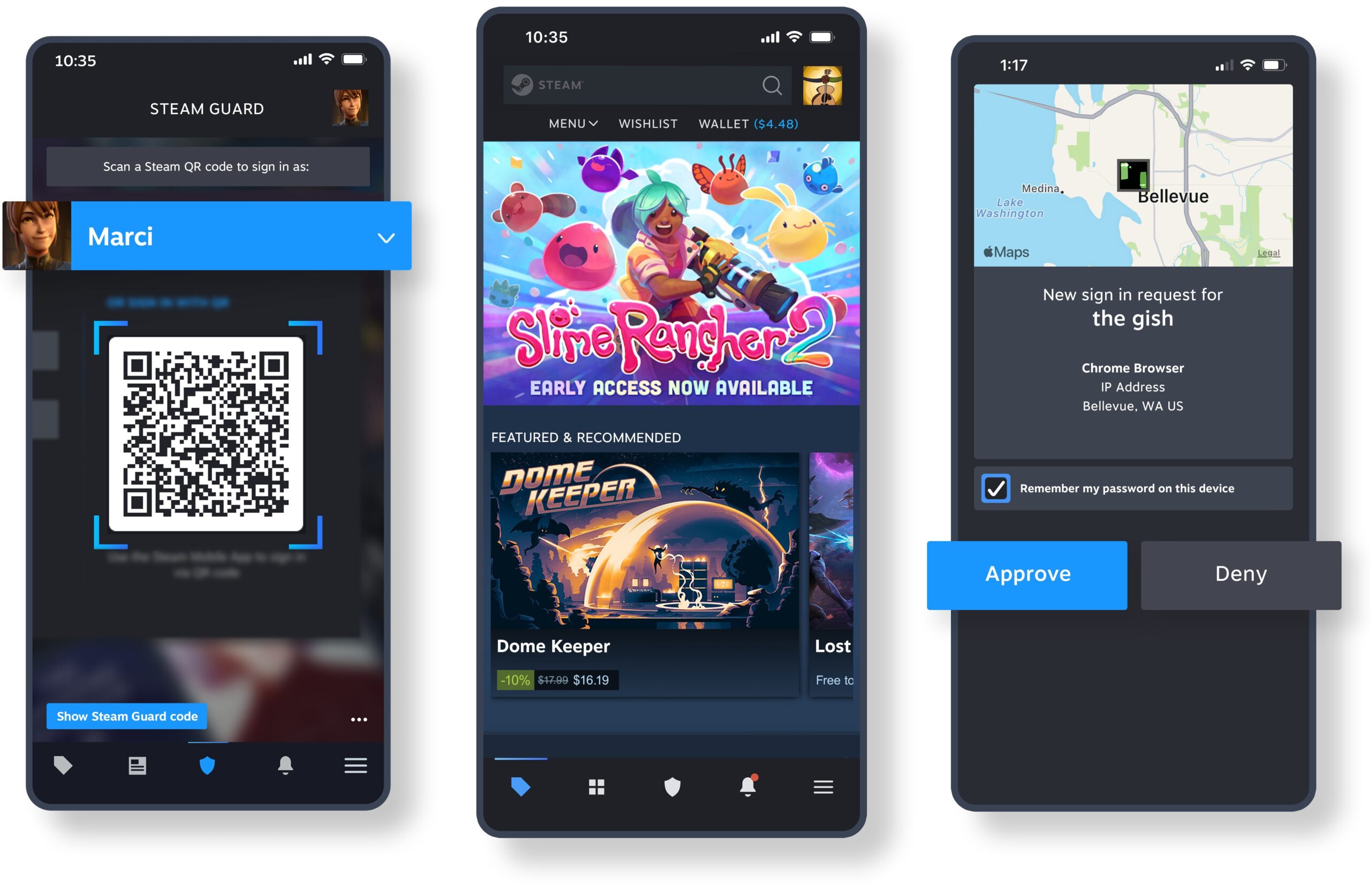
- Open help.steampowered.com in a browser, or select Support in the Steam store menu.
- Select Sign in to Steam and sign in with the account that holds the game.
- Select Purchases to see your recent Steam purchases.
- Select the game you want to return, then the problem you are having with it.
- Choose to request a refund, and pick where the money goes: your Steam Wallet or the payment method you used.
- Submit the request, then watch your Steam Wallet balance or card statement for the refund after Valve approves it.
A redeemed gift is the one case where someone other than the buyer starts the request: the gift recipient submits it, and the money returns to the person who bought the gift.
What is the Steam refund policy?
Under the Steam refund policy, Valve refunds nearly any Steam purchase for any reason, such as a PC that does not meet the hardware requirements, a game bought by mistake, or a game that was simply not enjoyable. The time limit and the conditions depend on what was bought.
| Purchase type | Time limit | Conditions |
|---|---|---|
| Games and software | Within 14 days of purchase | Played for less than two hours |
| DLC | Within 14 days of purchase | Underlying game played for less than two hours since the DLC was bought; DLC not consumed, modified or transferred |
| Pre-purchased game that is not playable before release | Any time before release, then 14 days counted from the release date | Standard two-hour limit applies after release |
| Game bought before release in Early Access or Advance Access | The 14-day period starts on the release date | Any playtime counts against the two-hour limit, except beta testing |
| Bundles | No bundle-specific time limit listed | No item transferred; combined usage of all items under two hours |
| Unredeemed gift | Within 14 days of purchase | Standard two-hour limit |
| Redeemed gift | Within 14 days of purchase | Standard two-hour limit; the recipient starts the refund and the buyer gets the money |
| Steam Wallet funds | Within 14 days of purchase | Bought on Steam and none of the funds used |
| In-game items in Valve games | Within 48 hours of purchase | Item not consumed, modified or transferred |
| Renewable subscriptions | Within 48 hours of purchase or of an automatic renewal | Not used during the current billing cycle |
| Steam Deck, Valve Index and their accessories | Within 14 days of receiving the hardware | Not modified, abused or out of new condition; shipped back within 14 days of cancelling |
When you can refund a game, and when you cannot
| Your situation | Can you get a refund? | What to do |
|---|---|---|
| Bought within 14 days, played under two hours | Yes, for any reason | Request it from Purchases at help.steampowered.com |
| Played more than two hours, or bought more than 14 days ago | Outside the standard rules, but Valve still looks at the request | Submit the request and explain the reason |
| Game is faulty and you live where consumers have extra rights for faulty games | Possibly, beyond the standard rules | Submit the request and describe the fault |
| Bought a Steam key or Steam Wallet card from another store | No, Valve cannot refund purchases made outside Steam | Ask the store that sold the key or card |
| Banned by VAC in that game | No, a VAC ban removes the right to refund that game | None through Steam |
| In-game item in a non-Valve game | Only if the developer enabled refunds, which Steam shows at purchase | Otherwise the item is not refundable through Steam |
| Video content such as movies, series or tutorials | No, unless it is in a bundle with refundable non-video content | Refund the bundle instead |
| Valve believes the account is abusing refunds | No, Valve may stop offering refunds to that account | Refunds exist to remove the risk from a purchase, not to get free games |
When to expect your refund
Valve issues a full refund within a week of approving a request for a game, DLC or other Steam store purchase. Steam hardware follows a separate timeline because the device has to come back first.
| Purchase | When the money arrives | Where the money goes |
|---|---|---|
| Games, DLC, software and other Steam store purchases | Within a week of approval | Your Steam Wallet or the original payment method; the Steam Wallet if Steam cannot refund the original method |
| Steam Deck, Valve Index and accessories | No later than 14 days after Valve receives the returned hardware | The original payment method unless it does not support the refund; purchases paid from the Steam Wallet go back to the Steam Wallet |
A hardware refund also covers the cheapest delivery option for the original shipment, but you pay the direct cost of sending the hardware back.
Denied refund? Fix the common Steam refund problems
Steam refund denied after two hours of playtime
The standard offer only covers games played for less than two hours.
- Submit the request anyway from Purchases at help.steampowered.com, because Valve looks at requests that fall outside its refund rules.
- If the game is faulty, describe the fault in the request, because consumers in some jurisdictions have extra refund rights for faulty games.
Refund denied for a game bought more than fourteen days ago
The two-week window has passed.
- For a pre-purchase, check the release date: the 14-day period starts on the release date, not the purchase date.
- Otherwise, submit the request with an explanation, because Valve still looks at it.
DLC refund refused
The DLC was consumed, modified or transferred, the base game has two or more hours of play since the DLC was bought, or the DLC is nonrefundable.
- Check the DLC store page: third-party DLC that Steam cannot refund, such as DLC that irreversibly levels up a character, is marked nonrefundable before purchase.
- Check the base game playtime since the DLC purchase date; it must be under two hours.
Bundle refund refused
An item from the bundle was transferred, the combined usage of all items reached two hours, or the bundle includes a nonrefundable in-game item or DLC.
- Add up the playtime of every item in the bundle; the total must be under two hours.
- If the bundle includes a nonrefundable in-game item or DLC, Steam states during checkout whether the whole bundle is refundable.
Steam subscription refund refused
The subscription was used during the current billing cycle, or more than 48 hours have passed since the purchase or the latest automatic renewal.
- Cancel the subscription from your Steam account details so that it stops renewing.
- Keep using the content until the end of the current billing cycle, because access continues after cancelling.
Refund arrived in the Steam Wallet instead of on the card
Steam could not refund the original payment method, or that payment method does not support refunds in your country.
- Open the Steam refund payment methods list to see which methods in your country support refunds.
- For a payment method that cannot be refunded, the Steam Wallet is the only refund destination.
Steam refund FAQ
Can you return Steam games?
Yes. Valve refunds nearly any Steam game for any reason when you request it within two weeks of purchase and have played it for less than two hours. Requests go through Steam Support at help.steampowered.com, under Purchases.
How do you return a Steam game and get money back?
Sign in at help.steampowered.com, open Purchases, select the game and request a refund. Choose the original payment method as the destination if it supports refunds; otherwise the money goes to your Steam Wallet.
How do you return a Steam game within fourteen days?
Request the refund from Steam Support before 14 days have passed since purchase, with less than two hours played. Within those limits Valve refunds the game for any reason, including buying it by mistake or not liking it.
Can you return a Steam game after two hours of playtime?
Not under the standard offer, which needs less than two hours of playtime. You can still submit the request, and Valve says it will take a look at requests that fall outside its refund rules.
How do you return a Steam game gift?
An unredeemed gift can be refunded within the standard two-week, two-hour window. A redeemed gift can be refunded under the same conditions only if the recipient starts the refund, and the money returns to the person who bought it.
How long does it take to return a Steam game?
Once Valve approves the request, the full refund is issued within a week, either to your Steam Wallet or to the payment method you used. A Steam Deck refund arrives no later than 14 days after Valve receives the returned hardware.
Can I refund a game I pre-purchased on Steam?
Yes. A pre-purchase that is not playable before release can be refunded at any time before release. After release, the standard 14-day and two-hour limits apply, counted from the release date.
Can I refund a Steam game bought just before a sale?
Yes. Valve does not consider it abuse to refund a game bought just before a sale and immediately rebuy it at the sale price, provided the refund meets the usual 14-day and two-hour conditions.
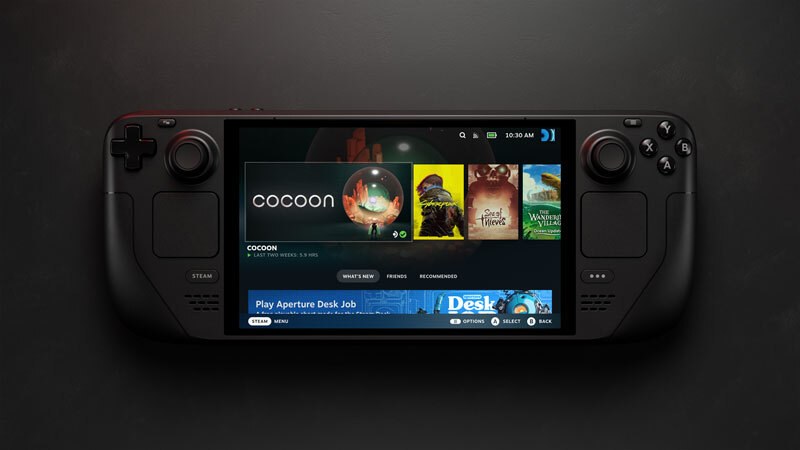
Can you return a Steam Deck?
Yes, within 14 days of receiving it. Sign in at help.steampowered.com, select the order and the problem, then press I'd like to request a refund. Ship it back within 14 days of cancelling, in new condition, at your own cost.