Discord is a free download for Windows 11 and Windows 10 PCs, for Macs on macOS 12 or later and for iPhones on iOS 16.0 or later, from discord.com/download and the App Store, and it also runs on Linux, Android and in a web browser.
On this page
Below: which build fits your device, the install steps for each platform, Discord voice on Xbox and PS5, what Nitro costs, the minimum requirements, and the fixes when the download or installer fails.
Which Discord download do you need?
Every device below gets Discord from Discord itself or from the platform's own store. Match your device to a row and use that link.
| Your device | Get it from | What you install |
|---|---|---|
| Windows 11 or Windows 10 PC or laptop | discord.com/download | DiscordSetup.exe from the Download for Windows button |
| Windows PC, installed through the Store | Microsoft Store | The Discord app, published in the Store by Discord, Inc. |
| Mac on macOS 12 Monterey or later | discord.com/download | Discord.dmg from the Download for Mac button |
| iPhone or iPad on iOS / iPadOS 16.0 or later | App Store | Discord – Talk, Play, Hang Out (260.8 MB) |
| Android phone or tablet with Google Play | Google Play | Discord – Talk, Play, Hang Out |
| Ubuntu, Debian, Fedora or openSUSE | discord.com/download | The package from the Download for Linux button |
| Any computer where you cannot install apps | discord.com | Nothing; select Open Discord to use the web client in Chrome, Edge, Firefox, Opera or Safari |
| Xbox Series X|S, Xbox One or PS5 | discord.com/download | Nothing; Link your console connects your accounts for voice chat |
Download Discord for Windows 11 and Windows 10
Discord's download page carries the stable Windows app. Two test builds get new features before they launch and carry more bugs: the Public Test Build (PTB) and Canary, the least stable channel.
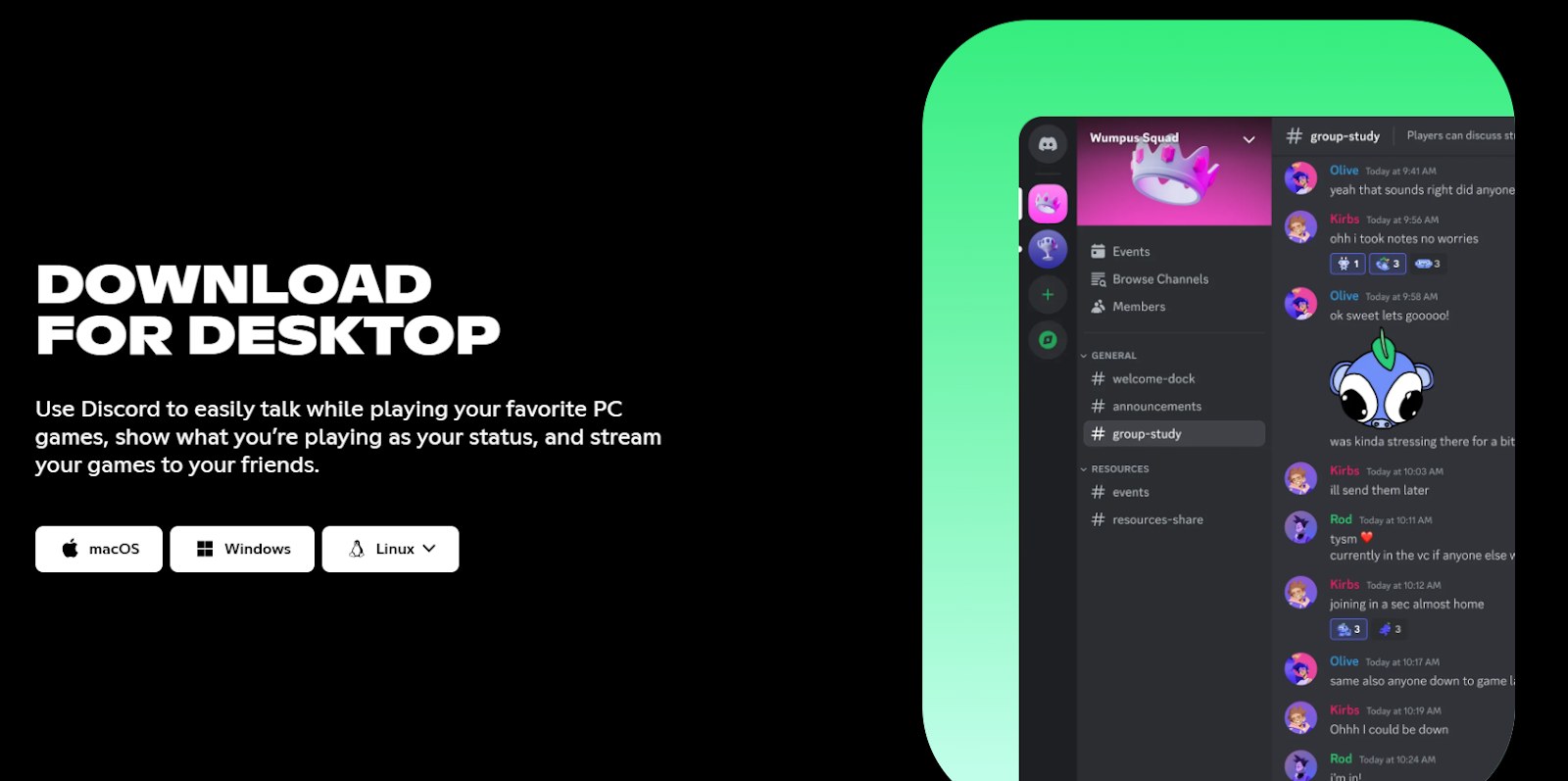
- Discord for Windows (stable): select Download for Windows to get DiscordSetup.exe; the same page has the Mac, Linux and mobile links
- Discord Public Test Build (PTB): the Download Test Build link at the bottom of the download page
- Discord Canary for 64-bit Windows: Discord's direct Canary installer link from its Testing Clients help page; expect bugs
How to download and install Discord on Windows PC
- Open discord.com/download in any browser and select Download for Windows.
- Follow your browser's prompts to save and open DiscordSetup.exe.
- Once the installer finishes, open the Discord app.
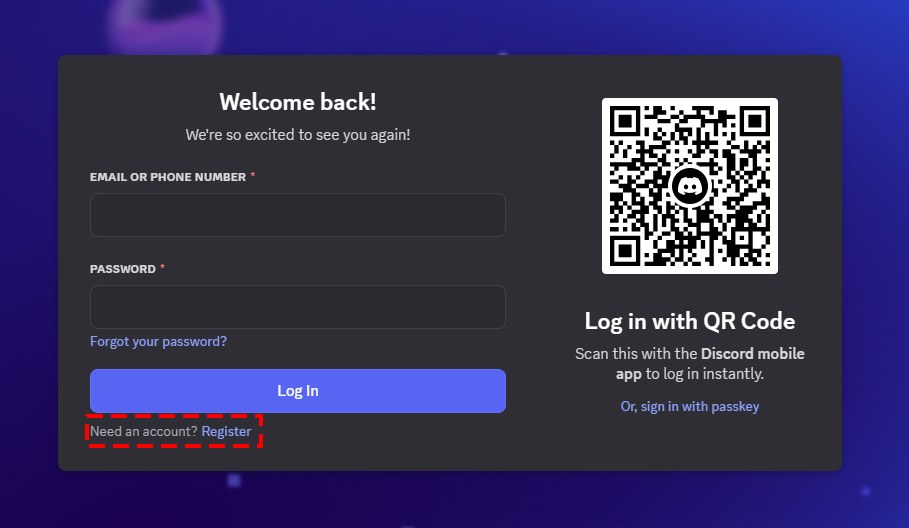
- Select Register to create an account, or log in with an existing one.
- Open the email Discord sends you and press Verify Email. If nothing arrived, press Resend in the green banner at the top of the app.
An unverified account still works, but after 7 days Discord adds five random digits to the end of its username, and some servers block unverified accounts from chatting.
Install Discord from the Microsoft Store or with winget
Both routes skip the download page. The Microsoft Store listing is priced Free in the US Store. Winget installs Discord from a terminal by its package identifier, Discord.Discord, in Microsoft's winget repository.
winget install --id Discord.Discord -eRun it in Terminal or PowerShell. --id limits the install to that package ID and -e requires an exact match, so winget does not pick a similarly named package. For the Store route instead, open the Discord listing in the Microsoft Store and install it from there.
Can you download Discord on Mac?
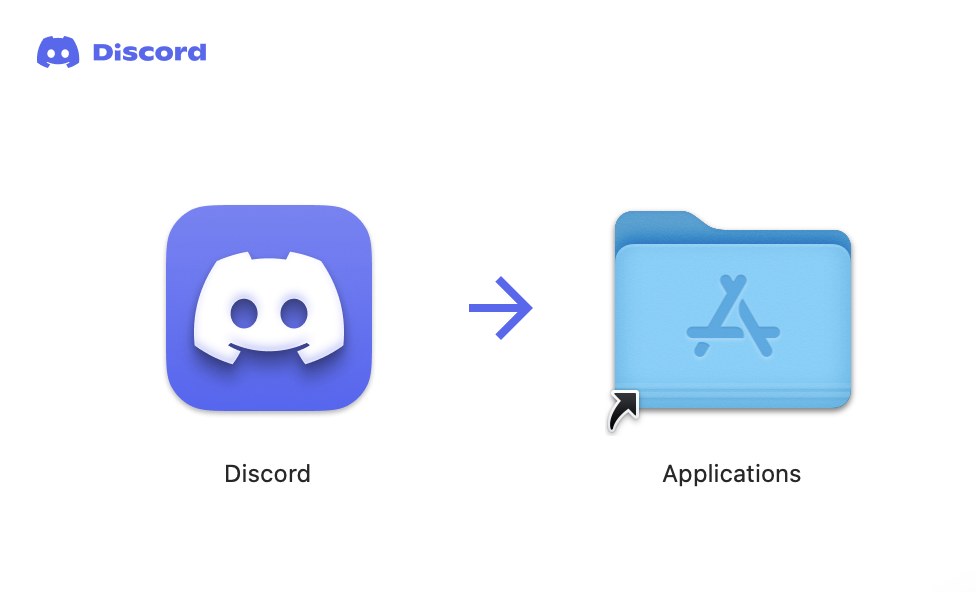
Yes. Discord has a native Mac app on its download page, for macOS 12 (Monterey) or later. Open discord.com/download and select Download for Mac. Open the Discord.dmg file, then drag the Discord logo onto the Applications folder in the window that appears. Launch Discord from Applications and register or log in. Discord lists macOS 10.15 and macOS 11 as known issues, and devices on older systems get limited support. Discord also runs in Safari 15.4 or later with nothing to install.
Download Discord on iPhone, iPad and Android
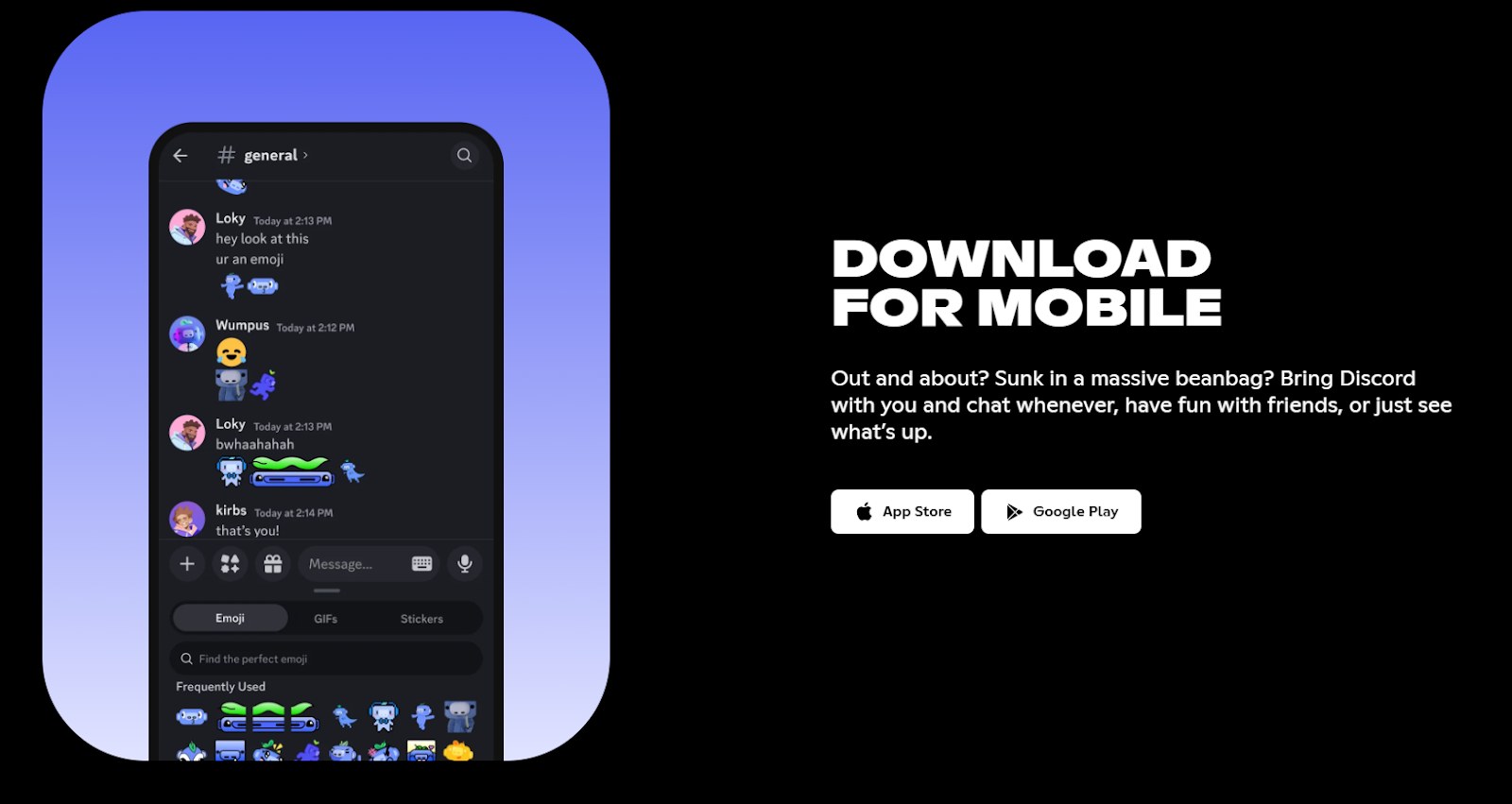
Discord's stable mobile apps come from the Apple App Store and Google Play. On Android, Discord supports only devices that ship with Google Play Services by default.
- Discord on the App Store (iPhone and iPad) (260.8 MB): requires iOS 16.0 or later on iPhone and iPadOS 16.0 or later on iPad; free with in-app purchases
- Discord on Google Play (Android): Android 7+ minimum, Android 10+ recommended; Amazon Kindle devices are not supported
Discord does not support running Discord in a mobile browser, and it does not support jailbroken or rooted phones.
Can you download Discord on Xbox, PS5 or PS4?
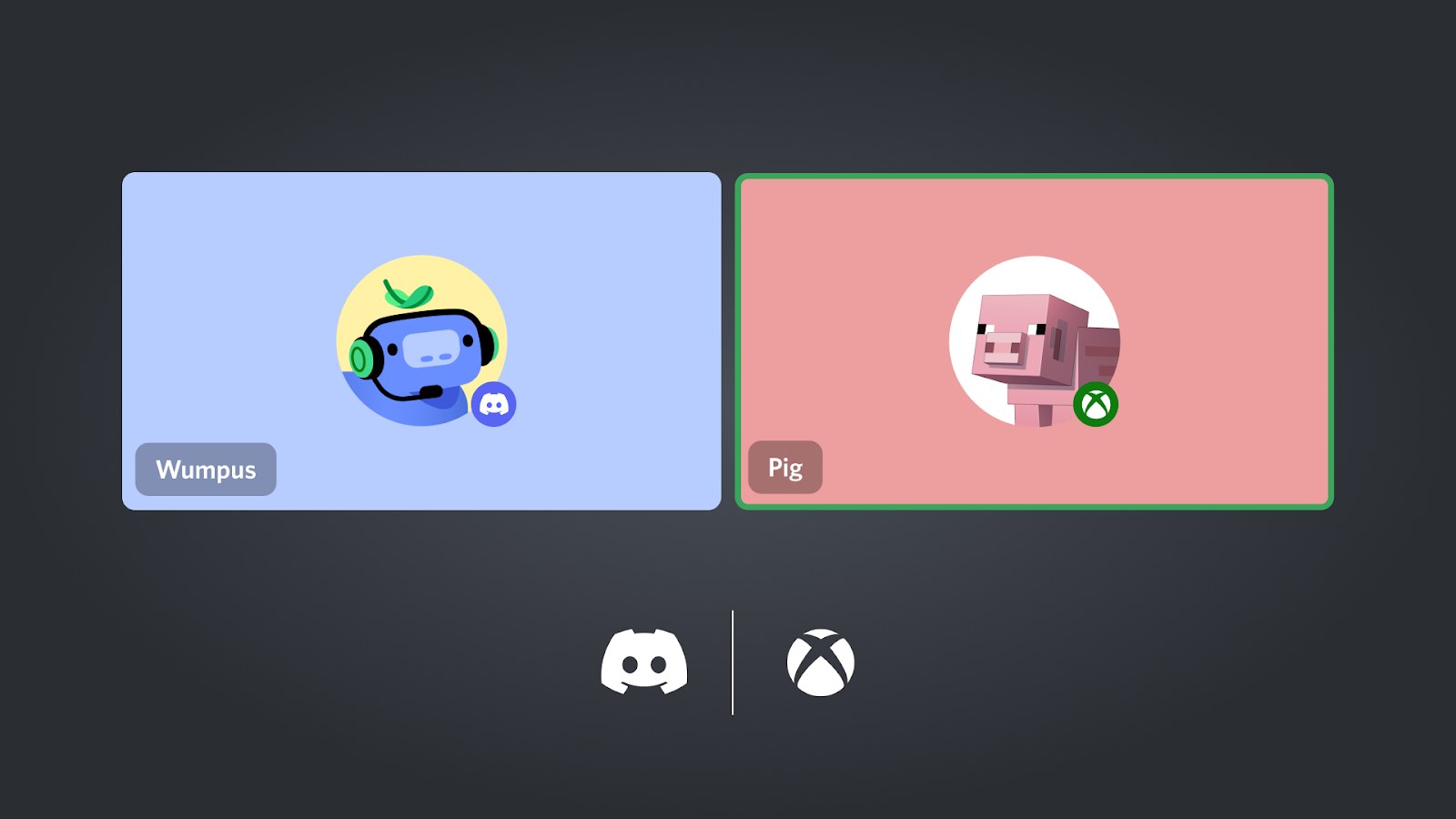
Discord is not a standalone app on Xbox or PlayStation. On Xbox Series X|S, Xbox One and PS5 you link your Discord account and join Discord voice channels from the console's own menus; PS4 can only show your game activity on Discord. Setup needs the Discord mobile app plus the Xbox mobile app or PlayStation mobile app, and the console must be on its latest system update.
Xbox Series X|S and Xbox One
Each Discord account links to one Xbox account at a time; the link is listed under Link your console on discord.com/download.
- Press the Xbox button on the controller to open the guide.
- Go to Profile & System > Settings > Account > Linked social accounts.
- Under Not Linked, choose the Discord tile, select Link, and follow the prompts to connect your Discord and Xbox accounts.
- Press the Xbox button again, open Parties & chats and select Discord Voice.
- Pick the server, then the voice channel, to join it from the console.
PS5 (and PS4 activity status)
Voice chat transfer works only on PS5; PS4 and PS5 can both show what you are playing on your Discord profile.
- In the Discord desktop or mobile app, open User Settings > Connections and press the PlayStation Network icon.
- Sign in to PlayStation Network in the browser window that opens and authorize the connection.
- On the PS5, open the Game Base in the PS5 Control Center and select the Discord tab.
- Choose a voice channel in a server or group message and select Join.
You can also start the call on a phone or PC and hand it over. In the Discord mobile app, swipe up in a voice channel and choose Join on Xbox or Join on PlayStation. On the desktop app, right-click the voice channel and choose Transfer Voice to Xbox or Transfer Voice to PlayStation. The Xbox hand-off also needs the Xbox mobile app installed. Discord's Xbox connection FAQ and PlayStation Network connection FAQ carry the full steps.
Is Discord free? Nitro Basic and Nitro prices
The Discord app is free to download on every platform. Nitro is an optional monthly subscription with two tiers, priced below in US dollars.
| Plan | Price (US) | What it adds |
|---|---|---|
| Discord | Free | Text, voice and video chat, servers, game streaming to friends, the Xbox and PlayStation links |
| Nitro Basic | $2.99 a month | Custom emoji anywhere, 50 MB uploads, custom app icons |
| Nitro | $9.99 a month | Everything in Basic, 1 GB uploads, HD video streaming, custom profiles, 2 Boosts, app color themes, and Xbox Game Pass (Starter Edition) in select regions |
Prices are listed on discord.com/nitro. Eligible Xbox Game Pass subscribers get 3 Discord Nitro perks at no extra cost.
Discord system requirements and download size
| Platform | Minimum | Notes |
|---|---|---|
| Windows | Windows 10+ | Windows 7, 8 and 8.1 and 32-bit Windows are listed by Discord as known issues |
| Mac | macOS 12+ (Monterey) | macOS 10.15 and 11 are listed as known issues |
| Linux | Ubuntu 20.04+ and Debian 11+, openSUSE 16.2+ and Fedora Linux 32+ | Debian-based systems install the package with dpkg or apt |
| iPhone / iPad | iOS 16.0+ / iPadOS 16.0+ | App Store download is 260.8 MB |
| Android | Android 7+ (Android 10+ recommended) | Google Play Services required |
| Browser | Chrome 108+, Firefox 142+, Opera 72+, Microsoft Edge 86+, Safari 15.4+ | No install |
Beta operating systems are not supported. Discord may install on them, but some features may not work correctly.
Why can't I download Discord? Fixes by symptom
The Windows installer fails or shows an error
Stray Discord processes in the system tray or Task Manager, or files left from an earlier install, can make the installer fail.
- Quit Discord from the system tray, then open Task Manager and end every Discord process, including any on the Start Up tab.
- Press Windows + R, type
%appdata%, press Enter and delete the Discord folder. - Press Windows + R again, type
%localappdata%, press Enter and delete the Discord folder there too. - Restart Windows and run a fresh DiscordSetup.exe from discord.com/download.
- If it still fails, close every Discord window including the browser version, set the app in
%LocalAppData%/Discordto run as administrator, and try compatibility mode for Windows 7, then Windows 8.
Discord will not download or install on an older PC
Discord's minimum for Windows is Windows 10, and devices on older systems get limited support.
- Check which Windows version the PC runs; Discord lists Windows 7, 8 and 8.1 and 32-bit Windows as known issues.
- On those systems, try Discord in the browser instead of the desktop app.
The download page or app does not load at all
Discord's own servers may be having an outage.
- Open discordstatus.com and check the API and Marketing Site rows.
- If it is not operational, wait for Discord to resolve the incident and try again.
The App Store or Google Play says Discord is not compatible
The phone is below the minimum OS, or the Android device lacks Google Play Services.
- On iPhone or iPad, update to iOS 16.0 or iPadOS 16.0 or later, then retry the App Store.
- On Android, Discord needs Android 7 or later and Google Play Services; Amazon Kindle devices are not supported, so use another device or a computer.
If none of these work, Discord's support team takes installer reports through its contact form.
Discord download FAQ
Is Discord free to download?
Yes. Discord is free to download from discord.com/download on Windows, Mac and Linux, from the Microsoft Store, from the App Store on iPhone and iPad, and from Google Play on Android. Nitro Basic at $2.99 a month and Nitro at $9.99 a month are optional add-ons.
How do I download Discord on my PC or laptop?
Open discord.com/download, select Download for Windows, and follow your browser's prompts to save and open DiscordSetup.exe. When it finishes, open Discord and register or log in. A Mac laptop uses Download for Mac and the Discord.dmg file instead.
Can I download Discord on Xbox?
No app exists for Xbox. On Xbox Series X|S or Xbox One, link Discord under Profile & System > Settings > Account > Linked social accounts, then join Discord voice channels from Parties & chats in the guide.
Can I download Discord on PS5?
Not as an app. Link your PlayStation Network account in Discord under User Settings > Connections, then join voice channels from the Game Base in the PS5 Control Center, or transfer a call from the Discord mobile or desktop app.
Can I download Discord on PS4?
No. The PS4 has no Discord app and no Discord voice chat. Linking your PlayStation Network account only shows the PS4 game you are playing on your Discord profile; voice transfer is a PS5 feature.
Can I download Discord on Linux?
Yes. The Download for Linux button on discord.com/download covers Ubuntu 20.04+, Debian 11+, openSUSE 16.2+ and Fedora Linux 32+. On Debian-based systems, install the downloaded package with sudo dpkg -i or sudo apt install.
Why won't Discord download on my PC?
A running Discord process or leftover files can block the installer. End Discord in Task Manager, delete the Discord folders in %appdata% and %localappdata%, restart, and download a fresh installer. Windows 7, 8 and 8.1 are below the app's Windows 10 minimum.
Where do I get the Discord APK?
From Google Play. Discord's stable Android app is the Google Play listing, and Discord supports only Android devices that ship with Google Play Services, with Android 7 as the minimum and Android 10 recommended.
How do I download Discord PTB or Canary?
The Public Test Build is the Download Test Build link at the bottom of discord.com/download. Canary, the least stable channel, has a direct 64-bit Windows installer link on Discord's Testing Clients help page. Both get new features early and carry more bugs than the stable app.
Is Discord encrypted?
Yes, for audio and video. Since March 2, 2026, all audio and video in Discord DMs, group messages, voice channels and Go Live streams require end-to-end encryption, so keep the Discord app on its latest version. Calls between updated desktop and mobile apps are encrypted with no setting to change.
Can I use Discord without downloading it?
Yes. Open discord.com and select Open Discord to use the web client in Chrome 108+, Firefox 142+, Opera 72+, Microsoft Edge 86+ or Safari 15.4+ on a computer. Discord does not support its web version in a mobile browser, so phones need the app.