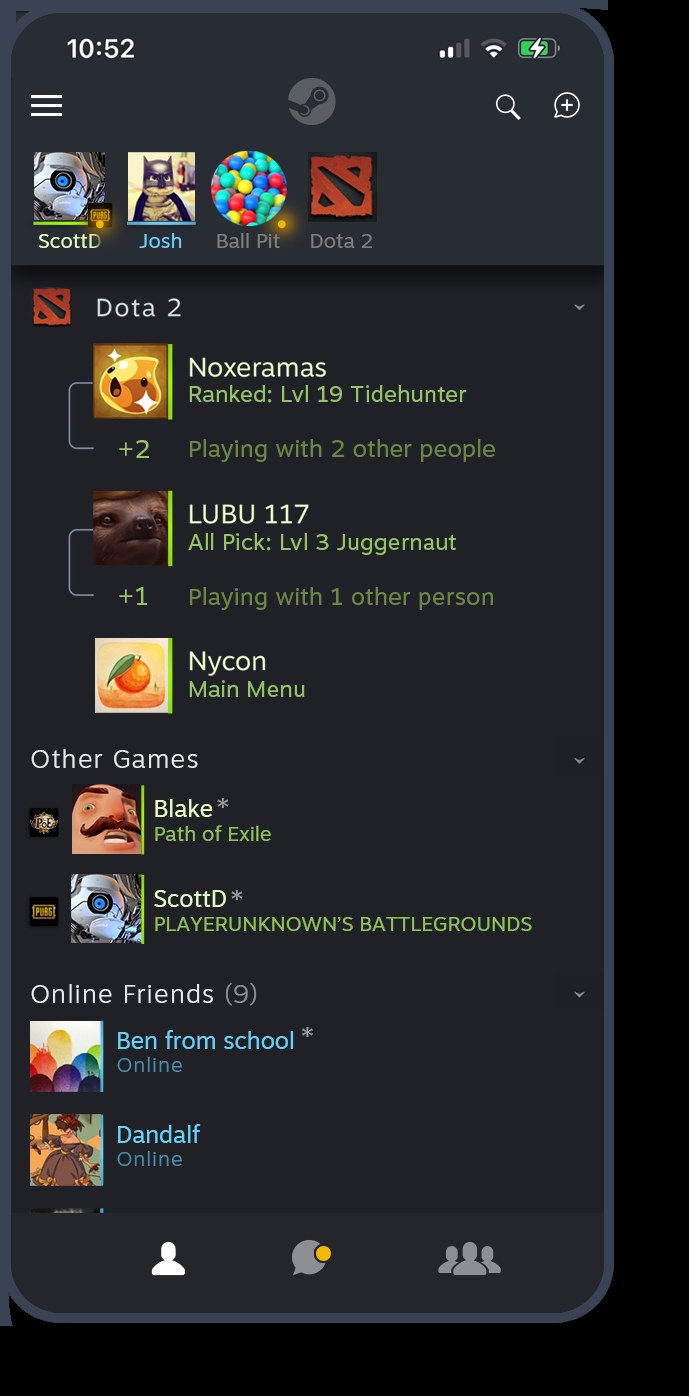
Dota 2 is a free download on Steam for Windows 11/10 PCs, Mac and Linux, and Valve publishes no iPhone version; on iPhone the official route is streaming it from your own computer with Valve's free Steam Link app.
On this page
Below are the official links, the install steps, the minimum specs for each system, the iPhone and Android streaming setup and fixes for installs that stall.
Which Dota 2 download do you need?
Dota 2 is installed through Steam, and its store page lists three systems: Windows, macOS and SteamOS + Linux. Phones and tablets play it by streaming from a computer that runs Steam.
| Your device | What you get | Where | Note |
|---|---|---|---|
| Windows 11 or Windows 10 PC | Native Dota 2 through the Steam client | Dota 2 on Steam | The Steam Client supports only Windows 10 and later since January 1st, 2024 |
| Mac | Native macOS build through Steam for Mac | Dota 2 on Steam | Needs macOS 10.15 or newer and a Metal-capable GPU |
| Linux or SteamOS | Native Linux build through Steam | Dota 2 on Steam | Ubuntu 12.04 or newer is the listed minimum |
| iPhone or iPad | No native app; stream from your own computer | Steam Link on the App Store | Requires iOS 11.0 or higher and a computer running Steam on the same local network |
| Android phone or tablet | No native app; stream from your own computer | Steam Link on Google Play | Requires Android 5.0 or newer and a Bluetooth controller or Steam Controller |
| Older or low-powered second PC | Stream from your gaming PC with Steam Remote Play | Steam on both computers | Log into Steam on both PCs, then start the game from your Steam Library |
Download Dota 2 for Windows 11 and Windows 10
Dota 2 runs inside the Steam client, so a PC needs two things from Valve: Steam itself and the Dota 2 entry on the Steam store.
- Steam client for Windows, Mac and Linux: Select Install Steam; the client handles the game download and automatic updates
- Dota 2 on the Steam store (60 GB available space (minimum)): Free To Play; developer and publisher Valve
Install Dota 2 through Steam
The same steps work on Windows 11, Windows 10, macOS and Linux, because the download always goes through the Steam client.
- Open the Steam download page and select Install Steam.
- Run the installer, open Steam and sign in, or create a Steam account.
- Open the Dota 2 store page and select Play Game.
- Pick a drive with at least 60 GB free and confirm the install.
- Leave Steam open until the download finishes; Steam applies Dota 2 updates automatically from then on.
- Launch Dota 2 from your Steam library and start a co-op vs. bots match or the hero demo mode to confirm the game loads and plays.
Is Dota 2 free?
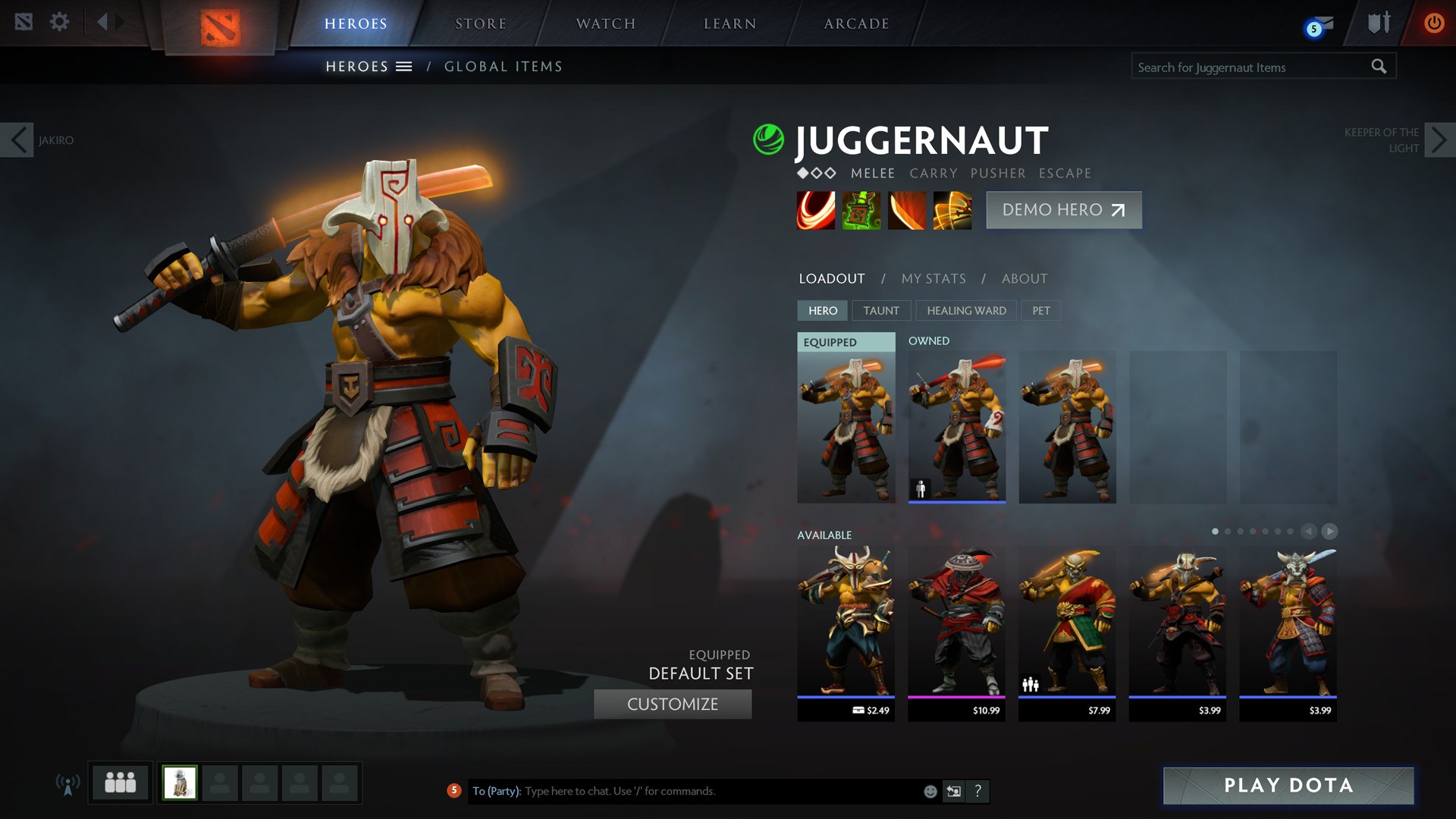
Yes. Dota 2 is listed as Free To Play on Steam, and every hero is available to every player at no cost. Valve's store page states that the core content of the game, including the full hero pool, is available to all players, and that everything needed to play is included before the first match. The optional part is cosmetics for heroes and add-ons; the store lists in-game purchases, some of them chance based.
Dota 2 system requirements and storage space
These are the minimum requirements Valve lists on the Steam store page. All three systems need 4 GB RAM, a broadband connection and 60 GB of free storage.
| Requirement | Windows | macOS | SteamOS + Linux |
|---|---|---|---|
| Operating system | Windows 7 or newer is listed, but the Steam Client supports only Windows 10 and later | macOS 10.15 or newer | Ubuntu 12.04 or newer |
| Processor | Dual core from Intel or AMD at 2.8 GHz | Dual core from Intel | Dual core from Intel or AMD at 2.8 GHz |
| Memory | 4 GB RAM | 4 GB RAM | 4 GB RAM |
| Graphics | NVIDIA GeForce 8600/9600GT, ATI/AMD Radeon HD2600/3600 | Metal-capable GPU (AMD GCN-based or newer, NVIDIA Kepler-based or newer, Intel HD 4000 or newer) | AMD GCN+, NVIDIA Kepler+, or Intel HD 5000-series or newer |
| DirectX | Version 11 | Not applicable | Not applicable |
| Storage | 60 GB available space | 60 GB available space | 60 GB available space |
| Network | Broadband Internet connection | Broadband Internet connection | Broadband Internet connection |
| Sound | DirectX compatible | Not listed | OpenAL compatible sound card |
For Windows, the operating system line that matters in practice is Steam's: since January 1st, 2024 the Steam client supports only Windows 10 and later, so Windows 7 and Windows 8 are no longer supported for installing Dota 2.
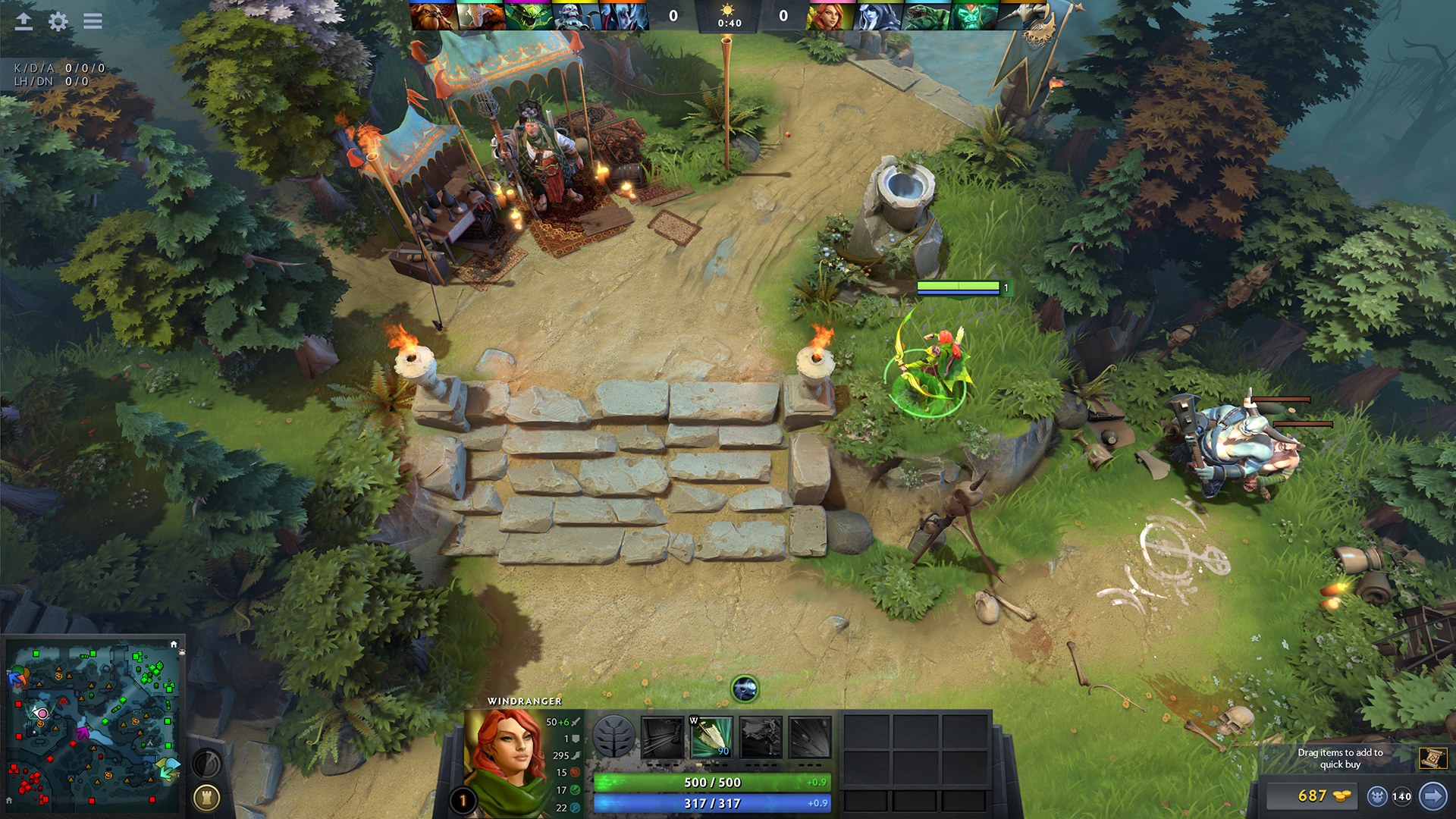
Can you download Dota 2 on Mac?
Yes. Dota 2 has a native macOS build, installed through Steam for Mac exactly as on Windows. Two lines in the macOS requirements decide whether a Mac qualifies: macOS 10.15 or newer, and a Metal-capable GPU. A Mac that misses either can still stream Dota 2 from a Windows PC with Steam Link, which Valve offers for macOS.
Download Steam from the Steam download page, then select Play Game on the Dota 2 store page.
Dota 2 on iPhone and Android
There is no Dota 2 app for iPhone, iPad or Android. The legitimate way to play on a phone is Steam Link, Valve's streaming app: the game runs on your own Windows, Mac or Linux computer, video and audio go to the phone and your input goes back.
On iPhone, Steam Link needs iOS 11.0 or higher, a computer running Steam on the same local network and a paired MFI or Steam controller. On Android, pair a Bluetooth controller or Steam Controller. Dota 2 has to be installed on the computer first.
- Steam Link for iPhone and iPad (App Store) (58.6 MB): Free, by Valve; iOS 11.0 or higher
- Steam Link for Android (Google Play): By Valve Corporation; Android 5.0 or newer
For the smoothest stream, Valve recommends wiring the computer to a 5GHz Wi-Fi router with Ethernet and keeping the phone on the 5GHz band, within a reasonable range of the router.
Fix Dota 2 not downloading or installing
Steam will not install or run on an older Windows PC
Since January 1st, 2024 the Steam Client supports only Windows 10 and later.
- Check your Windows version; Windows 7 and Windows 8 are no longer supported by the Steam client.
- Upgrade the PC to Windows 10 or Windows 11, then install Steam from the Steam download page.
- Install Dota 2 from its store page with Play Game.
The download stops for lack of disk space
Dota 2 needs 60 GB of available space on the drive Steam installs to.
- Free up space on the target drive until at least 60 GB is available.
- Or install to a second drive with more room, following Steam Support's Moving a Steam Installation and Games article.
- Resume the download in Steam.
Dota 2 installs but crashes or fails to launch
Damaged or missing game files, or a PC below the minimum specification.
- Compare the PC with the minimum requirements above, especially the graphics card and 4 GB RAM.
- Check Dota 2's game files with Steam's built-in verification, following Steam Support's Verify Integrity of Game Files article.
- Restart Steam and launch Dota 2 again.
Dota 2 will not start on a Mac
The Mac build needs macOS 10.15 or newer and a Metal-capable GPU.
- Check the installed macOS version and update to 10.15 or newer if the Mac supports it.
- Confirm the graphics chip is AMD GCN-based, NVIDIA Kepler-based, Intel HD 4000 or newer.
- If the Mac falls short, run Dota 2 on a Windows PC and stream it to the Mac with Steam Link instead.
Steam Link on iPhone cannot find the computer or stutters
The phone and the computer are not on the same local network, or the Wi-Fi link is weak.
- Make sure Steam is running on the computer and both devices use the same local network.
- Connect the computer to the router with Ethernet and move the phone onto the 5GHz band.
- Stay within a reasonable range of the router and reconnect in Steam Link.
Dota 2 download FAQ
Is Dota 2 free to download?
Yes. Dota 2 is Free To Play on Steam, and every hero is included for every player. The only purchases are optional cosmetics and add-ons, so a site charging for the game or its installer is not an official source.
Can you play Dota 2 on iPhone?
Not natively, because Valve has no Dota 2 app for iPhone. You can stream it from your own computer with the free Steam Link app, which needs iOS 11.0 or higher, a paired controller and the computer on the same local network.
Can you download Dota 2 on a Mac?
Yes. Dota 2 has a native macOS build on Steam. The Mac needs macOS 10.15 or newer, 4 GB RAM, 60 GB of free storage and a Metal-capable GPU, then you install it through Steam for Mac.
Is Dota 2 on Xbox or PlayStation?
No. Valve's Steam store page lists Dota 2 only for Windows, macOS and SteamOS + Linux, with no console edition. To play, install it through Steam on a Windows PC, a Mac or a Linux machine that meets the minimum requirements.
How big is the Dota 2 download?
Valve lists 60 GB of available space as the minimum storage on Windows, macOS and Linux. Keep at least that much free on the drive Steam installs to, since updates arrive automatically after the first download.
Does Dota 2 work on Windows 7?
No longer in practice. The store page still lists Windows 7 or newer, but since January 1st, 2024 the Steam Client supports only Windows 10 and later, and Dota 2 is installed and launched through Steam.
Do you need a Steam account to play Dota 2?
Yes. Dota 2 is distributed and launched through the Steam client, so you sign in to Steam, or create a Steam account, before selecting Play Game on the Dota 2 store page and starting the download.
Does Dota 2 run on Linux?
Yes. Valve ships a native SteamOS + Linux build. The listed minimum is Ubuntu 12.04 or newer, a dual-core 2.8 GHz processor, 4 GB RAM, 60 GB of storage and an AMD GCN, NVIDIA Kepler or Intel HD 5000-series GPU or newer.