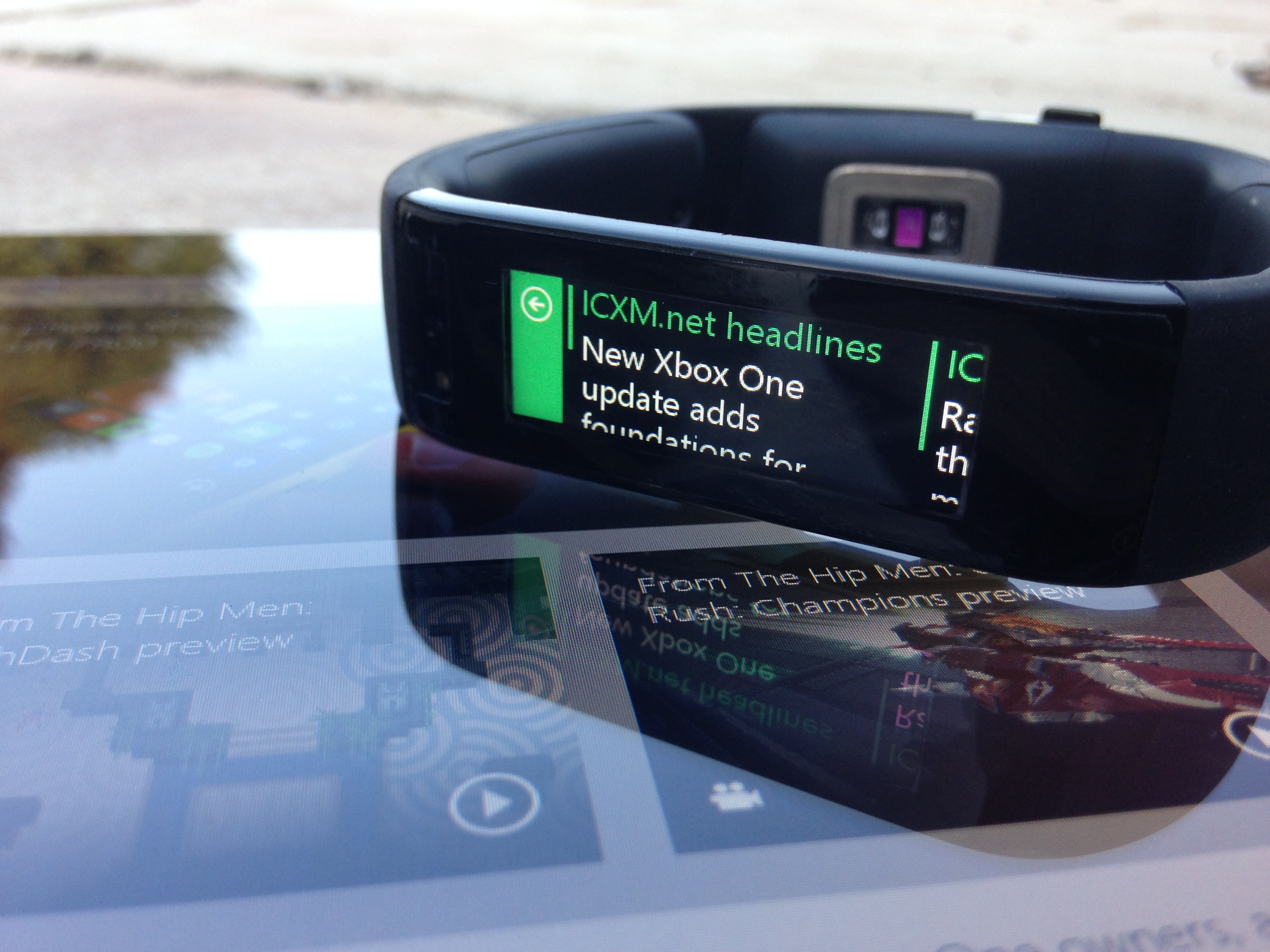
As ICXM evolves and grows, we look to reach our audience in as many ways possible, not only getting content to you faster, but also in an easier format. A recent update to the Microsoft Band has given us the opportunity to develop an application to help you get updates as they happen, ensuring you never miss a story. The notifications you will receive come directly from our RSS Feed at ICXM.net, showing a short preview of the story.
If you have a Microsoft Band, you can install the app today through your phone. The ICXM app supports any Microsoft Band device connected to the Microsoft Health app on Windows Phone, iOS and Android.
- Ensure your Microsoft Band is updated to the latest software version.
- Visit ICXM.net using your phone’s web browser.
- Open the menu in the top right of the screen, and scroll to the bottom. MS Band App should be the last option.
- Select MS Band App, and follow the on-screen instructions to install.
- Sync your Microsoft Band with your mobile device, and the app should appear in your tiles.
From now on, whenever a new article goes live from our team, you will be informed via a Microsoft Band notification. We are continuing to explore new ways to get our content to you, and with Windows 10 just around the corner more opportunities will arise.

Matt was a regular ICXM contributor in 2015, publishing 110 articles across game reviews, Windows and PC, and Xbox news. Their work focused on hands-on reviews, platform commentary, and breaking-news reporting during the Xbox One’s first full year of post-launch coverage, including the early days of Backwards Compatibility and Windows 10 gaming. They post on X as @RTEnvi.