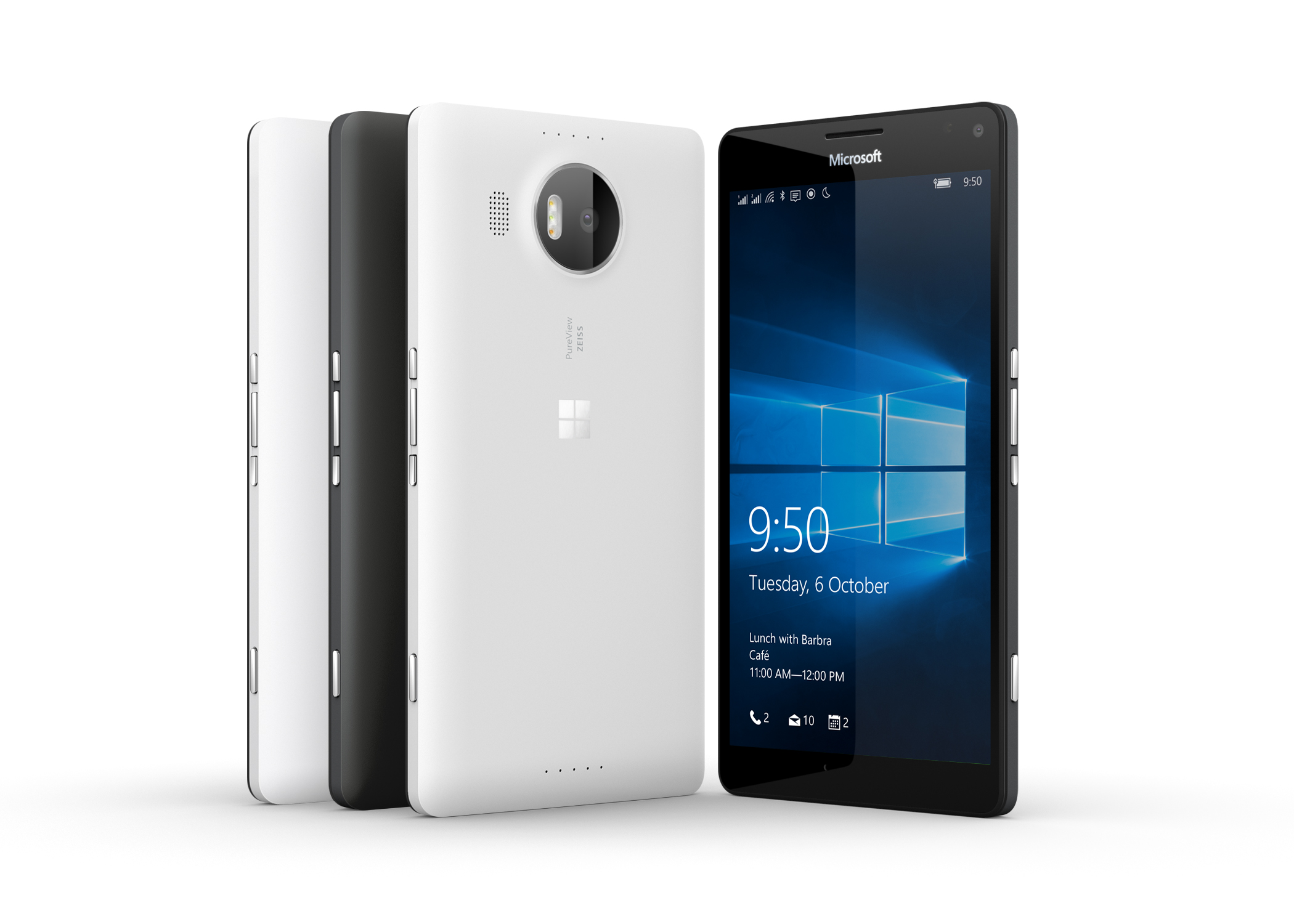
The newest build of Windows 10 Mobile has arrived for members of the Insider program. Numbered 14267, this is the first build of the Windows 10 Redstone update. Currently, the only phones that can install this particular build are the Lumia 950, 950 XL, 550, and Xiaomi Mi4, all of which shipped with Windows 10 Mobile. It is stated that more devices will receive the update in the future as it undergoes testing. Below are the new features of the build.
-Search for music easier in Cortana: We have made it easier to invoke music search in Cortana by adding a music search icon to the top right of Cortana. You can now open Cortana and tap on the music search icon to have Cortana listen and search for the song that’s playing.
-Word Flow now works in the address bar in Microsoft Edge on your phone: For fans of Word Flow, we heard your feedback, and we have re-enabled the ability to use shape writing in the address bar in Microsoft Edge on your phone!
-Open InPrivate tabs more easily in Microsoft Edge on your phone: We take the need for private browsing seriously, and InPrivate has been a feature of Microsoft Edge in Windows 10 Mobile from day one. However, we received feedback from Windows Insiders that the InPrivate feature was either hard to find or missing on their phones. As a result, we’ve moved the button to create a new InPrivate tab to appear right next to the new tab button. The next time you need a private tab in Microsoft Edge, you’ll find it right in your tabs view. Try it out on your phone and let us know what you think.
-Improved Download Prompts in Microsoft Edge: Microsoft Edge will now show a prompt when you start a download, allowing you to cancel unwanted downloads.
Also included in the build are several fixes of current issues. You can read them below.
-We fixed an issue where shape writing would ignore every second word when typing into a text box on a website in Microsoft Edge.
-After installing the Polish keyboard, typing a word that should be accented now offers the recommended accented word. For example – if you type the word “milosc” it should properly autocorrect to “miłość”.
-We have resolved an issue where you could not hide the navigation bar in Windows Phone 8.1 apps like WhatsApp, Twitter, Weibo, Flixster and others.
-We fixed an issue where videos recorded onto SD memory cards would result in a large number of dropped frames.
-There should be improved app launch reliability and certain crashes that were causing the phone to reboot are also fixed.
-We’ve polished the Live tile animations and improved the logic for refreshing Live tiles.
-We’ve made reliability improvements for keyboards with large dictionaries such as the Hinglish keyboard.
There is one known issue with the build though, listed below.
-Visual Voicemail notification and delivery is not working in this build; causing devices to not receive any new visual voicemails. You can manually check your voicemail by calling your voicemail to listen to any new messages. You can call your voicemail within the Phone app by clicking “…” > Settings > “Change more settings for Phone” > “Call voicemail”; this will also leave the Voicemail call in your history to make checking voicemail easier.
What do you think about the newest build of Windows 10 Mobile? Let us know in the comments below!
Source: Windows Blog

Jonathan was a regular ICXM contributor between 2015–2017, publishing 57 articles across opinion pieces, game reviews, Windows and PC, and Xbox news. Their work focused on hands-on reviews, platform commentary, and breaking-news reporting during the Xbox One X launch year and Microsoft’s wider Play Anywhere / UWP gaming initiative. They post on X as @jtainsworth13.